WinUIIslands 2.0.1-preview.1
dotnet add package WinUIIslands --version 2.0.1-preview.1
NuGet\Install-Package WinUIIslands -Version 2.0.1-preview.1
<PackageReference Include="WinUIIslands" Version="2.0.1-preview.1" />
<PackageVersion Include="WinUIIslands" Version="2.0.1-preview.1" />
<PackageReference Include="WinUIIslands" />
paket add WinUIIslands --version 2.0.1-preview.1
#r "nuget: WinUIIslands, 2.0.1-preview.1"
#:package WinUIIslands@2.0.1-preview.1
#addin nuget:?package=WinUIIslands&version=2.0.1-preview.1&prerelease
#tool nuget:?package=WinUIIslands&version=2.0.1-preview.1&prerelease
WinUI Islands




WinUI Islands brings UWP XAML and WinUI 2 controls to unpackaged .NET 10 desktop applications. It provides a native Win32 window host, XAML Islands startup, custom title bars, backdrop support, AppWindow-style APIs and a NativeAOT-compatible build pipeline. Support Windows 10 version 1903 (build 18362) and later.
WinUIIslands includes ModernUwp.CLI.BuildTools transitively, so application projects build and publish with the .NET CLI without requiring Visual Studio.
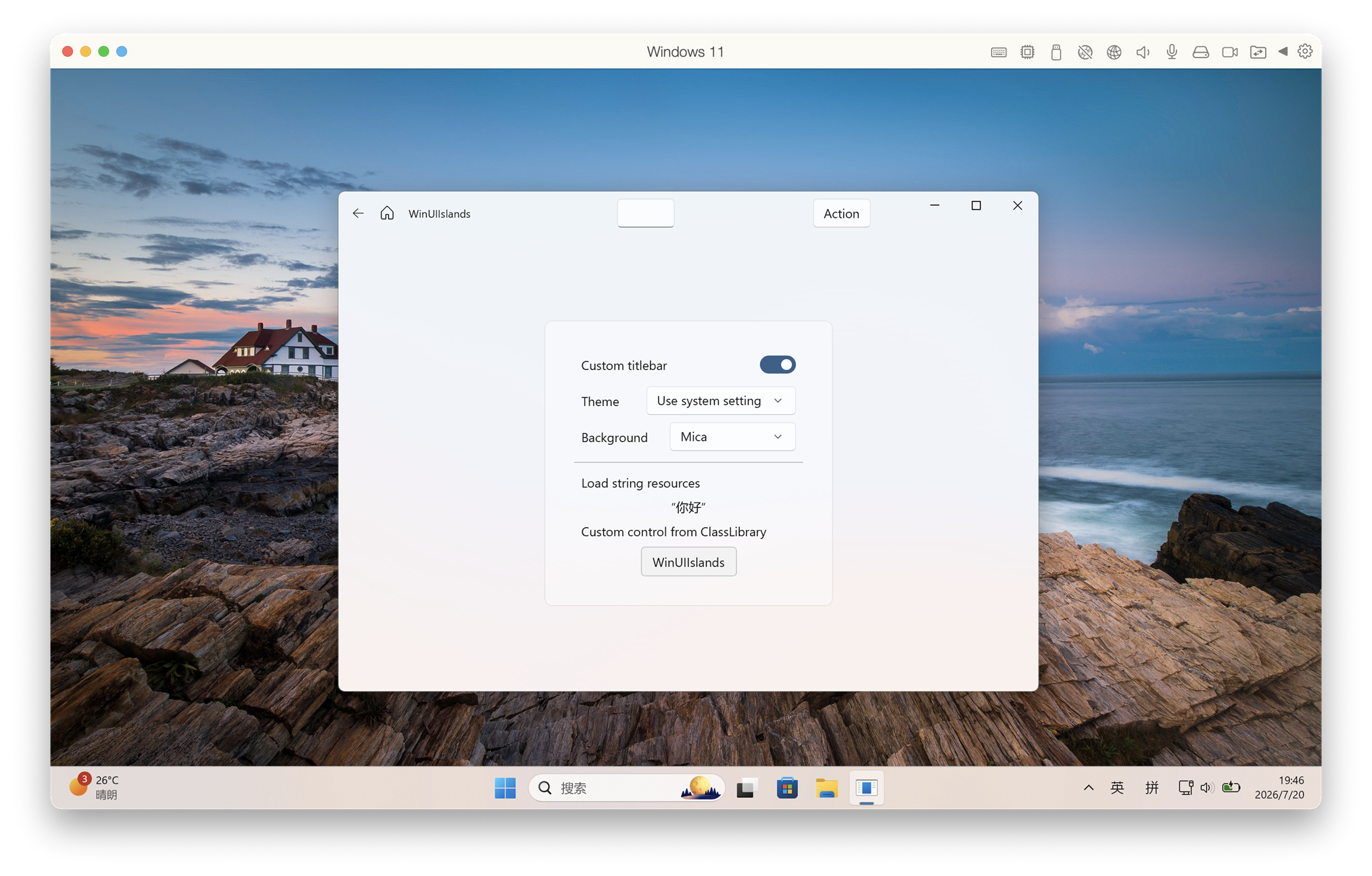
Why WinUI Islands
- Deployment size: 14.83 MiB across 3 files with ARM64 NativeAOT, versus 129.45 MiB across 198 files with self-contained JIT.
- Runtime memory: About 9.2 MiB idle private working set.
- Cold start: Faster than WinUI 3.
- Fast fixes: Build our own framework for quickly fix issues (There is no window-resize flickering issue in WinUIIslands).
- WinUI 3-aligned APIs: Closely follows WinUI 3 API design for easy migration from UWP or WinUI 3.
- MISC: No MSIX required. Custom
TitleBar, Mica/Acrylic, and anything you want.
Quick start with the template
Install the template package:
dotnet new install WinUIIslands.Templates
Create an application:
dotnet new winuiislands -n HelloIslands
cd HelloIslands
Build the XAML project with the .NET CLI:
dotnet build .\HelloIslands.csproj -c Debug -r win-x64
.\bin\x64\Debug\net10.0-windows10.0.26100.0\HelloIslands.exe
Publish a self-contained NativeAOT build:
dotnet publish .\HelloIslands.csproj -c Release -r win-x64
The application is written to:
bin\x64\Release\net10.0-windows10.0.26100.0\win-x64\publish\
AppWindow
Set a window icon and adjust the native window through the AppWindow API:
using Windows.Graphics;
using WinUIIslands;

var window = new Window();
window.Activate();

var appWindow = window.AppWindow!;
appWindow.SetIcon("Assets/AppIcon.ico");
appWindow.Move(new PointInt32(100, 100));
appWindow.Resize(new SizeInt32(800, 600));
Relative icon paths are resolved from the application directory. Add the .ico file to your project and copy it to the output directory. Resize uses the full window bounds; use ResizeClient to size the client area.
AppWindow sample without XAML
AppWindowSample is a small WinForms app that uses UseUwpTools=false and references the local library project. Publish and run it in Release:
dotnet publish .\AppWindowSample\AppWindowSample.csproj -c Release -r win-x64
.\AppWindowSample\bin\Release\net10.0-windows10.0.26100.0\win-x64\publish\AppWindowSample.exe
Click Apply Assets/AppIcon.ico to set the native window and taskbar icons.
App1 XAML sample
The App1 XAML sample requires the Microsoft.VCLibs 14.0 SDK extension and the Windows SDK XAML compiler. The default SDK version is 10.0.26100.0; when using another installed version, set EffectiveTargetPlatformVersion to that version. Publish and run the interactive sample:
dotnet publish .\App1\App1\App1.csproj -c Release -r win-x64 -p:EffectiveTargetPlatformVersion=10.0.28000.0
.\App1\App1\bin\x64\Release\net10.0-windows10.0.26100.0\win-x64\publish\App1.exe
In App1, click Apply Assets/AppIcon.ico. Turn off Custom titlebar to see the native title-bar icon; the taskbar icon is updated as well.
Build this repository
dotnet build .\WinUIIslands\WinUIIslands.csproj
dotnet build .\App1\App1\App1.csproj -c Debug -r win-x64
License
MIT
| Product | Versions Compatible and additional computed target framework versions. |
|---|---|
| .NET | net10.0-windows10.0.26100 is compatible. |
-
net10.0-windows10.0.26100
- Microsoft.UI.Xaml (>= 2.8.7)
- ModernUwp.CLI.BuildTools (= 1.0.4)
NuGet packages
This package is not used by any NuGet packages.
GitHub repositories
This package is not used by any popular GitHub repositories.