SplatDev.Umbraco.Plugins.CopyValue
2.2.4
See the version list below for details.
dotnet add package SplatDev.Umbraco.Plugins.CopyValue --version 2.2.4
NuGet\Install-Package SplatDev.Umbraco.Plugins.CopyValue -Version 2.2.4
<PackageReference Include="SplatDev.Umbraco.Plugins.CopyValue" Version="2.2.4" />
<PackageVersion Include="SplatDev.Umbraco.Plugins.CopyValue" Version="2.2.4" />
<PackageReference Include="SplatDev.Umbraco.Plugins.CopyValue" />
paket add SplatDev.Umbraco.Plugins.CopyValue --version 2.2.4
#r "nuget: SplatDev.Umbraco.Plugins.CopyValue, 2.2.4"
#:package SplatDev.Umbraco.Plugins.CopyValue@2.2.4
#addin nuget:?package=SplatDev.Umbraco.Plugins.CopyValue&version=2.2.4
#tool nuget:?package=SplatDev.Umbraco.Plugins.CopyValue&version=2.2.4
UmbracoCms.Plugins.CopyValue
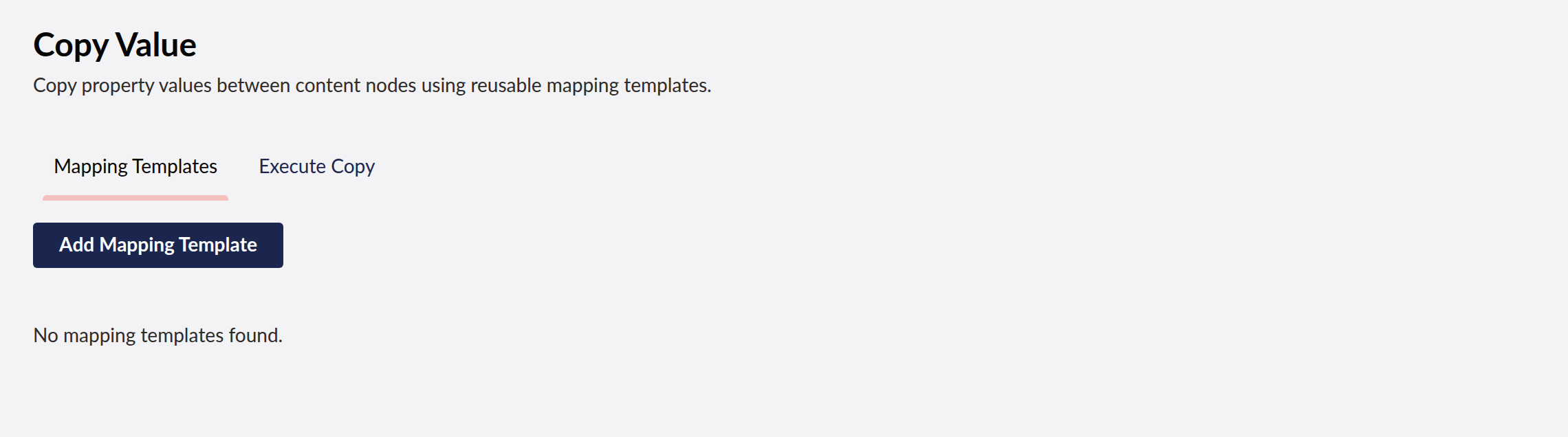
Copy property values between Umbraco content nodes — bulk copy, property mapping between different document types, with reusable mapping templates.
Supports
- Umbraco 13 (net8.0)
- Umbraco 17 (net10.0)
Features
- Define reusable mapping templates (stored in EF Core
copyvalueschema) - Map properties between same or different document types
- Execute single-pair or bulk copy operations via the backoffice or REST API
- Optional publish-after-copy support
- Lit 3 dashboard for Umbraco 17, AngularJS dashboard for Umbraco 13
CopyValueViewComponentfor rendering mapping templates in Razor views
Installation
Add the NuGet package. The CopyValueComposer registers CopyValueDbContext and ICopyValueService.
The tables are created for you the first time the site starts: the plugin runs its own Umbraco migration against the database Umbraco is already using, on whichever provider it is configured with — SQL Server or SQLite. There is nothing to scaffold and nothing to run by hand.
Usage in Code
// Direct property copy with explicit mappings
var mappings = new[]
{
    new PropertyMapping { Source = "pageTitle", Target = "headline" },
    new PropertyMapping { Source = "bodyText",  Target = "content"  },
};
await _copyValueService.CopyPropertiesAsync(sourceId, targetId, mappings, publish: true);

// Bulk copy using a saved template
var pairs = new[] { (sourceId1, targetId1), (sourceId2, targetId2) };
int count = await _copyValueService.BulkCopyAsync(mappingId, pairs, publish: false);
REST API
| Method | Endpoint | Description |
|---|---|---|
| GET | /umbraco/api/copyvalue/GetMappings |
List all mapping templates |
| GET | /umbraco/api/copyvalue/GetMapping?id=1 |
Get a single mapping |
| POST | /umbraco/api/copyvalue/SaveMapping |
Create or update a mapping |
| DELETE | /umbraco/api/copyvalue/DeleteMapping?id=1 |
Delete a mapping |
| POST | /umbraco/api/copyvalue/CopyProperties |
Execute a single copy operation |
| POST | /umbraco/api/copyvalue/BulkCopy |
Execute a bulk copy using a template |
CopyProperties request body
{
  "sourceContentId": 1234,
  "targetContentId": 5678,
  "mappings": [
    { "source": "pageTitle", "target": "headline" }
  ],
  "publish": false
}
BulkCopy request body
{
  "mappingId": 1,
  "pairs": [
    { "sourceId": 1234, "targetId": 5678 },
    { "sourceId": 1235, "targetId": 5679 }
  ],
  "publish": false
}
Changelog
2.2.4 — 2026-08-22
- The mappings table is created again. The DbContext pinned one column to
nvarchar(max)— SQL Server's spelling — which EF emitted verbatim into the SQLite DDL, so creating the table failed withnear "max": syntax error. The migration aborted, the table was never created, and every dashboard request returned 500 withno such table: CopyMappingson the database Umbraco's installer offers by default.
2.2.3 — 2026-08-21
- A failed request now says so in the dashboard. Previously the dashboard kept its previous (usually empty) state, so a refused or failed call looked identical to having no data.
- README no longer tells you to scaffold EF Core migrations by hand — the plugin creates its own tables on first start, on SQL Server or SQLite.
2.2.2 — 2026-08-21
- Dashboard now sends the backoffice token with its API calls. On Umbraco 17 those calls were arriving unauthenticated and coming back 401, which the dashboard rendered as an empty state rather than an error.
- A failed request now raises a notification instead of leaving the dashboard looking like there is simply no data.
- The plugin's tables are created on startup. They were never created before, so anything touching them failed on a fresh install.
- Runs on SQLite as well as SQL Server. It previously assumed SQL Server and failed with "Keyword not supported: 'cache'" on the database Umbraco's installer offers by default.
| Product | Versions Compatible and additional computed target framework versions. |
|---|---|
| .NET | net8.0 is compatible. net8.0-android was computed. net8.0-browser was computed. net8.0-ios was computed. net8.0-maccatalyst was computed. net8.0-macos was computed. net8.0-tvos was computed. net8.0-windows was computed. net9.0 was computed. net9.0-android was computed. net9.0-browser was computed. net9.0-ios was computed. net9.0-maccatalyst was computed. net9.0-macos was computed. net9.0-tvos was computed. net9.0-windows was computed. net10.0 is compatible. net10.0-android was computed. net10.0-browser was computed. net10.0-ios was computed. net10.0-maccatalyst was computed. net10.0-macos was computed. net10.0-tvos was computed. net10.0-windows was computed. |
-
net10.0
- Microsoft.EntityFrameworkCore.Design (>= 10.0.7)
- Microsoft.EntityFrameworkCore.Sqlite (>= 10.0.7)
- Microsoft.EntityFrameworkCore.SqlServer (>= 10.0.7)
- Microsoft.Extensions.FileProviders.Embedded (>= 10.0.6)
- Umbraco.Cms.Core (>= 17.3.4)
- Umbraco.Cms.Web.Common (>= 17.3.4)
-
net8.0
- Microsoft.EntityFrameworkCore.Design (>= 8.0.20)
- Microsoft.EntityFrameworkCore.Sqlite (>= 8.0.20)
- Microsoft.EntityFrameworkCore.SqlServer (>= 8.0.20)
- Umbraco.Cms.Core (>= 13.12.0)
- Umbraco.Cms.Web.Common (>= 13.12.0)
NuGet packages
This package is not used by any NuGet packages.
GitHub repositories
This package is not used by any popular GitHub repositories.