SplatDev.Umbraco.Plugins.AdminBar
2.3.1
dotnet add package SplatDev.Umbraco.Plugins.AdminBar --version 2.3.1
NuGet\Install-Package SplatDev.Umbraco.Plugins.AdminBar -Version 2.3.1
<PackageReference Include="SplatDev.Umbraco.Plugins.AdminBar" Version="2.3.1" />
<PackageVersion Include="SplatDev.Umbraco.Plugins.AdminBar" Version="2.3.1" />
<PackageReference Include="SplatDev.Umbraco.Plugins.AdminBar" />
paket add SplatDev.Umbraco.Plugins.AdminBar --version 2.3.1
#r "nuget: SplatDev.Umbraco.Plugins.AdminBar, 2.3.1"
#:package SplatDev.Umbraco.Plugins.AdminBar@2.3.1
#addin nuget:?package=SplatDev.Umbraco.Plugins.AdminBar&version=2.3.1
#tool nuget:?package=SplatDev.Umbraco.Plugins.AdminBar&version=2.3.1
AdminBar
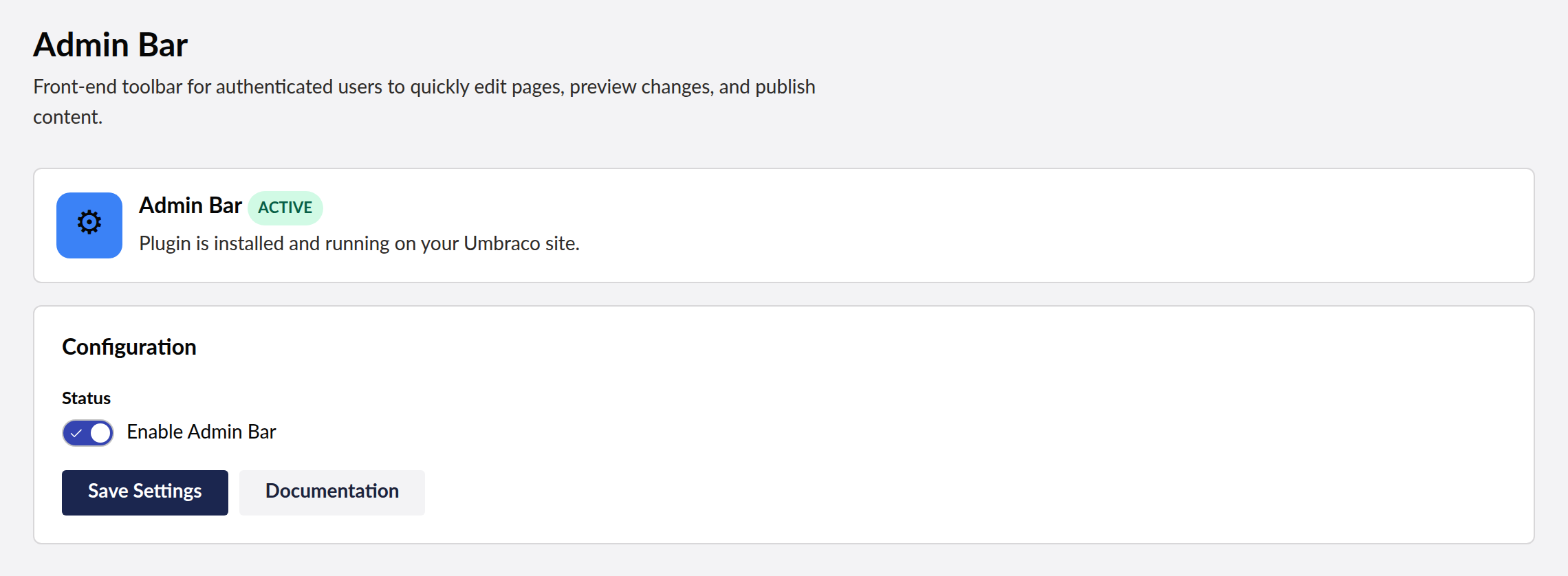
Fixed admin bar for Umbraco — injects a toolbar at the top of front-end pages for logged-in backoffice users with Edit Page, Preview, and Publish shortcuts.

Compatibility
| Umbraco | .NET | Package Version |
|---|---|---|
| 13.x | 8.0 | 2.0.0 |
| 17.x | 10.0 | 2.0.0 |
Installation
dotnet add package SplatDev.Umbraco.Plugins.AdminBar
Quick Start
Register in Program.cs:
builder.CreateUmbracoBuilder()
    .AddBackOffice()
    .AddWebsite()
    .AddAdminBar()   // <-- add this
    .Build();
Configuration
Add to appsettings.json:
{
  "AdminBar": {
    "Enabled": true,
    "ShowEditPage": true,
    "ShowPreview": true,
    "ShowPublish": true,
    "Position": "top"
  }
}
Usage
After registration, the admin bar automatically appears at the top of every front-end page when a backoffice user is logged in. The bar provides:
- Edit Page — navigates to the backoffice content editor for the current page
- Preview — toggles preview mode for unpublished content
- Publish — publishes the current page directly from the front-end
Known Limitations
- Admin bar visibility is determined by backoffice authentication cookies — no separate authorization mechanism
- Publish action bypasses Umbraco's workflow/approval if one is configured
- Position customization (top vs bottom) requires the
Positionconfig key
Changelog
2.3.1 — 2026-08-24
Package metadata only: the listing now carries an icon and search tags, and the project and repository links point at the organisation that actually hosts this code. No code changes.
2.3.0 — 2026-08-23
The Razor view behind @await Component.InvokeAsync(...) is now compiled into the package. It was previously carried as a loose file that nothing packed, so the component threw "view not found" on every install and the front-end usage shown in this README could not have worked.
The view also still referenced the package's pre-rename namespace, so it would not have compiled even had it shipped. That is fixed, and the view is now built with the project — a broken view fails the build instead of failing a visitor's request.
License
MIT © SplatDev
| Product | Versions Compatible and additional computed target framework versions. |
|---|---|
| .NET | net8.0 is compatible. net8.0-android was computed. net8.0-browser was computed. net8.0-ios was computed. net8.0-maccatalyst was computed. net8.0-macos was computed. net8.0-tvos was computed. net8.0-windows was computed. net9.0 was computed. net9.0-android was computed. net9.0-browser was computed. net9.0-ios was computed. net9.0-maccatalyst was computed. net9.0-macos was computed. net9.0-tvos was computed. net9.0-windows was computed. net10.0 is compatible. net10.0-android was computed. net10.0-browser was computed. net10.0-ios was computed. net10.0-maccatalyst was computed. net10.0-macos was computed. net10.0-tvos was computed. net10.0-windows was computed. |
-
net10.0
- Microsoft.Extensions.FileProviders.Embedded (>= 10.0.6)
- Umbraco.Cms.Core (>= 17.3.4)
- Umbraco.Cms.Web.Common (>= 17.3.4)
-
net8.0
- Umbraco.Cms.Core (>= 13.12.0)
- Umbraco.Cms.Web.Common (>= 13.12.0)
NuGet packages
This package is not used by any NuGet packages.
GitHub repositories
This package is not used by any popular GitHub repositories.
| Version | Downloads | Last Updated |
|---|---|---|
| 2.3.1 | 42 | 8/24/2026 |