SadConsole.Debug.MonoGame
10.8.0-debug
See the version list below for details.
dotnet add package SadConsole.Debug.MonoGame --version 10.8.0-debug
NuGet\Install-Package SadConsole.Debug.MonoGame -Version 10.8.0-debug
<PackageReference Include="SadConsole.Debug.MonoGame" Version="10.8.0-debug" />
<PackageVersion Include="SadConsole.Debug.MonoGame" Version="10.8.0-debug" />
<PackageReference Include="SadConsole.Debug.MonoGame" />
paket add SadConsole.Debug.MonoGame --version 10.8.0-debug
#r "nuget: SadConsole.Debug.MonoGame, 10.8.0-debug"
#:package SadConsole.Debug.MonoGame@10.8.0-debug
#addin nuget:?package=SadConsole.Debug.MonoGame&version=10.8.0-debug&prerelease
#tool nuget:?package=SadConsole.Debug.MonoGame&version=10.8.0-debug&prerelease



SadConsole is a C#-based .NET cross-platform terminal, ascii, console, game engine. It simulates these types of programs and with it you can make ascii-styled games for modern platforms. At its heart, SadConsole is really a giant tile-based game engine. However, its object model is conceptually similar to a traditional console app.
While SadConsole is a generic library that doesn't provide any rendering capabilities, "host" libraries are provided that add renderers to SadConsole. The two hosts provided by this library are for SadConsole.Host.MonoGame and SadConsole.Host.SFML. When adding a host library to your project, you don't need to reference the base SadConsole package. If you use MonoGame, you'll also need to add a rendering NuGet package, such as MonoGame.Framework.DesktopGL.
SadConsole currently targets .NET 8, .NET 9, and .NET 10
For the latest changes in this release, see the notes below
Features
Here are some of the features SadConsole supports:
- Show any number of consoles of any size.
- Uses graphical tile-based images to build out an ASCII-character font with support for more than 256 characters.
- Fonts are simply sprite sheet tilesets tied to ascii codes, you can use full graphical tiles if you want.
- Use more than one font file. However, each console is restricted to a single font.
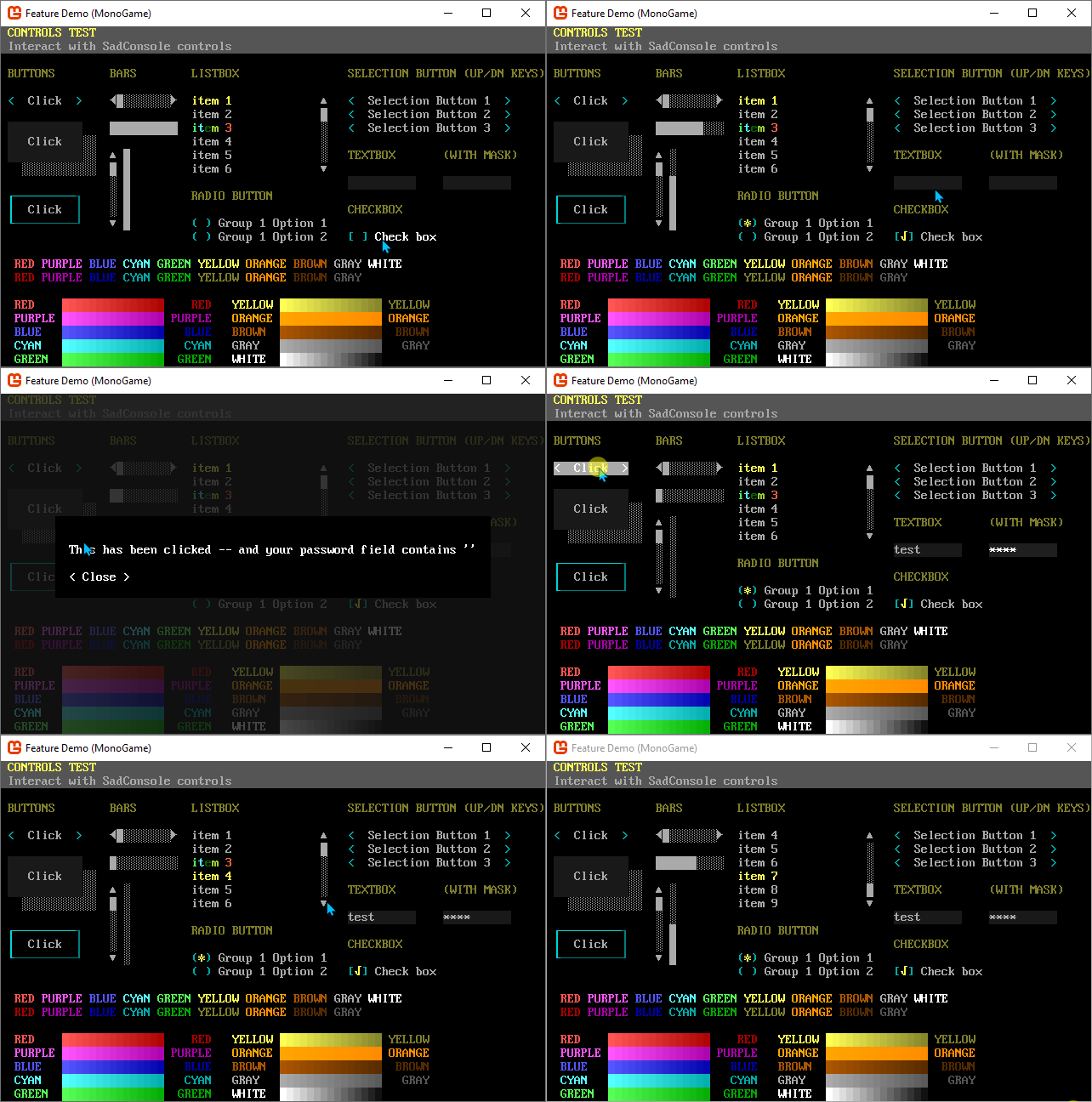
- Full GUI system for interactive controls such as list boxes, buttons, and text fields.
- Importers for DOS ANSI files, TheDraw text fonts, RexPaint, and Playscii.
- Animated consoles and instruction system to chain commands together.
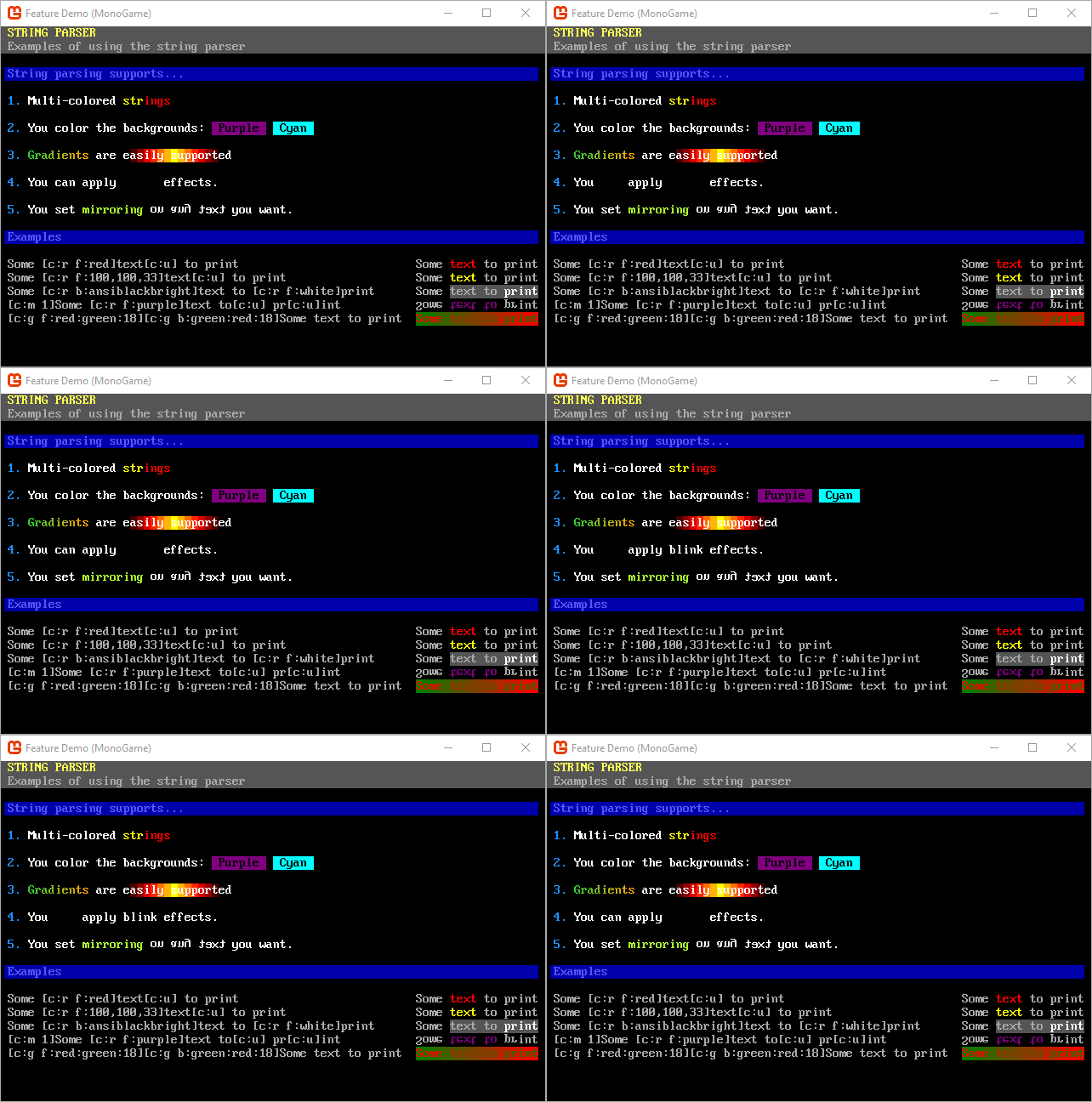
- String encoding system for colors and effects while printing.
- Entity support for drawing thousands of movable objects on the screen
- Translating images to text-blocks.
- Keyboard and mouse support.
- Highly customizable framework.
String display and parsing
GUI library
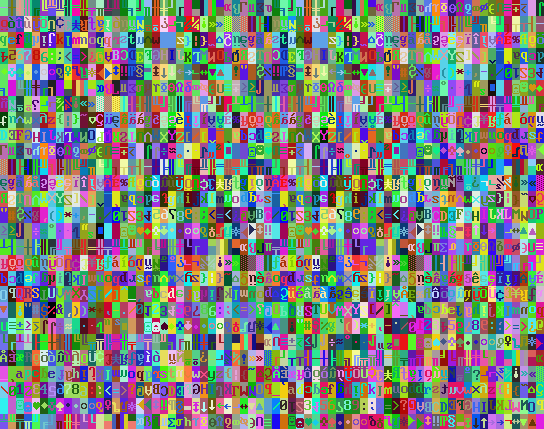
Scrolling
Latest changes
- [Core]
ColoredGlyphdeserialization correctly handles decorators. - [Core]
LayeredSurfacelayers can be hidden now. - [Controls] Rendering controls on a surface with a viewport now correctly handles mouse input and drawing of the controls.
- [Core]
AnimatedValuewas sending the finished event before it was completed. - [Core]
AnimatedScreenSurfacedidn't set the new frame sizes when deserialized. - [Core]
ITitlemoved from debug library to core. - [Host] Hosts have new logic for converting images into surfaces.
- [MonoGame] Render steps now use local spritebatches, which can help with memory allocation in some cases.
- [Core] Entities now have
IHasLayerfrom the primitives library which matches theZIndexproperty. - [Core] Entities expose the
IHasIDinterface now. - [Core]
EntityManagercorrectly handles animated entity visibility. - [UI]
ListBoxandComboBoxhave generic versions now. - [UI]
ComboBoxPlacement of the dropdown is correctly kept on the screen. - [Core] Changing
Game.Instance.DefaultFontandDefaultFontSizenow update all objects on the screen with the new defaults when they use the defaults.
| Product | Versions Compatible and additional computed target framework versions. |
|---|---|
| .NET | net8.0 is compatible. net8.0-android was computed. net8.0-browser was computed. net8.0-ios was computed. net8.0-maccatalyst was computed. net8.0-macos was computed. net8.0-tvos was computed. net8.0-windows was computed. net9.0 is compatible. net9.0-android was computed. net9.0-browser was computed. net9.0-ios was computed. net9.0-maccatalyst was computed. net9.0-macos was computed. net9.0-tvos was computed. net9.0-windows was computed. net10.0 is compatible. net10.0-android was computed. net10.0-browser was computed. net10.0-ios was computed. net10.0-maccatalyst was computed. net10.0-macos was computed. net10.0-tvos was computed. net10.0-windows was computed. |
-
net10.0
- Hexa.NET.ImGui (>= 2.2.2)
- MonoGame.Framework.DesktopGL (>= 3.8.1.303)
- SadConsole (>= 10.8.0)
- SadConsole.Host.MonoGame (>= 10.8.0)
-
net8.0
- Hexa.NET.ImGui (>= 2.2.2)
- MonoGame.Framework.DesktopGL (>= 3.8.1.303)
- SadConsole (>= 10.8.0)
- SadConsole.Host.MonoGame (>= 10.8.0)
-
net9.0
- Hexa.NET.ImGui (>= 2.2.2)
- MonoGame.Framework.DesktopGL (>= 3.8.1.303)
- SadConsole (>= 10.8.0)
- SadConsole.Host.MonoGame (>= 10.8.0)
NuGet packages
This package is not used by any NuGet packages.
GitHub repositories
This package is not used by any popular GitHub repositories.
| Version | Downloads | Last Updated | |
|---|---|---|---|
| 10.8.0 | 327 | 1/19/2026 | |
| 10.8.0-debug | 152 | 1/19/2026 | |
| 10.7.0 | 252 | 11/15/2025 | |
| 10.7.0-debug | 229 | 11/15/2025 | |
| 10.6.0 | 282 | 8/9/2025 | |
| 10.6.0-debug | 222 | 8/9/2025 | |
| 10.5.0 | 470 | 12/7/2024 | |
| 10.5.0-debug | 242 | 12/7/2024 |
Initial release