Earcut 3.2.31
dotnet add package Earcut --version 3.2.31
NuGet\Install-Package Earcut -Version 3.2.31
<PackageReference Include="Earcut" Version="3.2.31" />
<PackageVersion Include="Earcut" Version="3.2.31" />
<PackageReference Include="Earcut" />
paket add Earcut --version 3.2.31
#r "nuget: Earcut, 3.2.31"
#:package Earcut@3.2.31
#addin nuget:?package=Earcut&version=3.2.31
#tool nuget:?package=Earcut&version=3.2.31

Earcut



The fastest and smallest polygon triangulation library.
A port of Mapbox's Earcut algorithm to F#.
https://github.com/mapbox/earcut
Status
Stable for .NET Standard 2.0 and JS via Fable.
v3.2.3 ported to F# on 2026-07-12
All tests of the original JS version pass, including the MVT regression suite over 119,680 real-world polygons. The port produces element-for-element identical output to the reference JS implementation.
All relevant code is in Earcut.fs.
It contains the ported code without any major changes to the original logic.
It has no dependencies.
Performance
The F# port has about the same performance as the original JS version when compiled back to JS with Fable.
Earcut is heavily optimized for its primary workload - triangulating polygons from
Mapbox Vector Tiles.
You can run the MVT benchmark (119,680 real-world polygons, 1.9M vertices) yourself with
node Test/bench/bench-tiles.js (after dotnet fable), and the refinement benchmark with
node Test/bench/bench-refine.js.
The algorithm
The library implements a modified ear slicing algorithm,
optimized by z-order curve and spatial hashing
and extended to handle holes, twisted polygons, degeneracies and self-intersections
in a way that doesn't guarantee correctness of triangulation,
but attempts to always produce acceptable results for practical data.
It's based on ideas from
FIST: Fast Industrial-Strength Triangulation of Polygons by Martin Held
and Triangulation by Ear Clipping by David Eberly.
Why another triangulation library?
The aim of the original mapbox Earcut project is to create a triangulation library
that is fast enough for real-time triangulation in the browser,
sacrificing triangulation quality for raw speed and simplicity,
while being robust enough to handle most practical datasets without crashing or producing garbage,
with an option to refine the result to Delaunay quality at a small cost.
If you want to get correct triangulation even on very bad data with lots of self-intersections
and earcut is not precise enough, take a look at libtess.js.
Robustness
Earcut does not guarantee a correct triangulation on arbitrary input - it trades quality
for speed, aiming to always produce an acceptable result on practical data without crashing or
emitting garbage. The input is assumed to be a valid polygon: rings that don't self-cross or
overlap, holes that stay inside the outer ring, and no duplicate or zero-length edges. On input
that breaks these assumptions, the result can be noticeably wrong - overlapping triangles, gaps,
or triangles outside the polygon. If correctness matters, clean your input first (see also the
validate function below); for a guaranteed-correct triangulation even on bad data, see
libtess.js (slower and larger).
The output is also not conforming - a vertex may land in the middle of another triangle's edge (a T-junction). This is harmless for rendering but can break navmesh or FEM use; if you need a conforming mesh, remove T-junctions in a post-process.
Usage
let triangles = Earcut.earcut([| 10.;0.; 0.;50.; 60.;60.; 70.;10.|], [||], 2) // returns [1;0;3; 1;3;2]
Parameters:
vertices- A flat array of vertex coordinates like[x0, y0, x1, y1, x2, y2, ...].holeIndices- An array of hole starting indices. These indices refer to the point array, not the flattened vertices array.
If you have an index into the flattened vertices array, divide it bydimensionsto get the correct hole index.
(e.g.[|4|]means the hole starts at point 4, i.e. atvertices[4 * dimensions]).
Usenullor an empty array if there are no holes.dimensions- The number of coordinates per vertex in the vertices array:2if the vertices array is made of x and y coordinates only.3if it is made of x, y and z coordinates.
Only the first two are used for triangulation (xandy), and the rest are ignored.
Returns:
A list of integers. They are indices into the point array (not the flattened vertices array).
Every 3 integers represent the corner vertices of a triangle.
To look up coordinates in the flattened vertices array, multiply the index by dimensions:
x = vertices[i * dimensions]
y = vertices[i * dimensions + 1]
Output triangles always have a consistent winding order regardless of the input polygon's winding
- counter-clockwise in a y-up coordinate system (clockwise in y-down/screen space).
If you need the opposite orientation (e.g. for back-face culling or normals in 3D), reverse the result.
Convenience F# API: earcutTrianglesFromMembersxy and earcutTrianglesFromMembersXY
If your points are objects with x/y (or X/Y) properties, you can use the convenience functions
earcutTrianglesFromMembersxy and earcutTrianglesFromMembersXY instead of manually flattening coordinates.
They accept a ResizeArray of points and an optional list of holes (also as ResizeArrays of points),
and return a flat float[] of triangle vertex coordinates [x0, y0, x1, y1, x2, y2, ...].
Every six consecutive values represent a triangle.
These functions use F# statically resolved type parameters, so any object with the matching members will work.
For example given these Polylines from Euclid:
let outerPoly: Polyline2D = ...
let hole1: Polyline2D = ...
let hole2: Polyline2D = ...


// For points with uppercase .X and .Y members:
let triangles = outerPoly.Points |> Earcut.earcutTrianglesFromMembersXY null

// With holes:
let holes = [|hole1.Points; hole2.Points|]
let triangles = outerPoly.Points |> Earcut.earcutTrianglesFromMembersXY holes
Examples
Simple polygon (no holes)
// A quadrilateral with 4 vertices, 2D coordinates
let vertices = [| 10.; 0.;  0.; 50.;  60.; 60.;  70.; 10. |]
let triangles = Earcut.earcut(vertices, [||], 2)
// returns [1; 0; 3;  1; 3; 2]
// Triangle 1: points 1, 0, 3
// Triangle 2: points 1, 3, 2

// Retrieve triangle vertex coordinates:
for t in 0 .. 3 .. triangles.Count - 1 do
    let i0 = triangles.[t]
    let i1 = triangles.[t + 1]
    let i2 = triangles.[t + 2]
    printfn "Triangle: (%g, %g) (%g, %g) (%g, %g)"
        vertices.[i0 * 2] vertices.[i0 * 2 + 1]
        vertices.[i1 * 2] vertices.[i1 * 2 + 1]
        vertices.[i2 * 2] vertices.[i2 * 2 + 1]
Polygon with a hole
// Outer square: points 0-3, hole square: points 4-7
let vertices = [|
    0.;0.;  100.;0.;  100.;100.;  0.;100.          // outer ring
    20.;20.;  80.;20.;  80.;80.;  20.;80.           // hole
|]
let triangles = Earcut.earcut(vertices, [|4|], 2)    // hole starts at point index 4
// returns [0;4;7; 5;4;0; 5;0;1; 5;1;2; 3;0;7; 3;7;6; 6;5;2; 6;2;3]
3D coordinates
// 4 vertices with x, y, z (z is ignored for triangulation)
let vertices = [| 10.;0.;1.;  0.;50.;2.;  60.;60.;3.;  70.;10.;4. |]
let triangles = Earcut.earcut(vertices, null, 3)
// returns [1; 0; 3;  1; 3; 2]

// Retrieve coordinates using dimensions = 3:
let i = triangles.[0]  // e.g. 1
let x = vertices.[i * 3]       // 0.
let y = vertices.[i * 3 + 1]   // 50.
let z = vertices.[i * 3 + 2]   // 2.
Multiple holes
// Outer polygon with two holes
// Outer: points 0-5, Hole1: points 6-9, Hole2: points 10-13
let triangles = Earcut.earcut(vertices, [|6; 10|], 2)
// holeIndices = [|6; 10|] means:
//   hole 1 starts at point 6  -> vertices.[6 * 2]
//   hole 2 starts at point 10 -> vertices.[10 * 2]
If you pass a single vertex as a hole, Earcut treats it as a Steiner point.
Note that Earcut is a 2D triangulation algorithm, and handles 3D data as if it was projected onto the XY plane (with Z component ignored).
If your input is a multi-dimensional array (e.g. GeoJSON Polygon),
you can convert it to the format expected by Earcut with Earcut.flatten:
let data = Earcut.flatten(geojson.geometry.coordinates)
let triangles = Earcut.earcut(data.vertices, data.holes, data.dimensions)
Delaunay refinement with refine
If triangle quality matters, you can run an optional refinement pass after triangulation:
let triangles = Earcut.earcut(vertices, holes, dimensions)
Earcut.refine(triangles, vertices, dimensions)
This mutates triangles in place, legalizing interior edges with
Delaunay flips while preserving
the polygon boundary and holes. It keeps the same number of triangles and the same index format,
but usually removes many skinny triangles and reduces total triangle edge length.
Refinement is a post-process, so it doesn't affect the speed of normal earcut calls unless you
explicitly call it. It assumes a valid manifold triangulation, such as the output of earcut, and
doesn't repair invalid polygon input or make the mesh conforming.
Verification of triangulation correctness
After getting a triangulation, you can verify its correctness with Earcut.deviation:
let deviation = Earcut.deviation(vertices, holes, dimensions, triangles)
Returns the relative difference between the total area of triangles and the area of the input polygon.
0 means the triangulation is fully correct.
Input validation with validate
The original JS library does not validate its input. This F# port adds an optional validate function
that raises a descriptive System.ArgumentException if the input is malformed
(NaN/Infinity values, wrong array length, bad hole ordering, holes larger than the outer ring, etc.):
Earcut.validate(vertices, holes, dimensions)
Thread safety
Since v3.2.3, and mirroring the upstream JS implementation, this library keeps reusable scratch
state at module level (for the hole-bridge spatial index, the z-order sort and refine buffers).
Calls into the Earcut module are therefore not thread-safe - do not triangulate
concurrently from multiple threads.
Build for .NET Standard 2.0
dotnet build
Build to JS with Fable
If you don't have Fable installed yet run:
dotnet tool install fable
then build to JS with:
dotnet fable
Run Tests
build to JS with dotnet fable
run tests with node Test/test.js
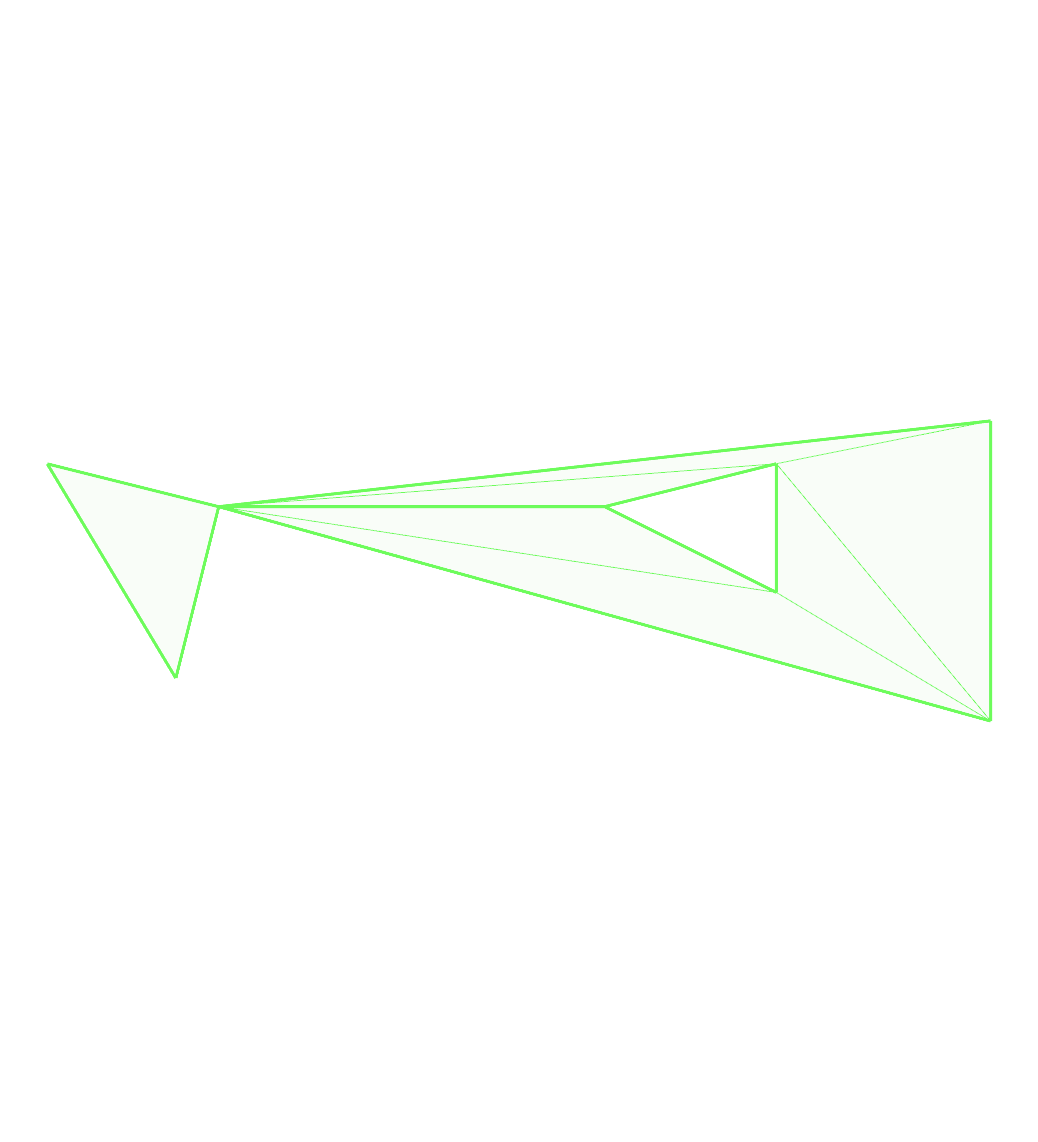
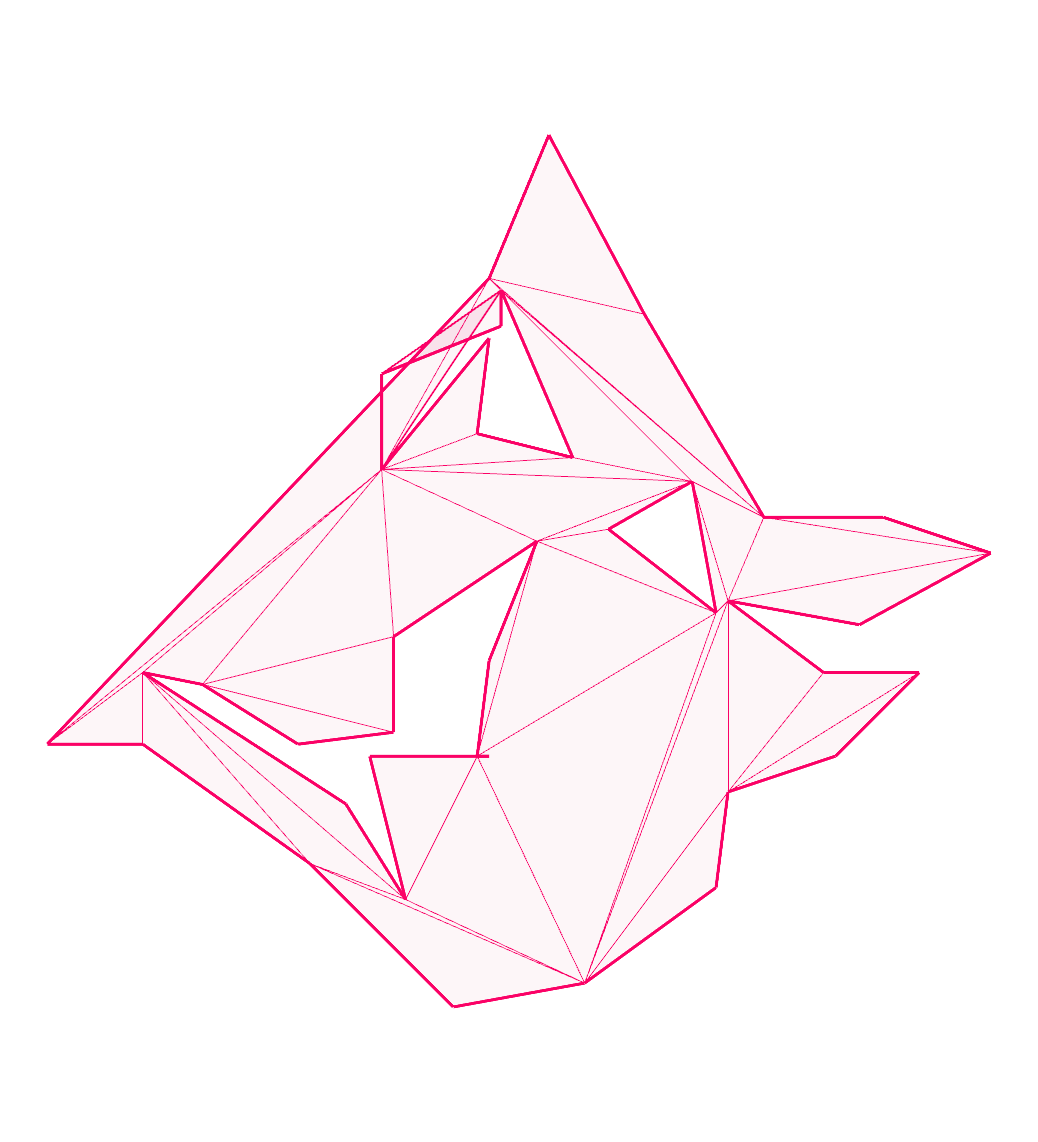
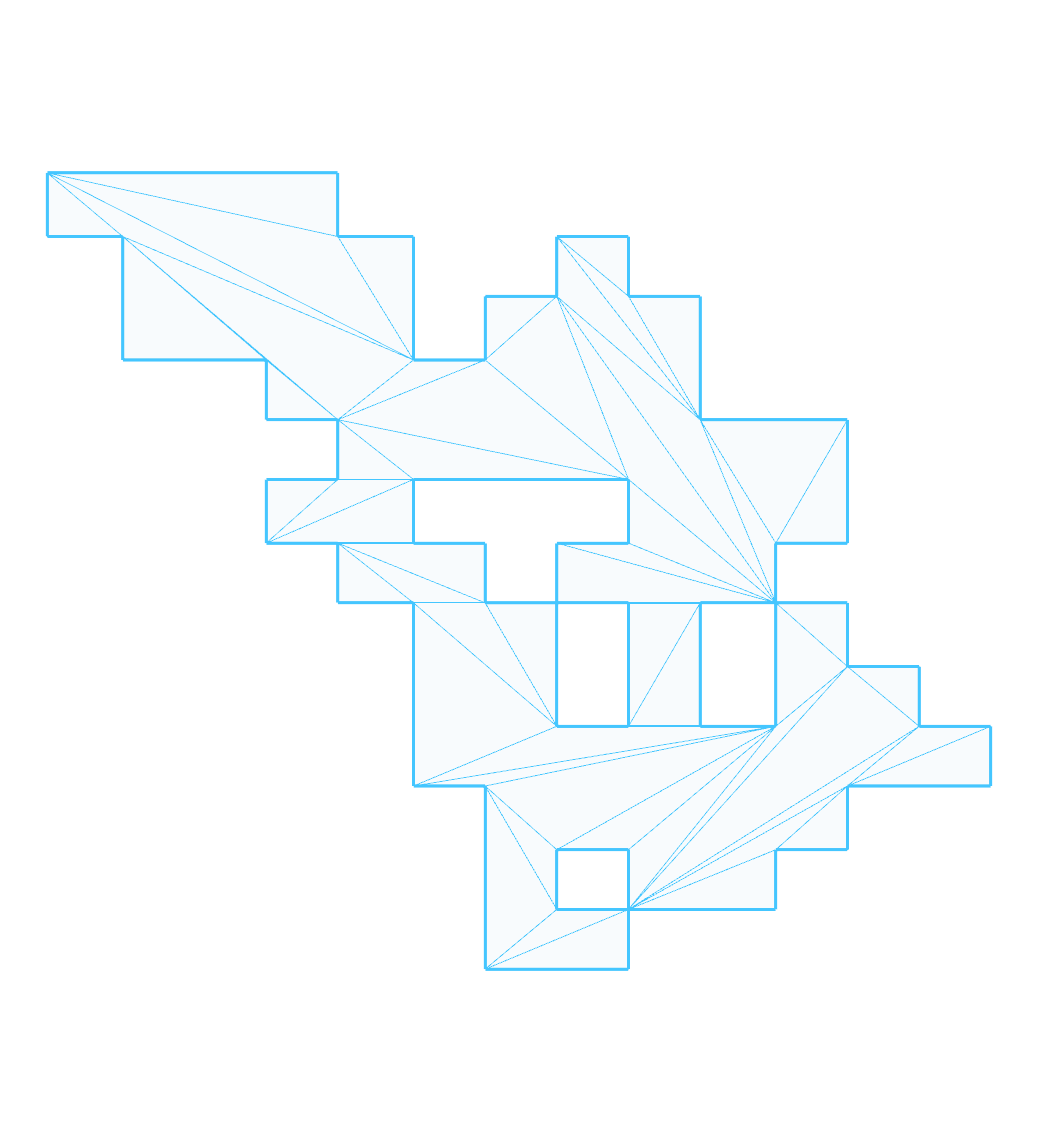
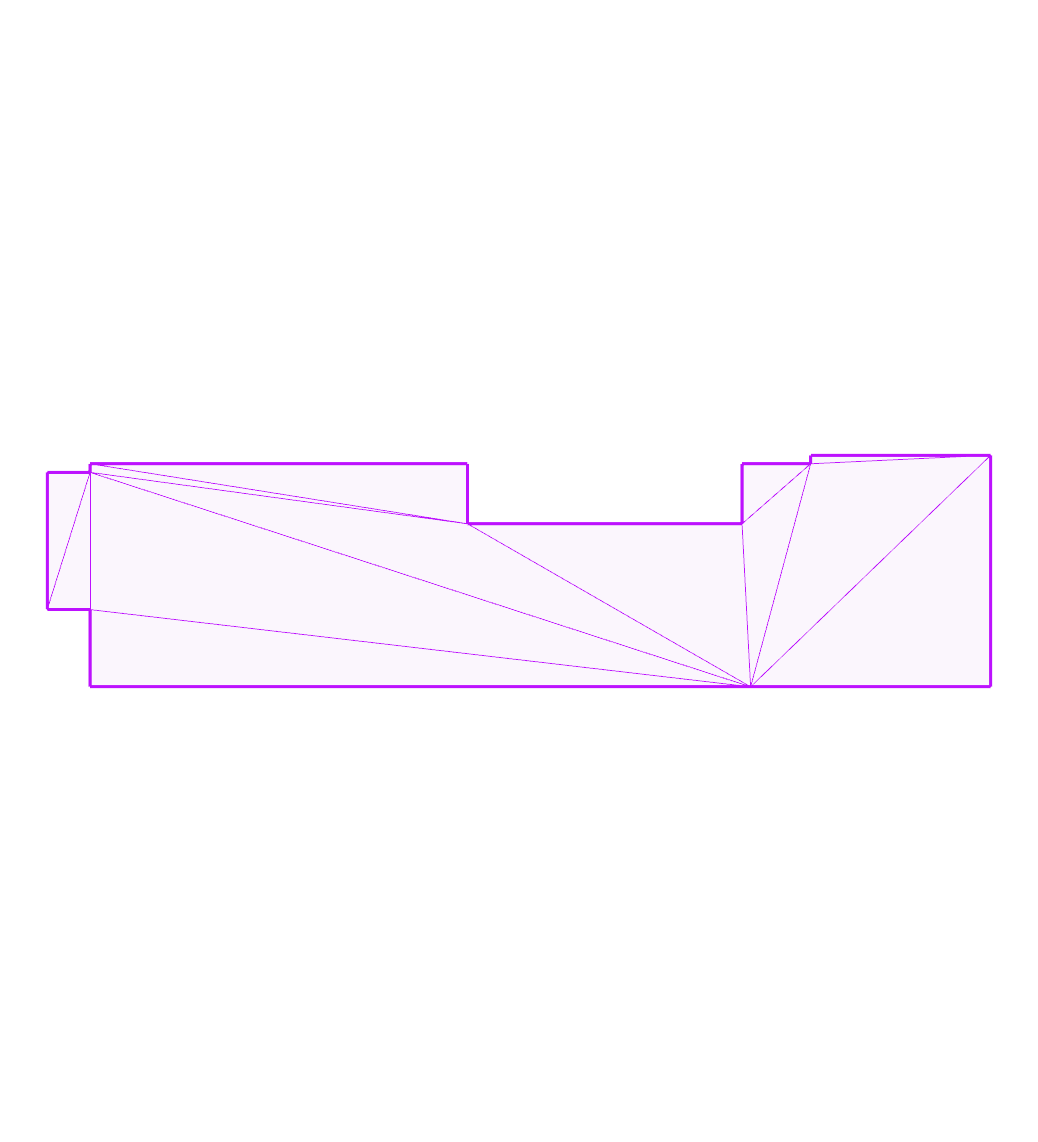
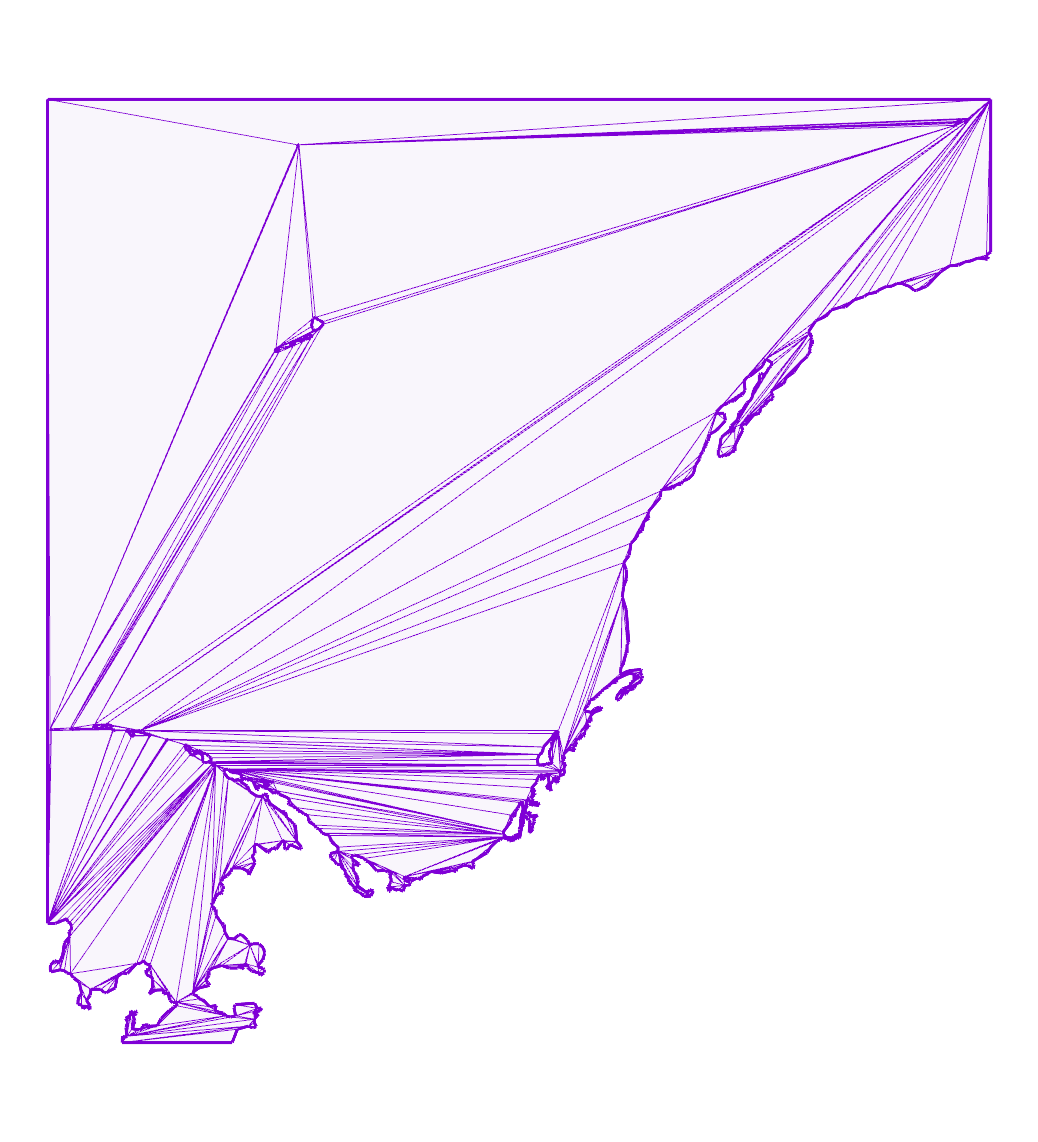
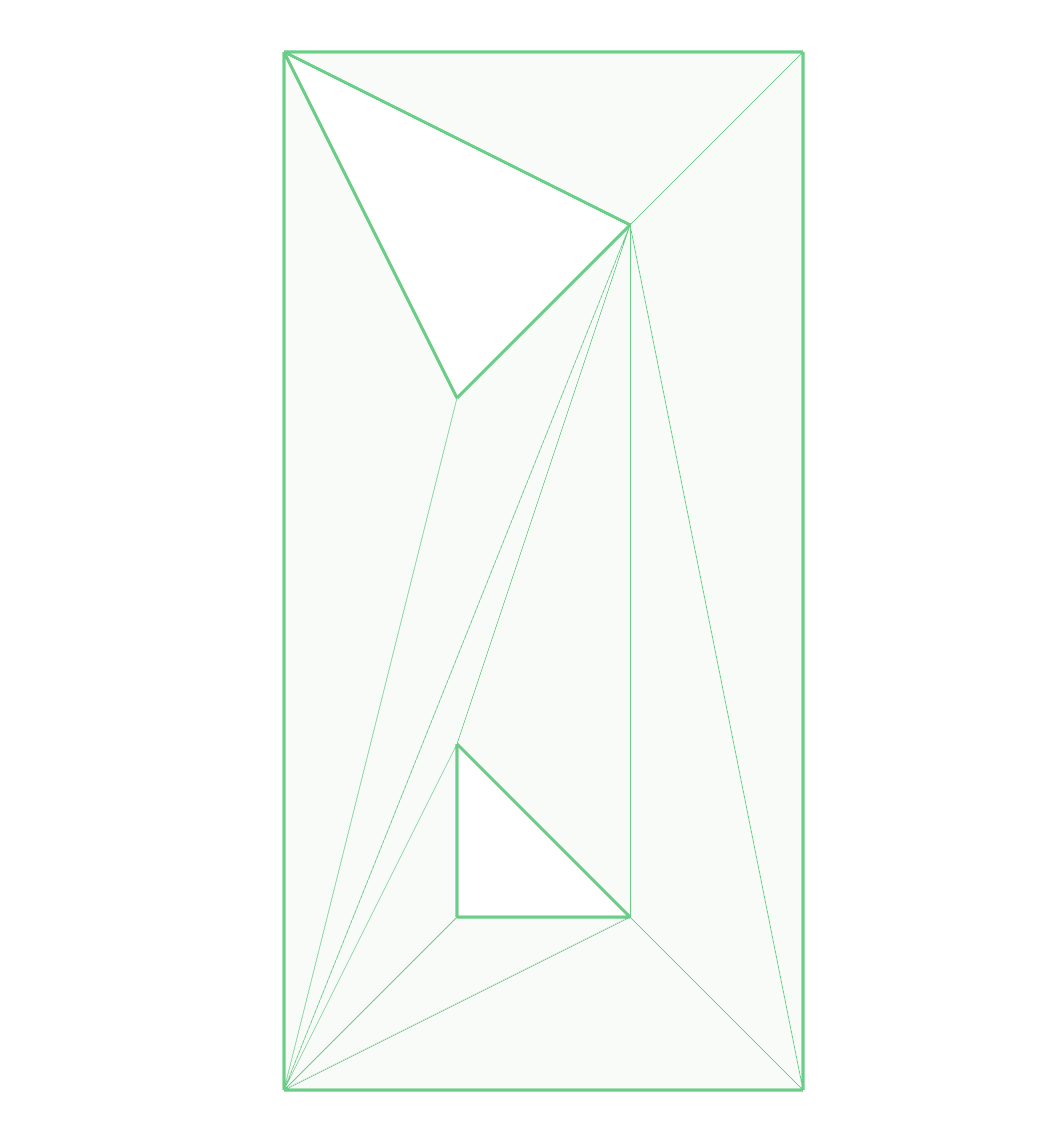
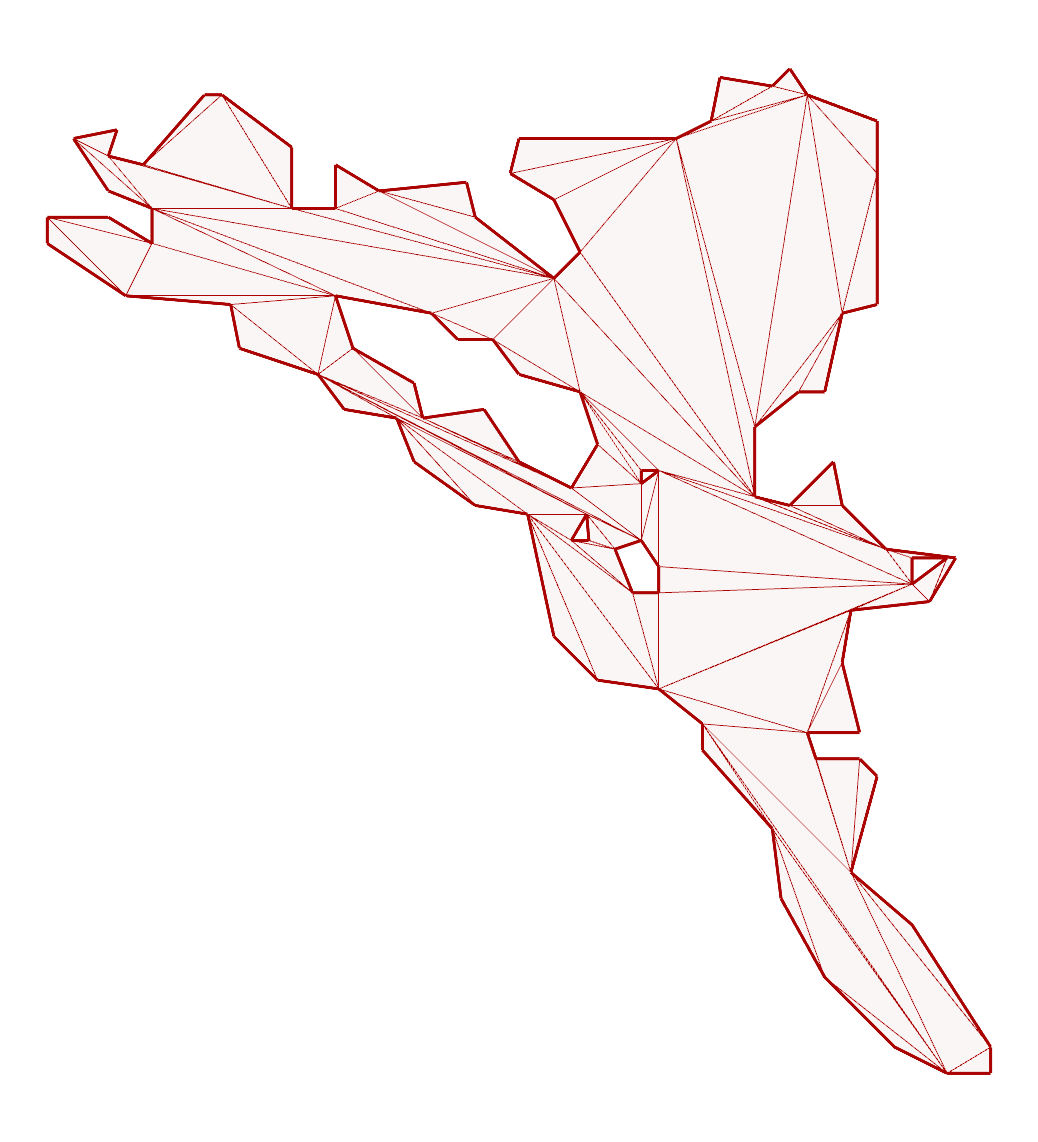
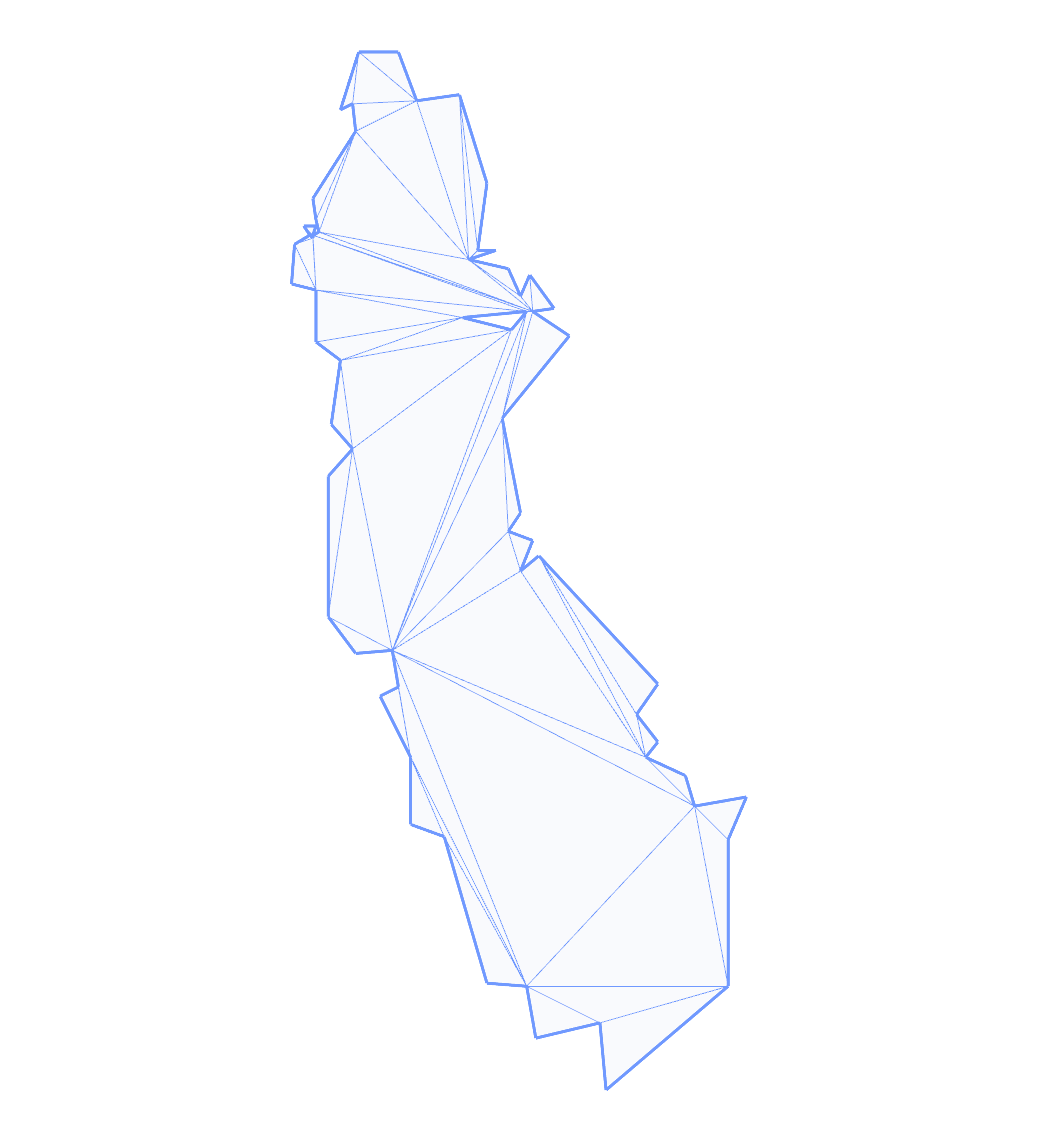
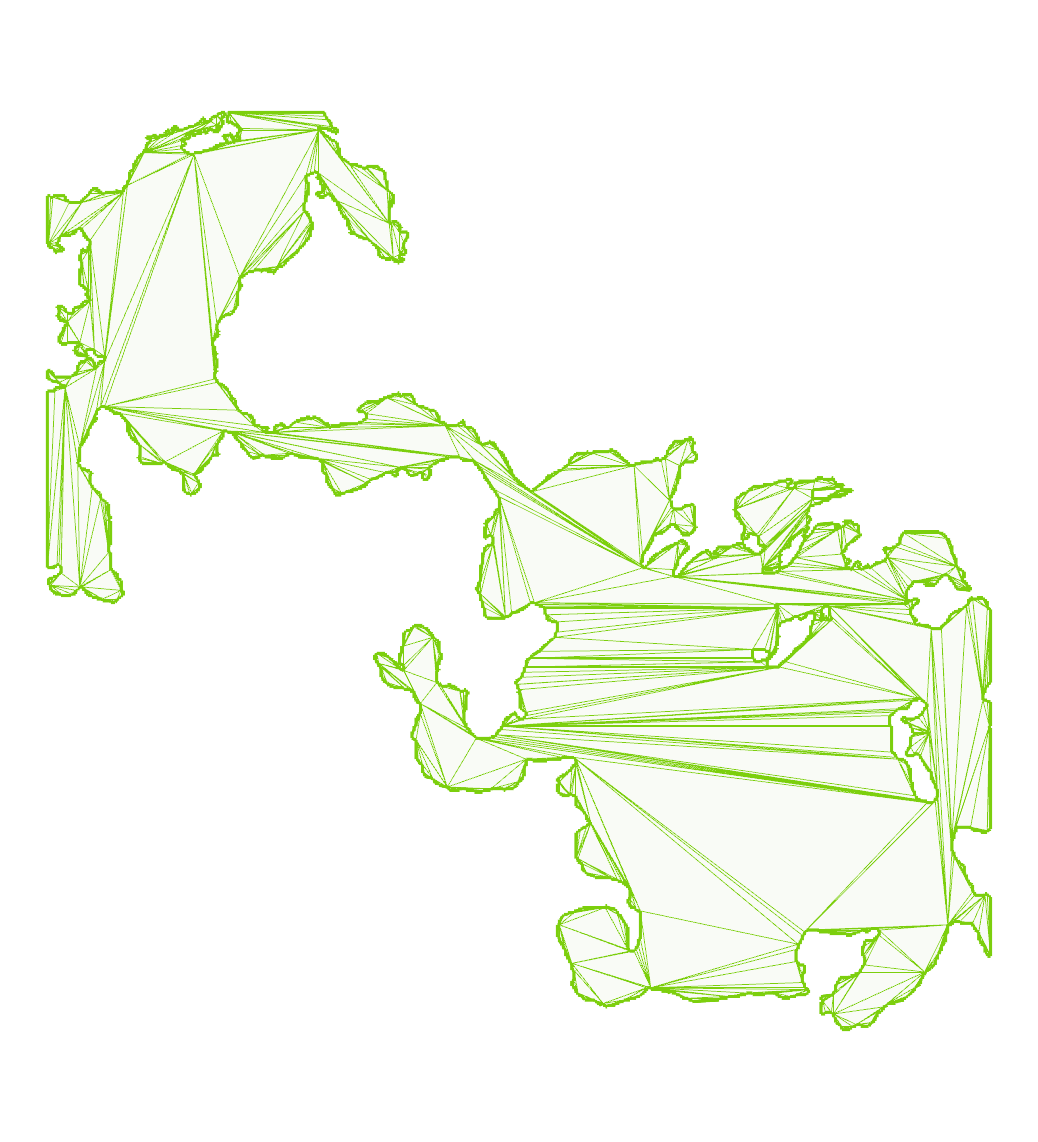
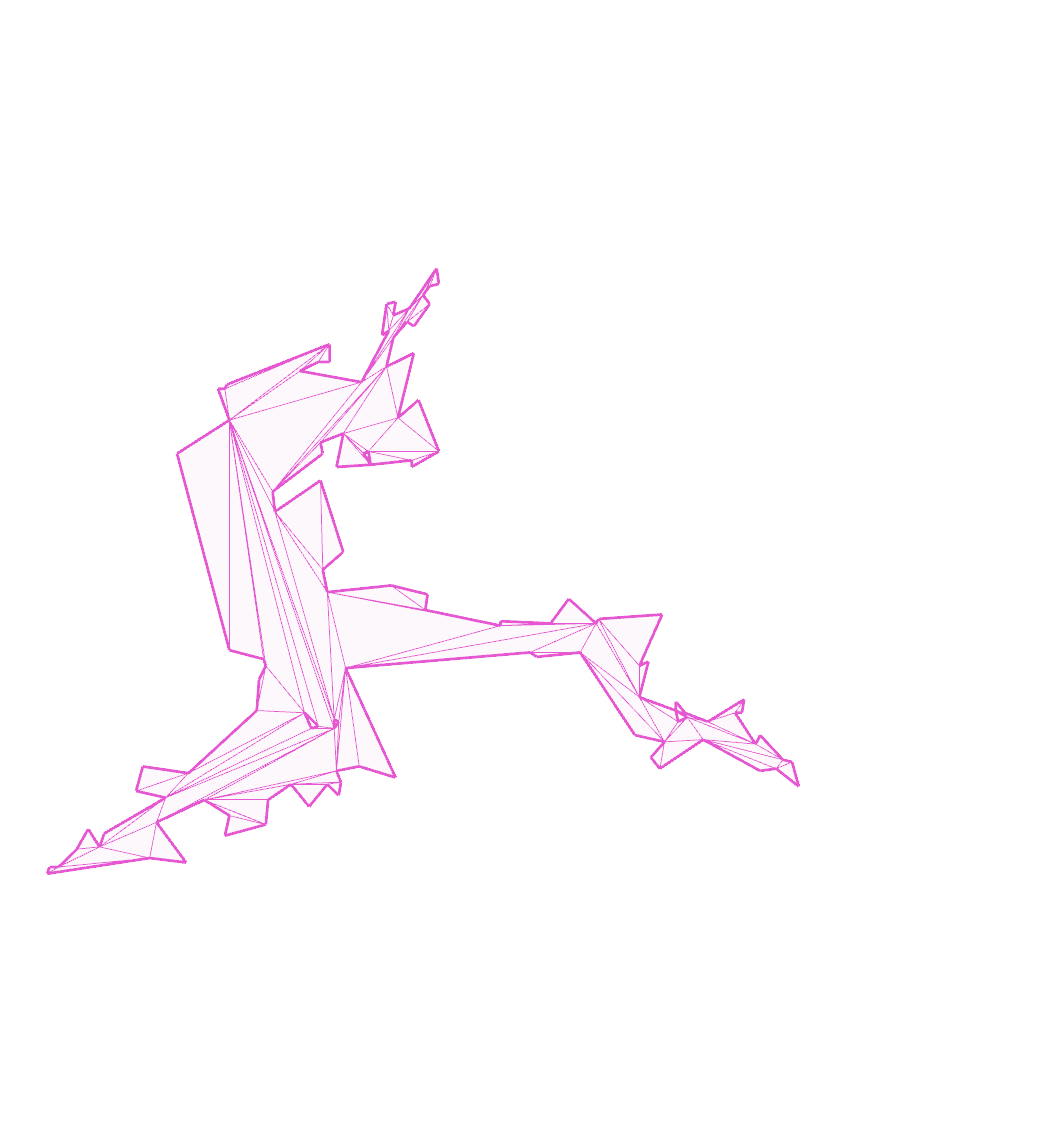
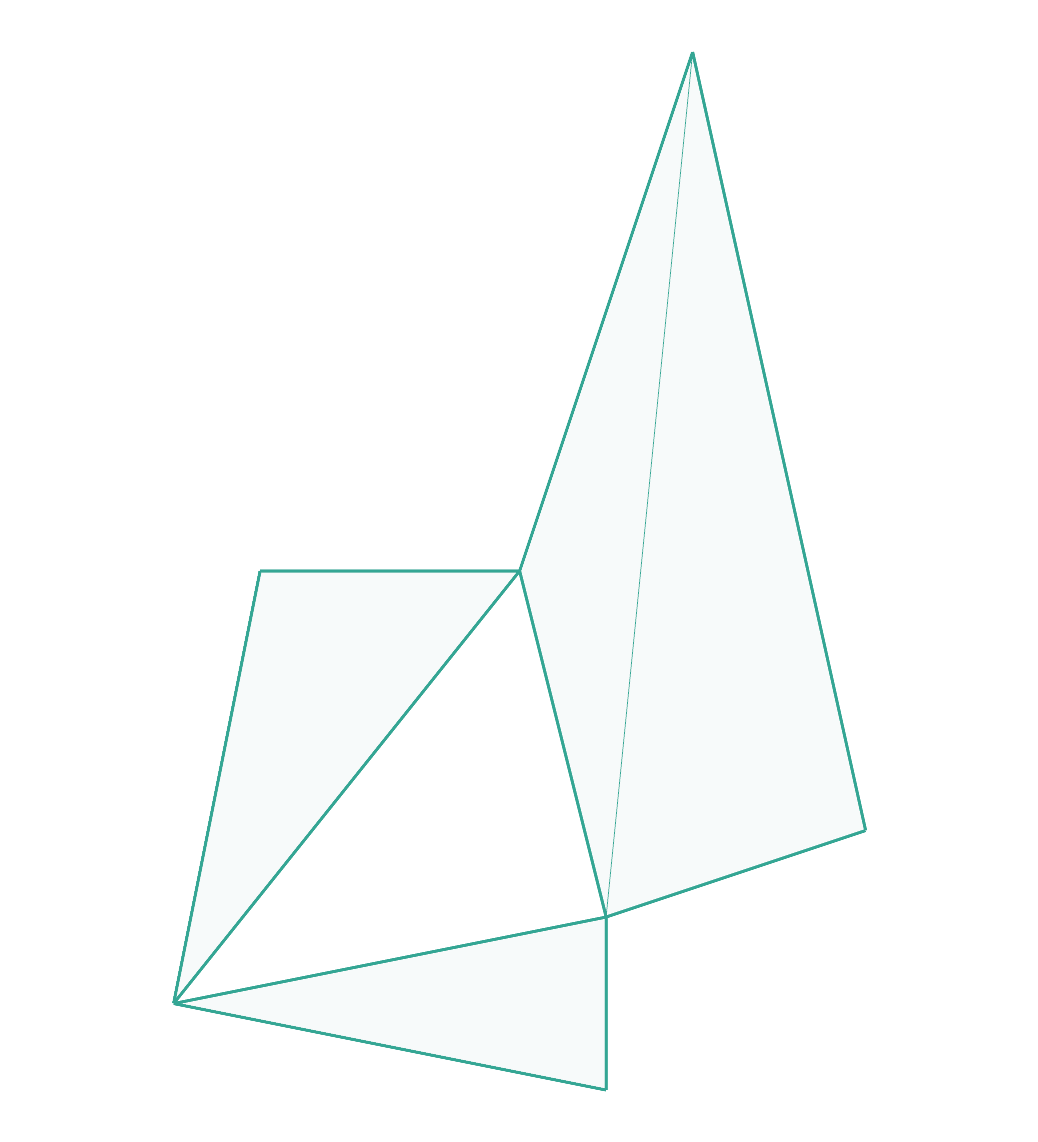
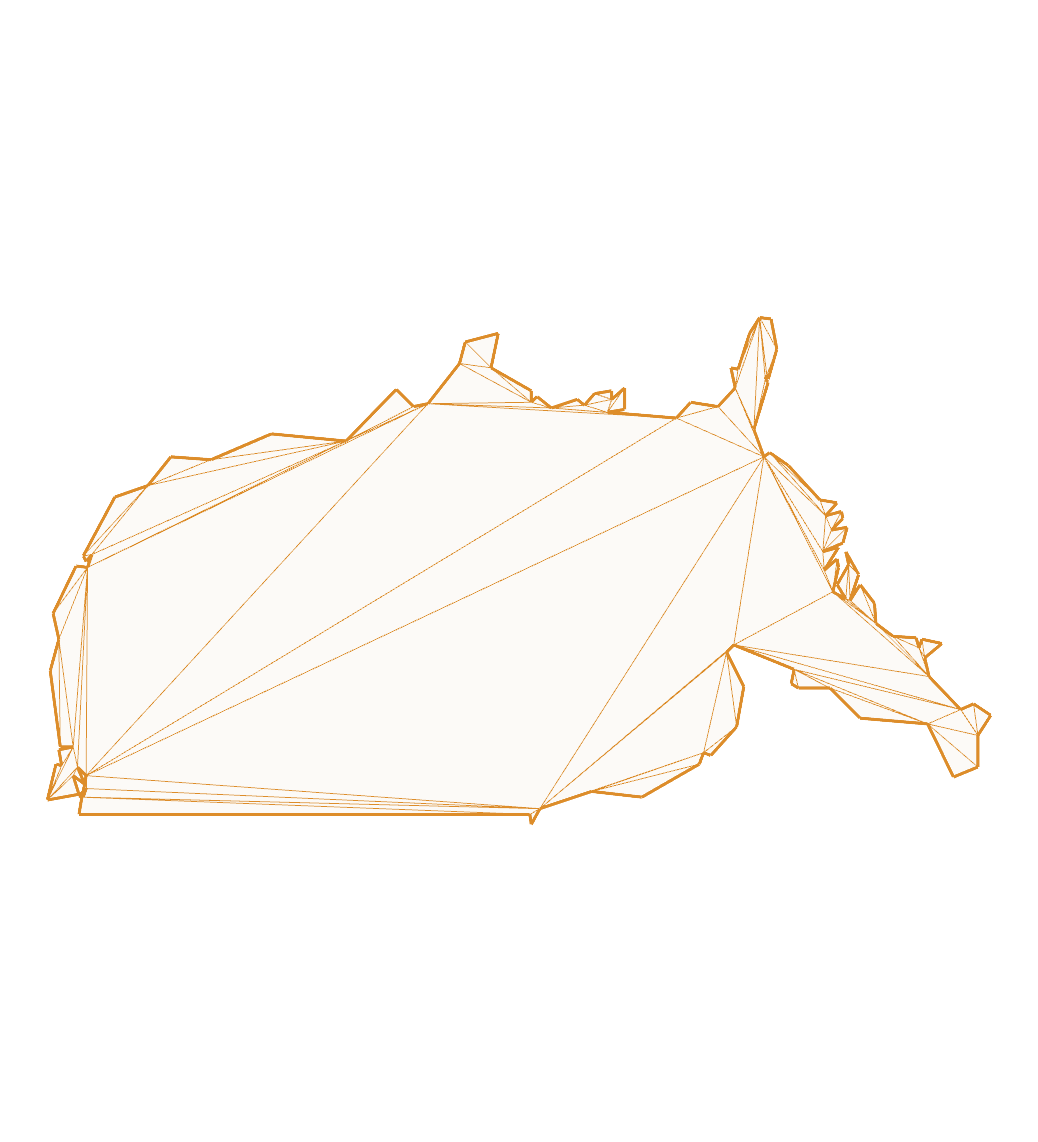
Images of test cases
bad-diagonals:
bad-hole:
boxy:
building:
collinear-diagonal:
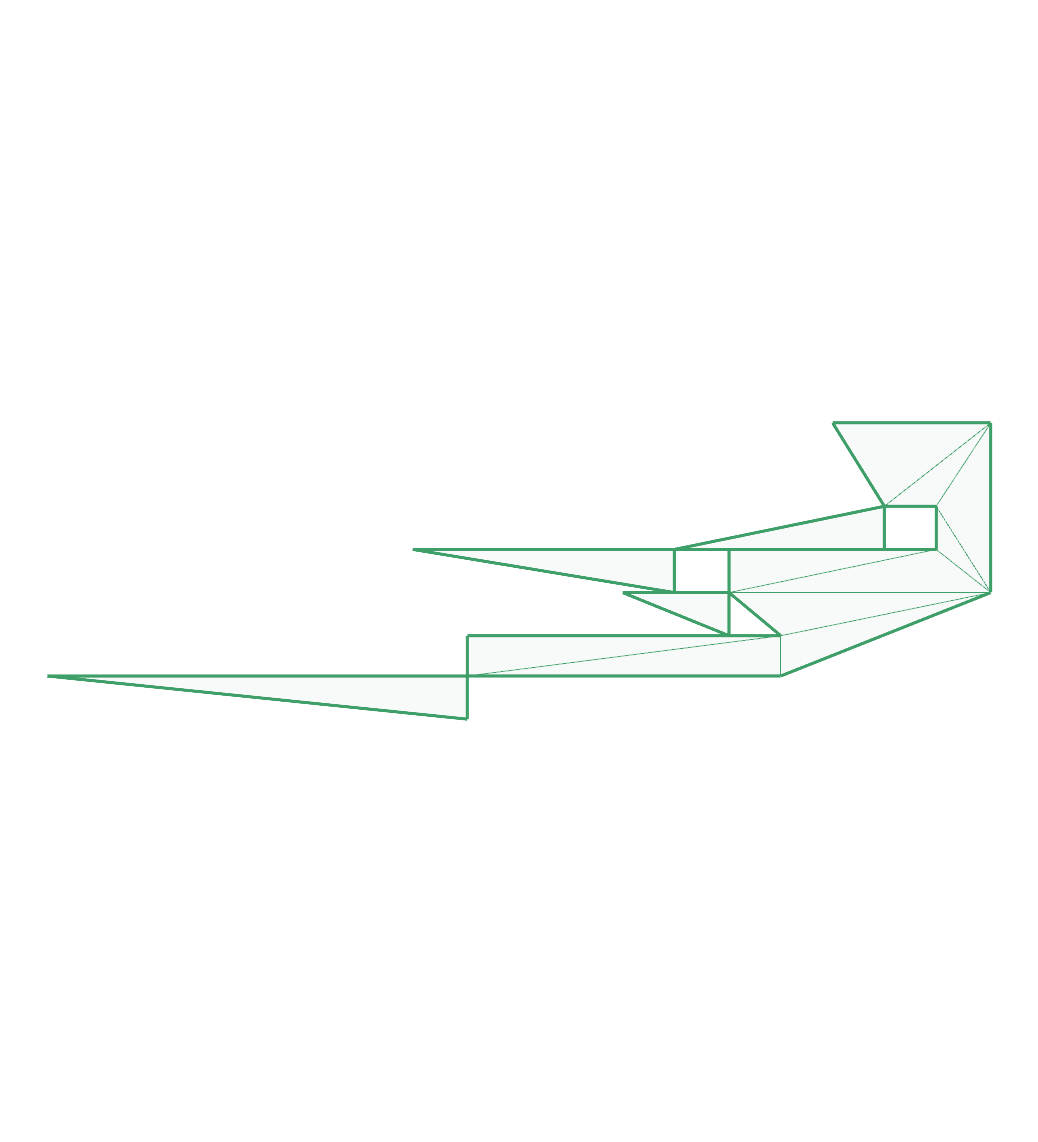
dude:
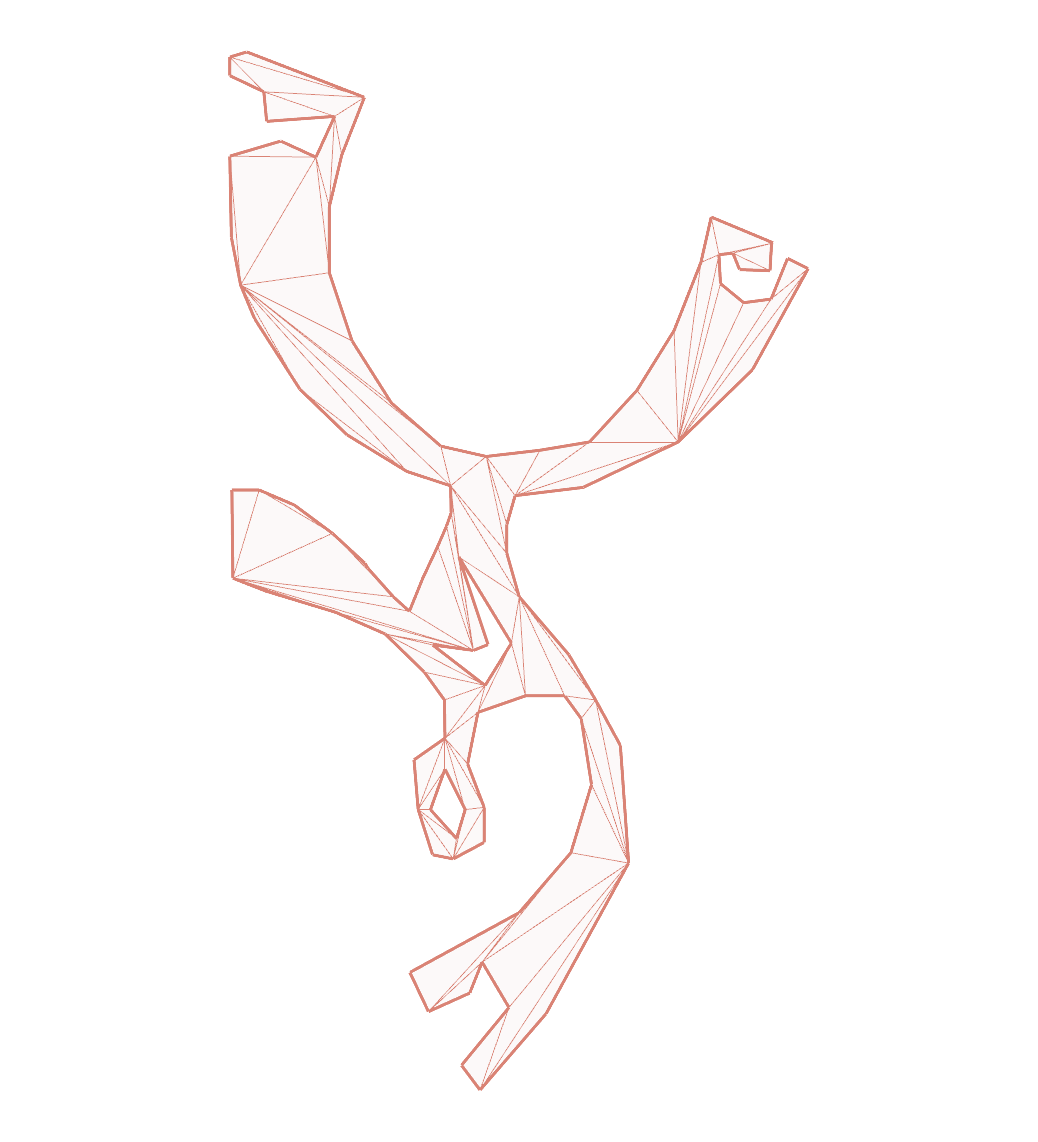
eberly-3:
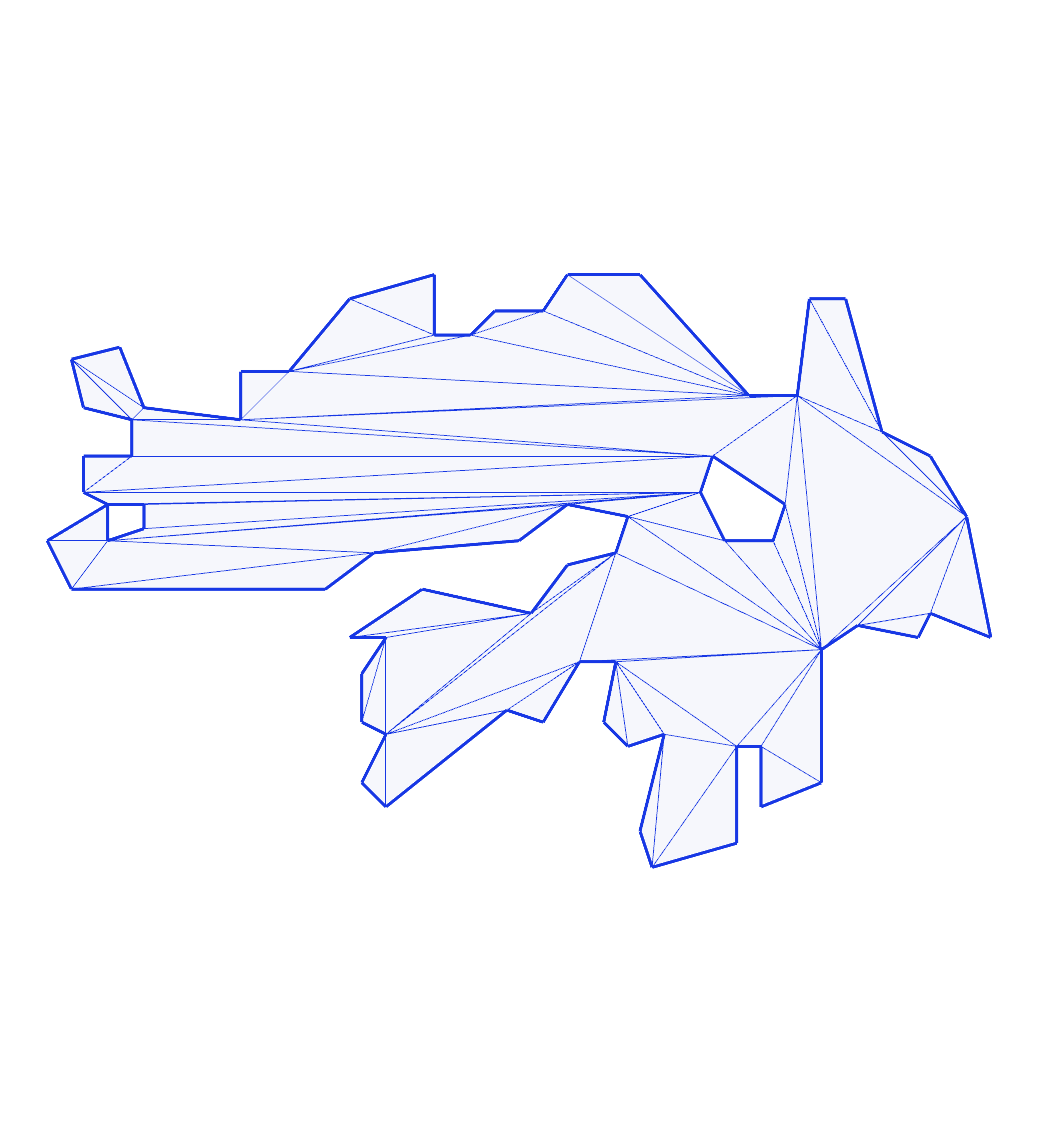
eberly-6:
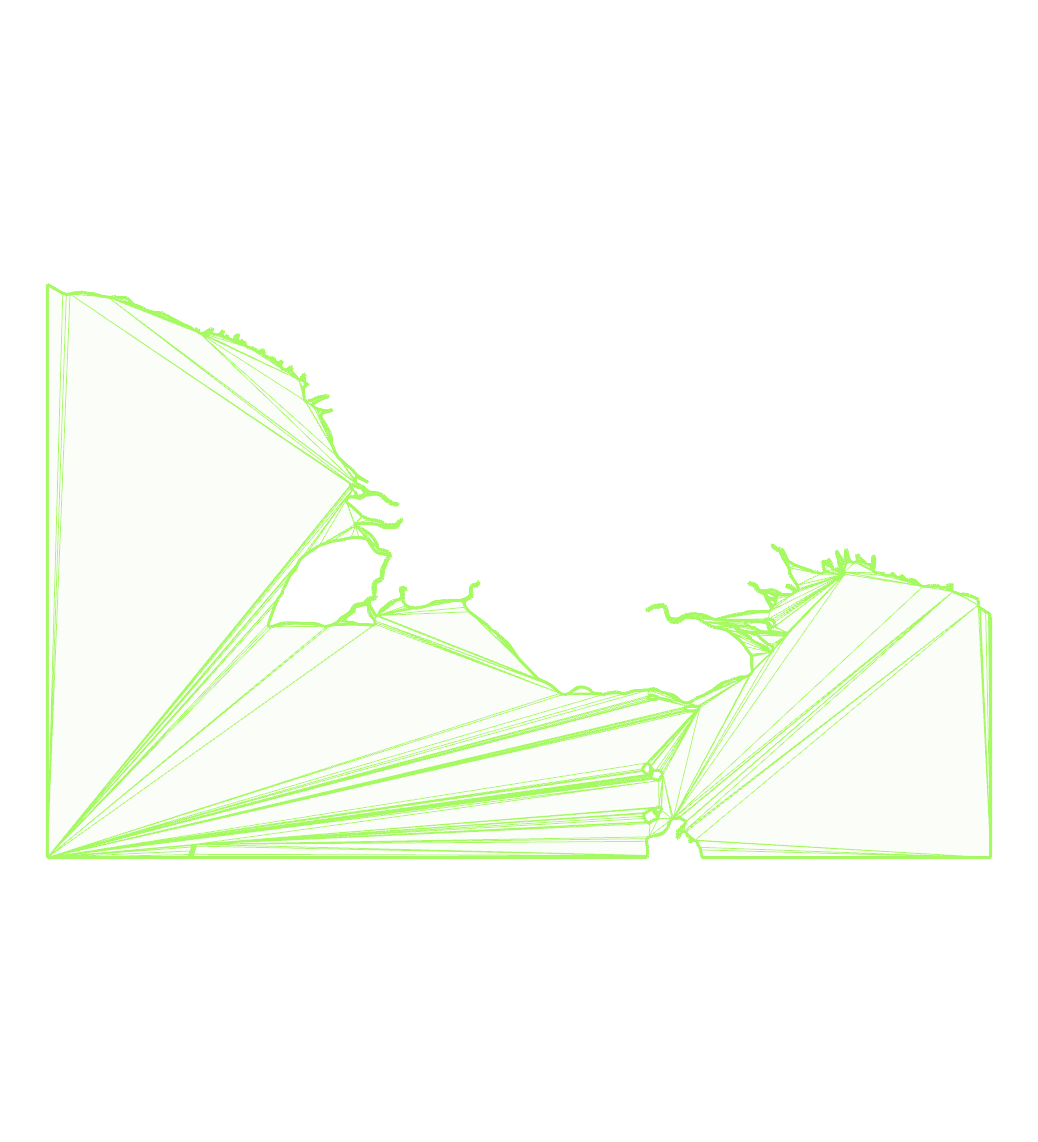
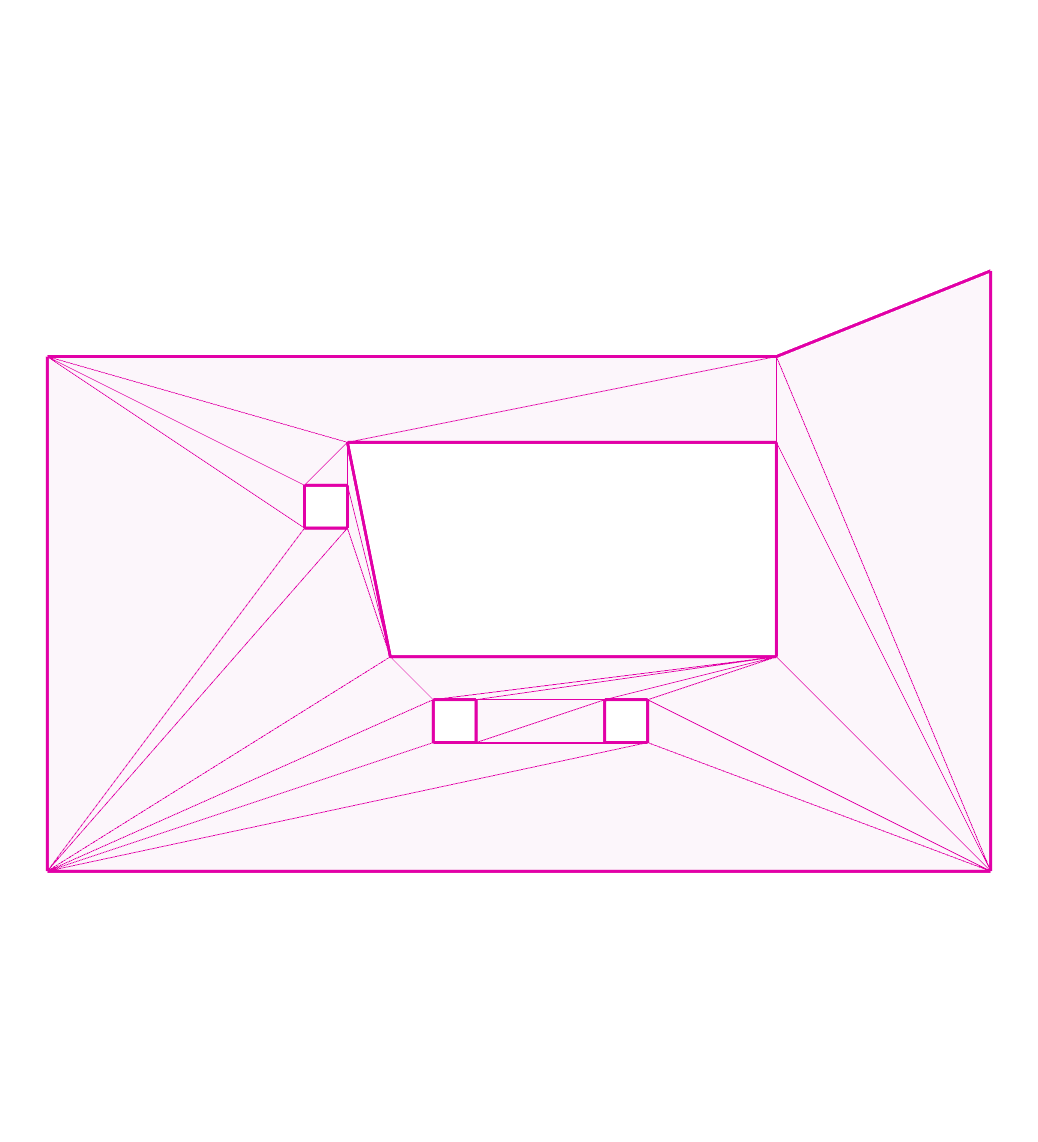
filtered-bridge-jhl:
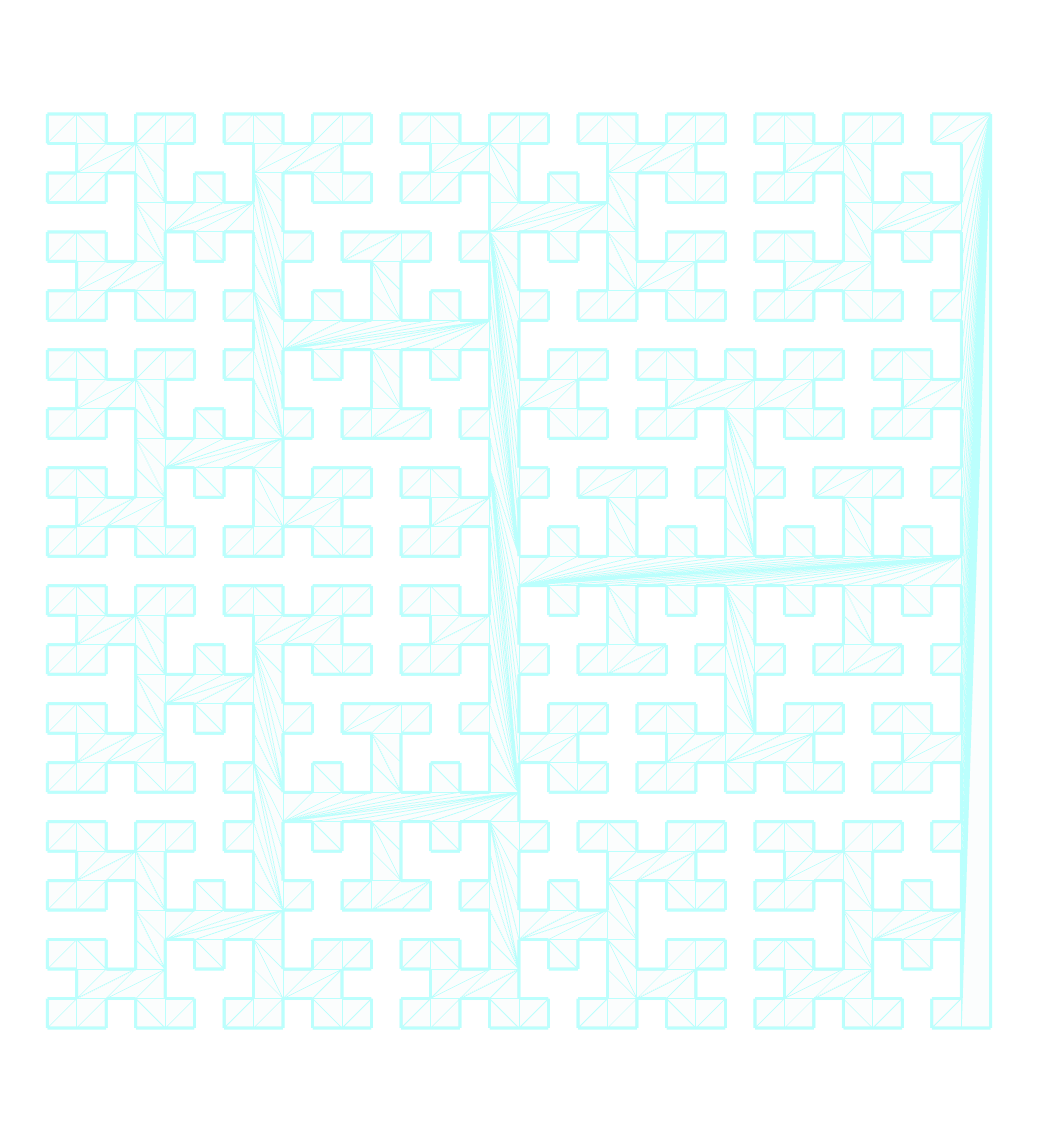
hilbert:
hole-touching-outer:
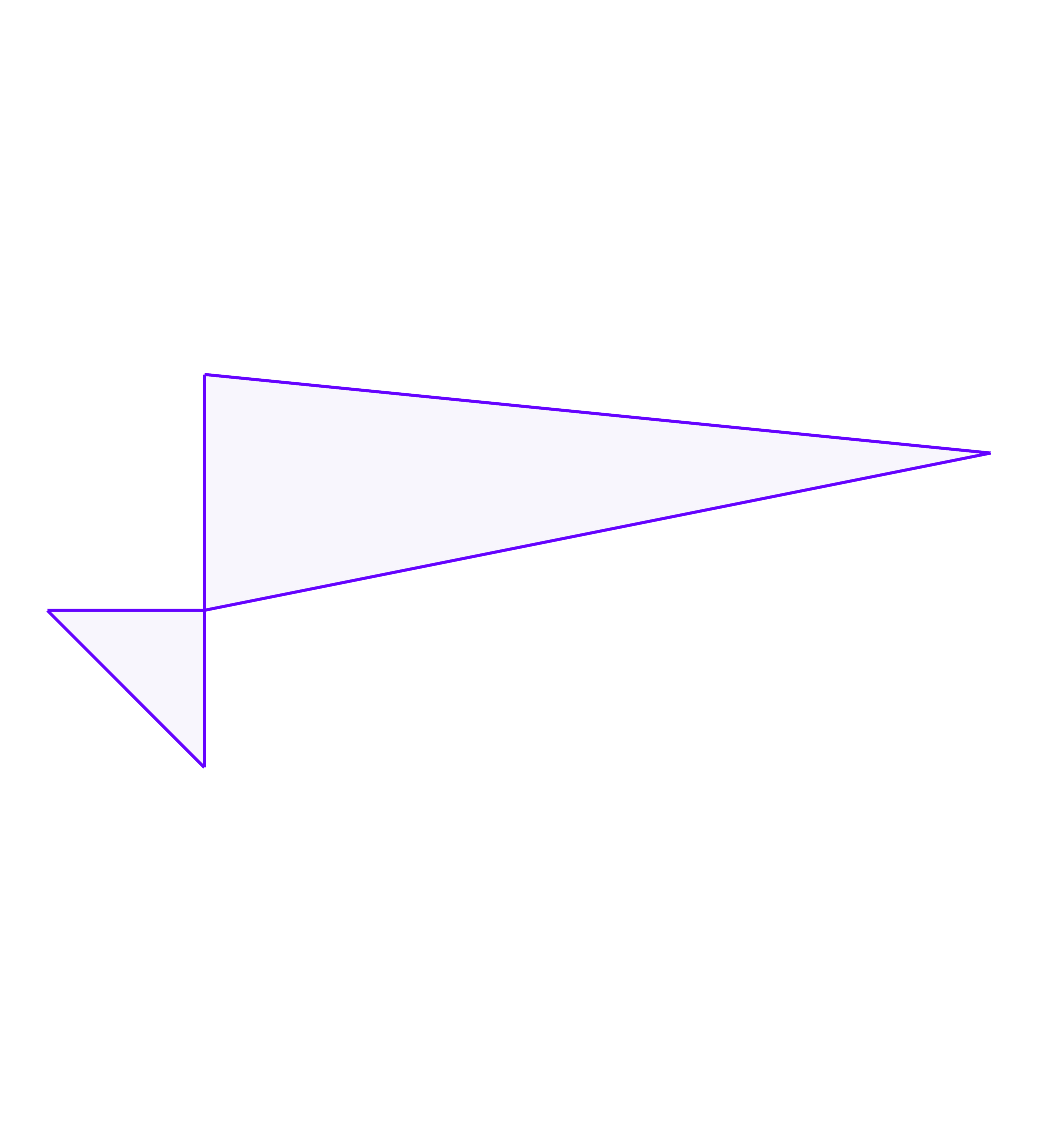
hourglass:
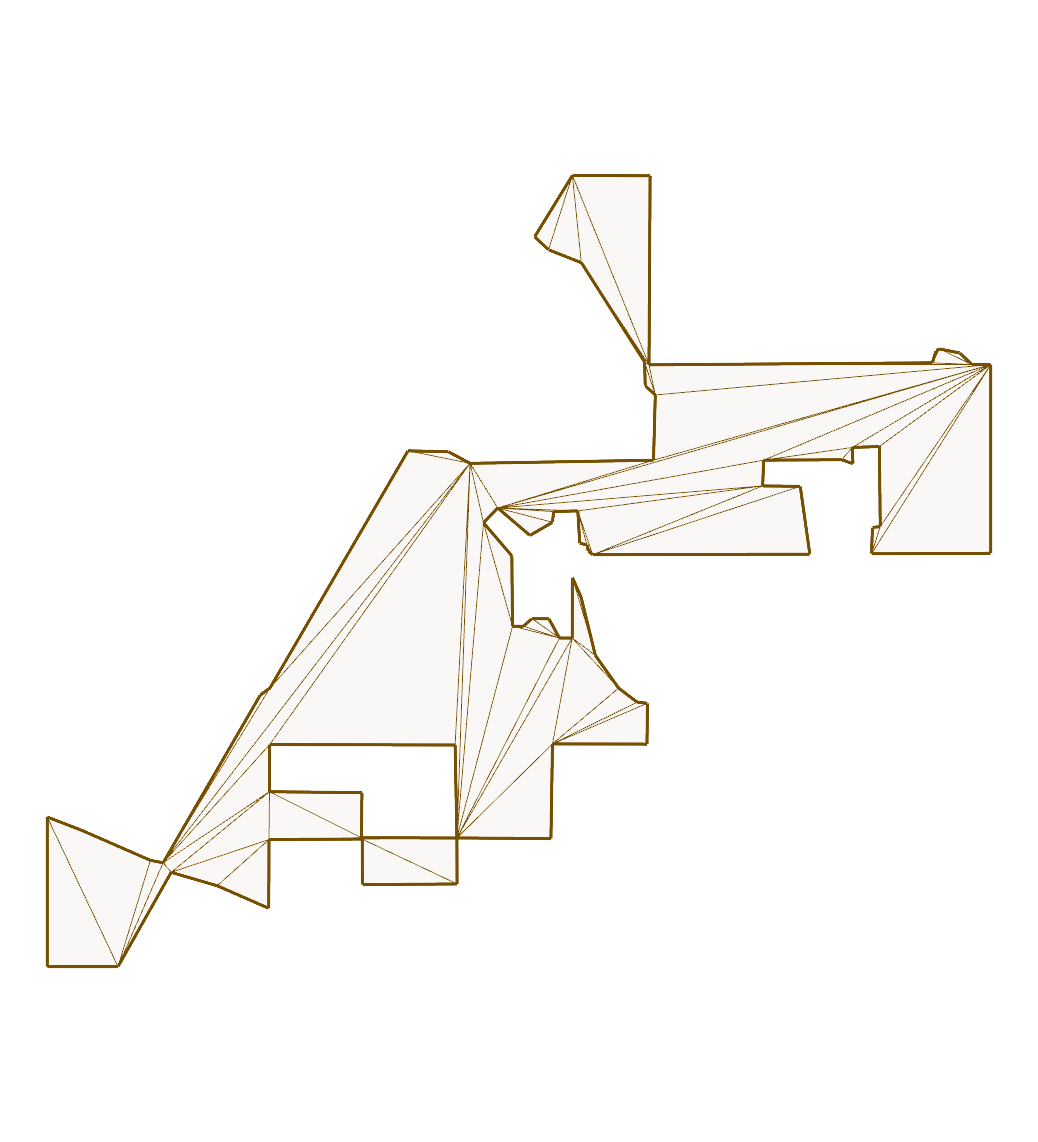
issue111:
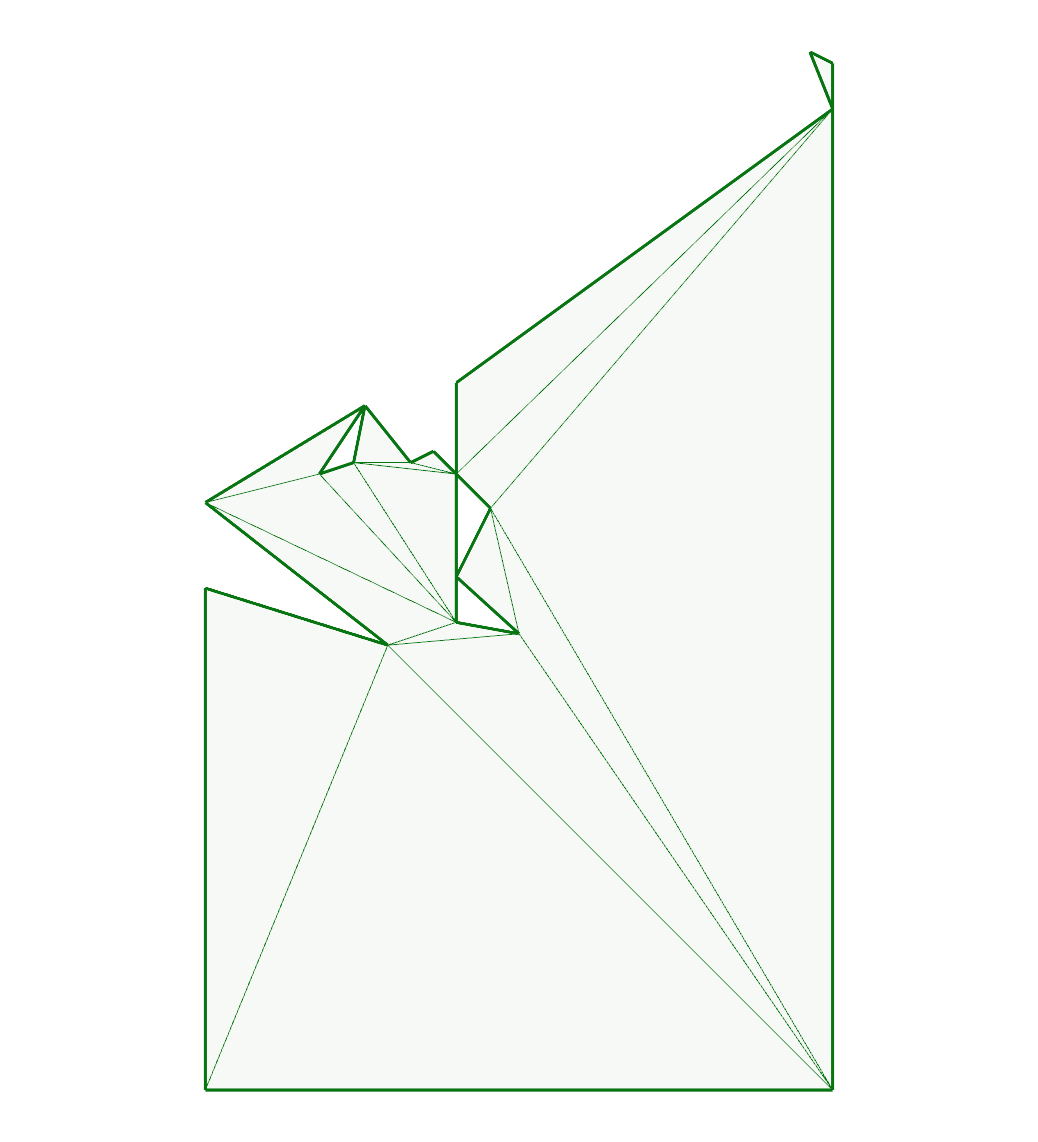
issue119:

issue131:
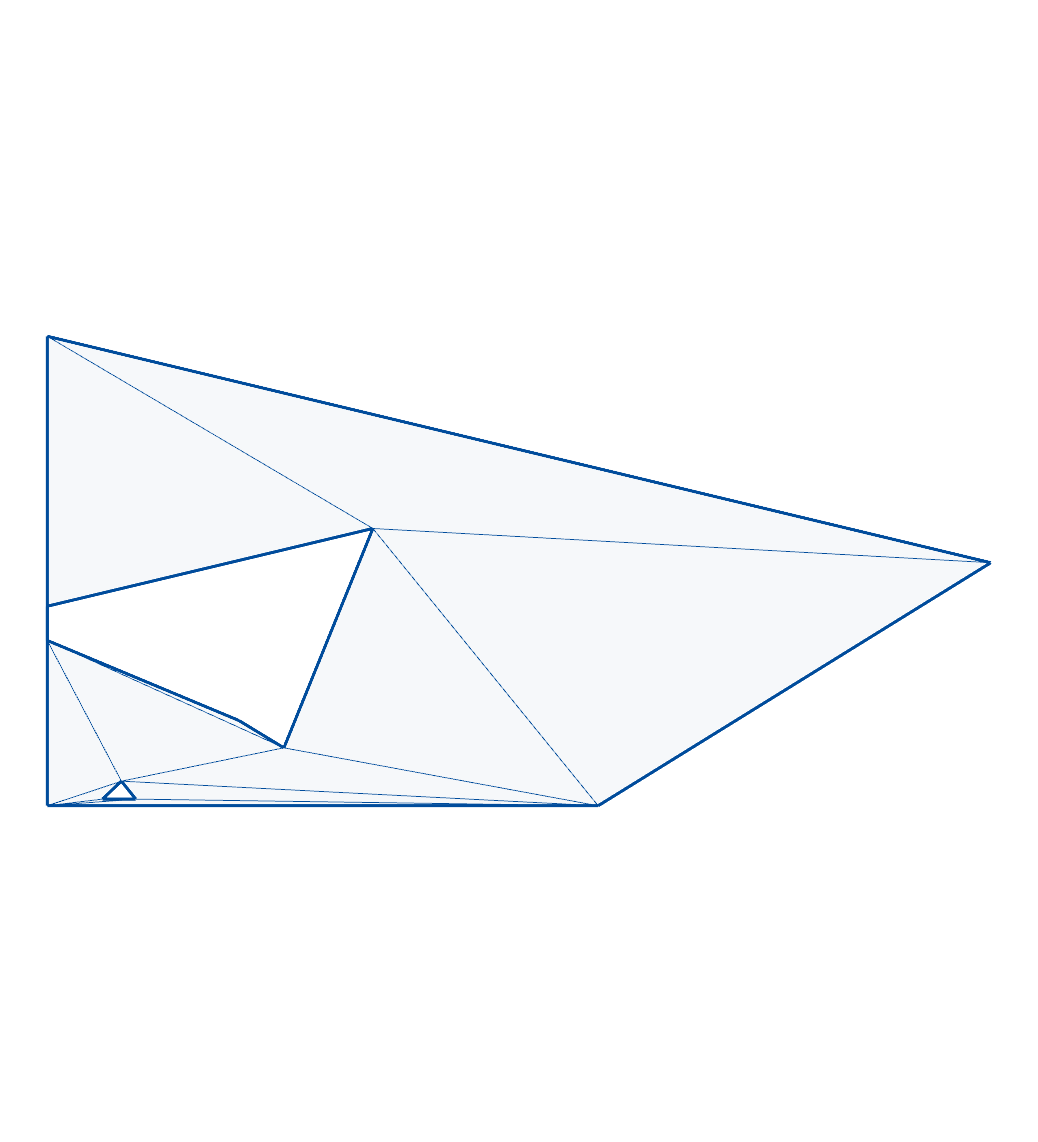
issue142:
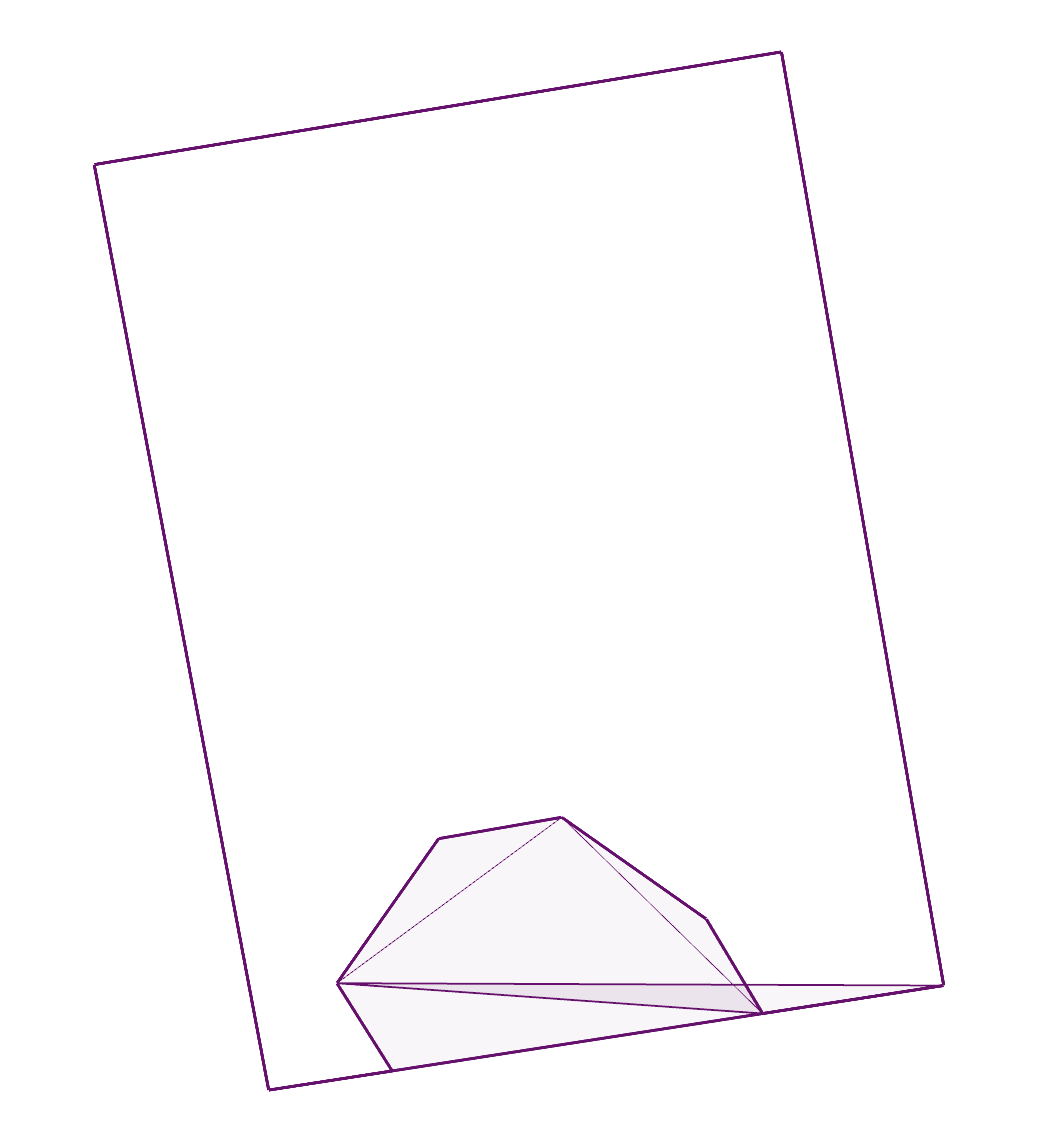
issue149:
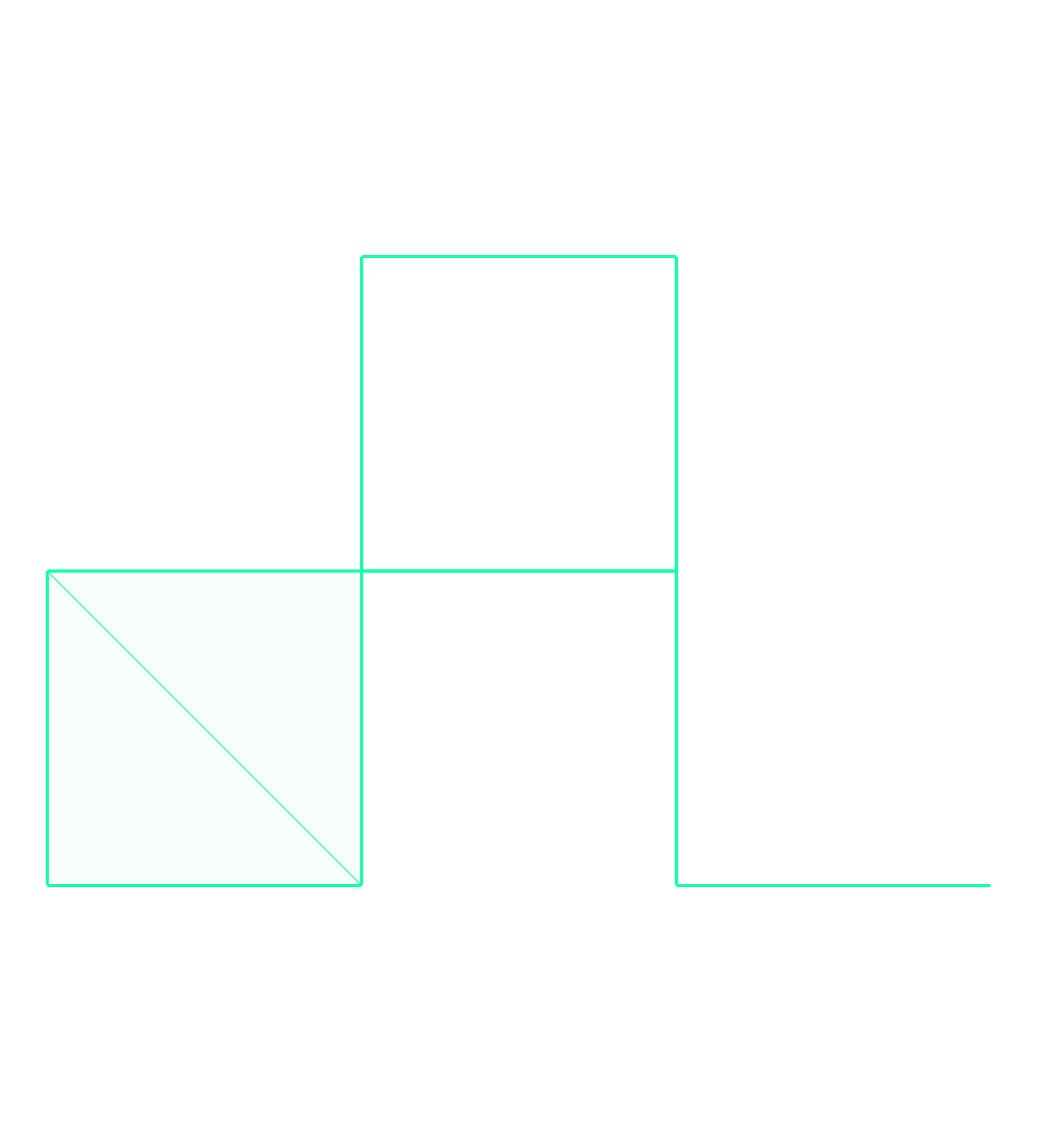
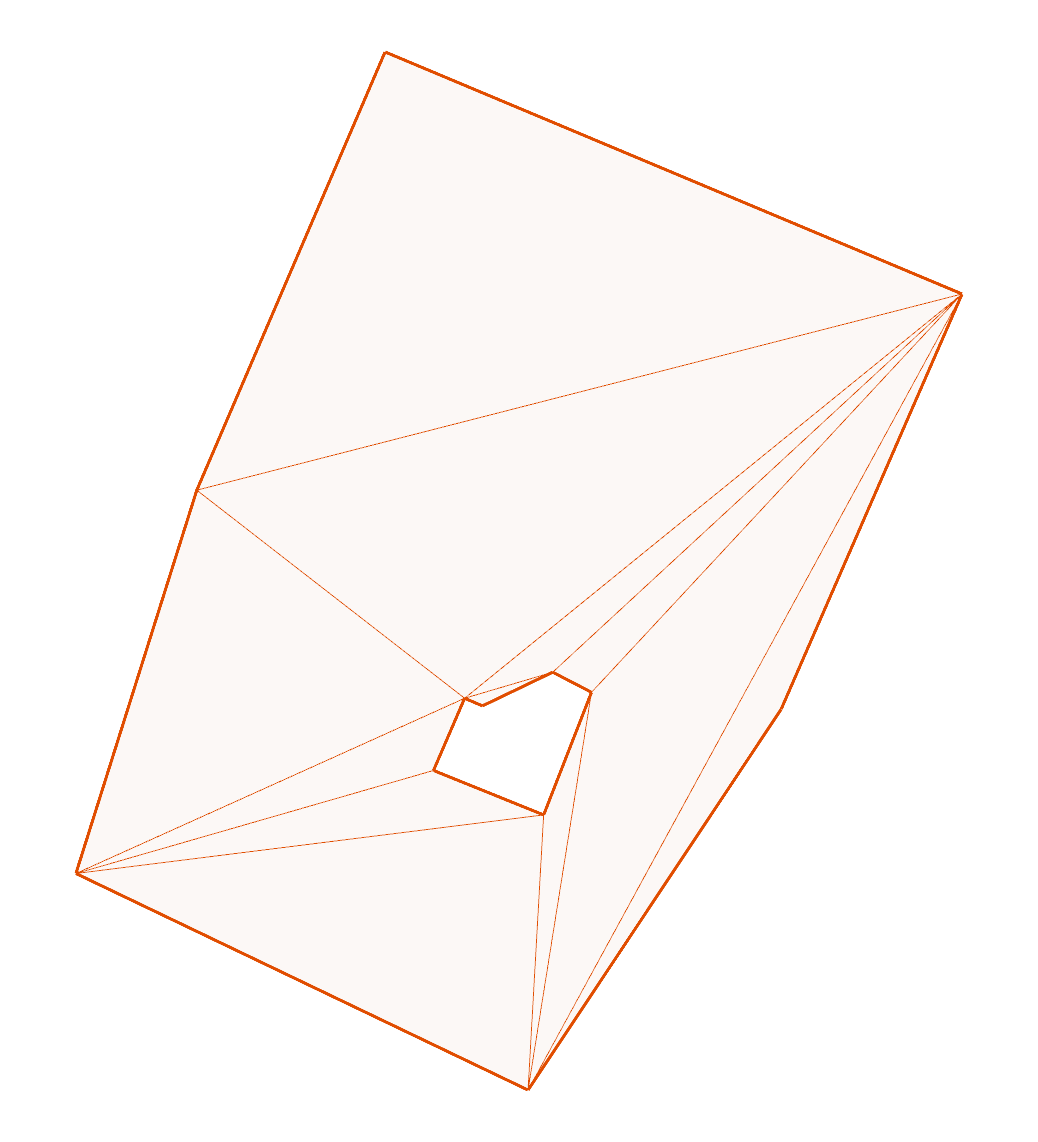
issue16:
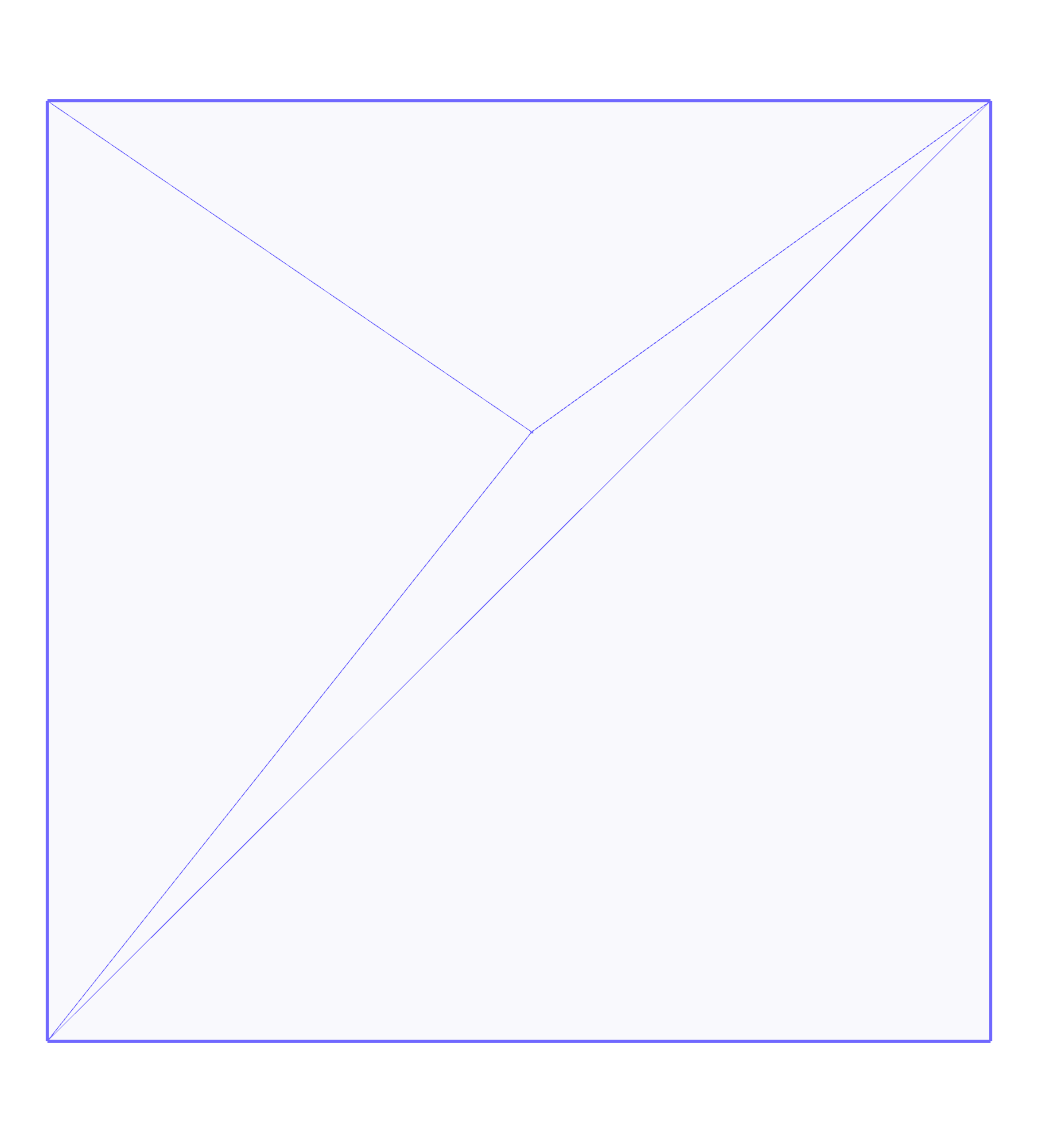
issue17:
issue186:

issue29:
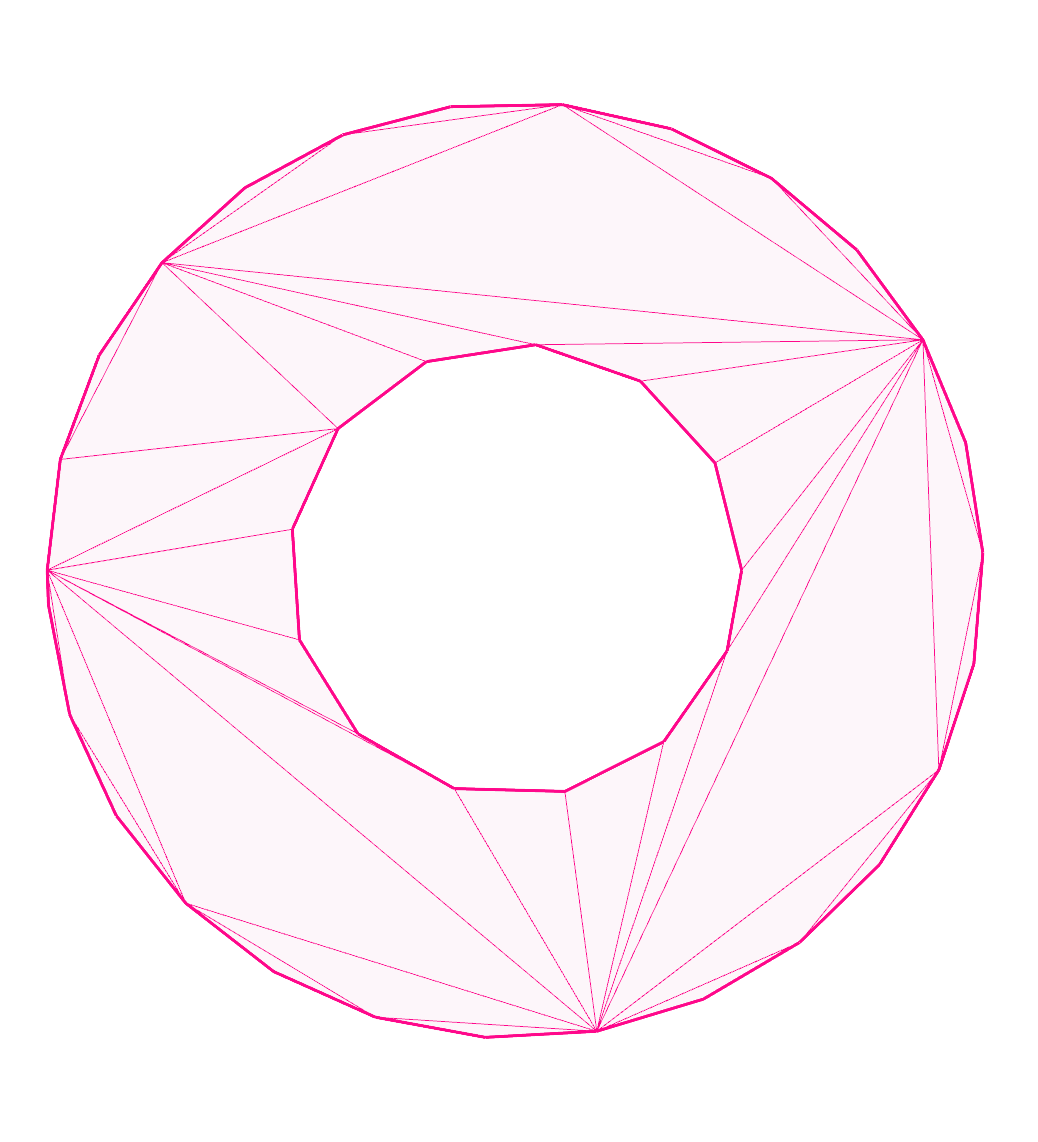
issue34:
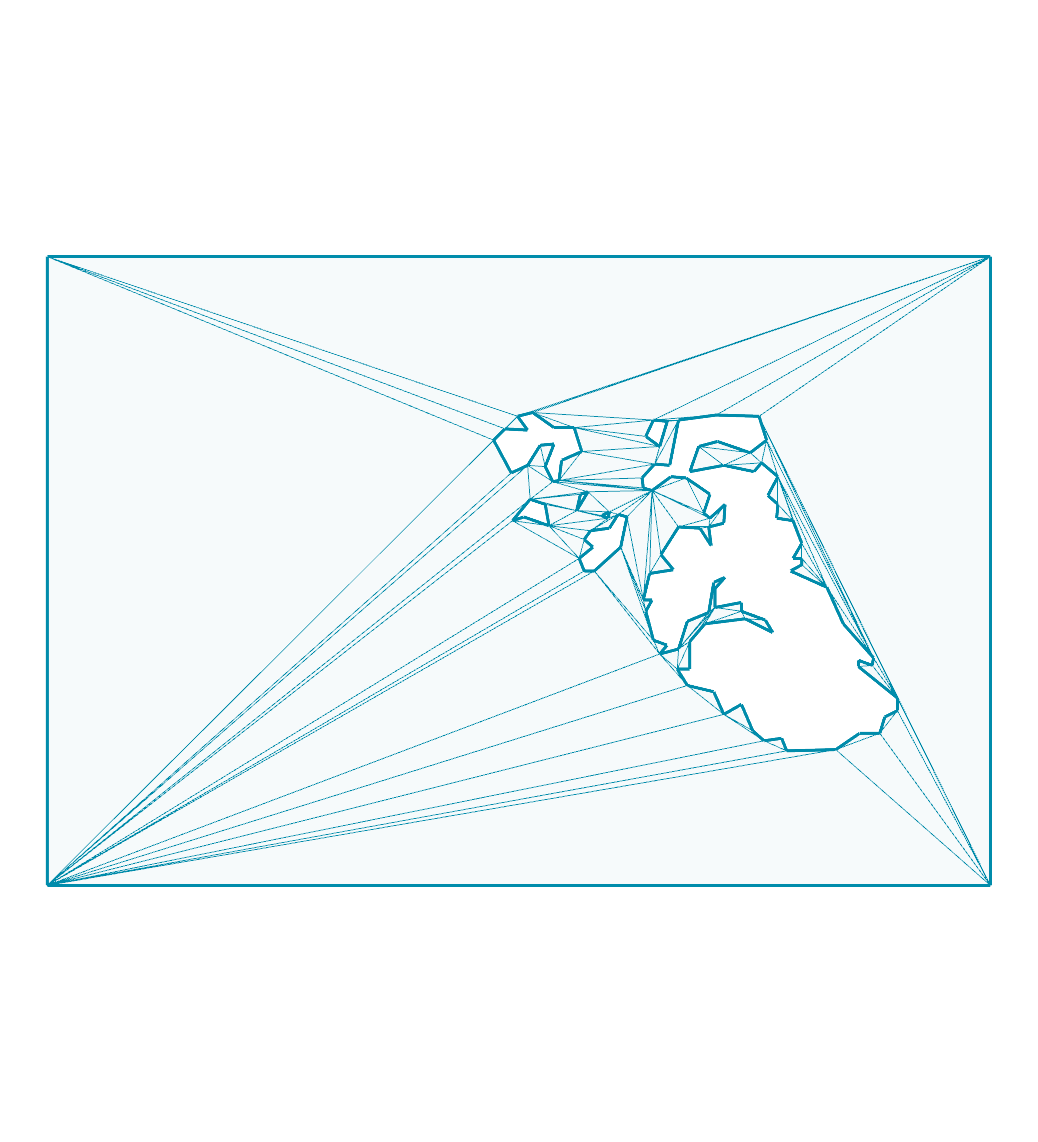
issue35:
issue45:
issue52:
outside-ring:
rain:
self-touching:
shared-points:
simplified-us-border:
steiner:
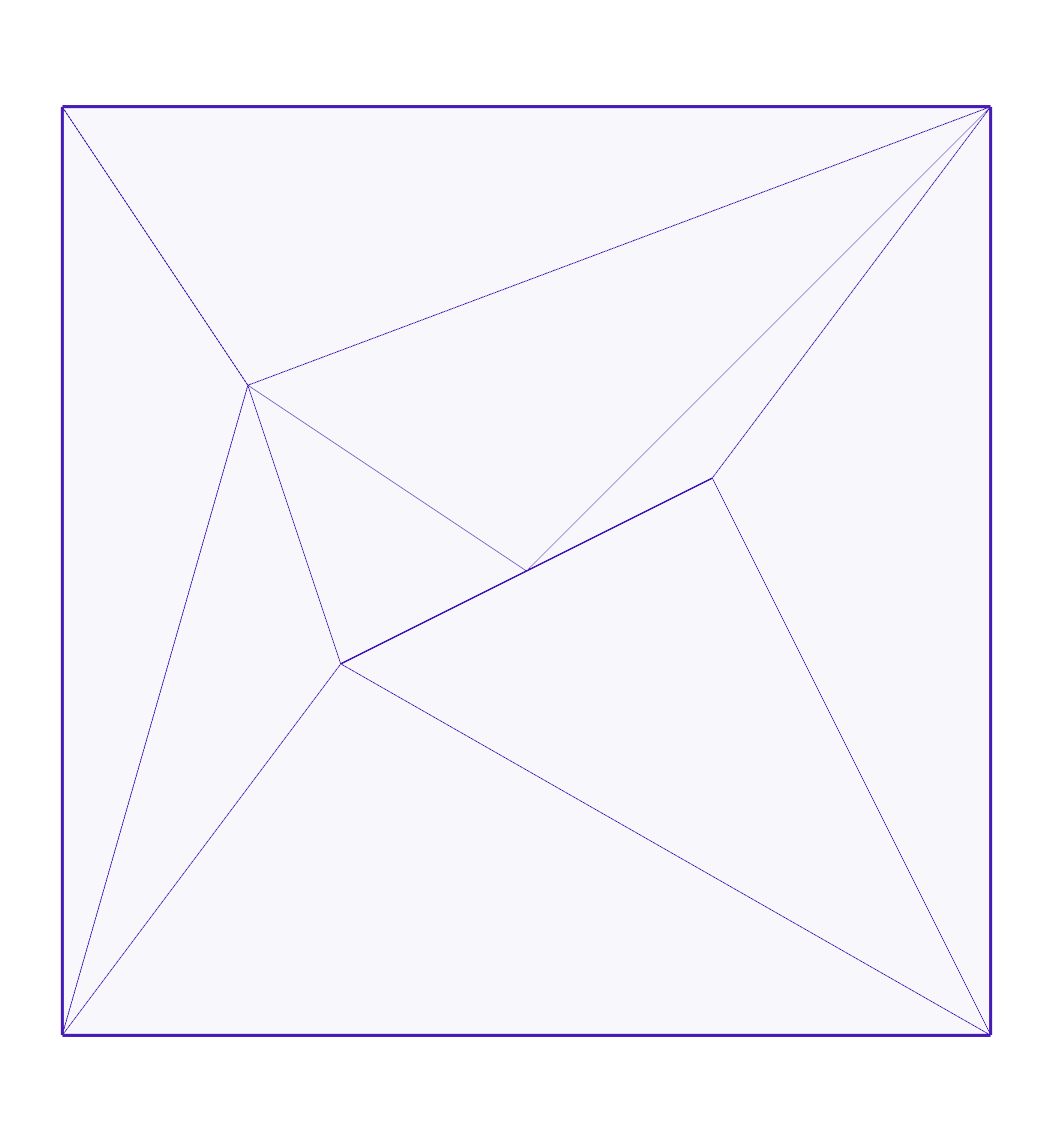
touching-holes:
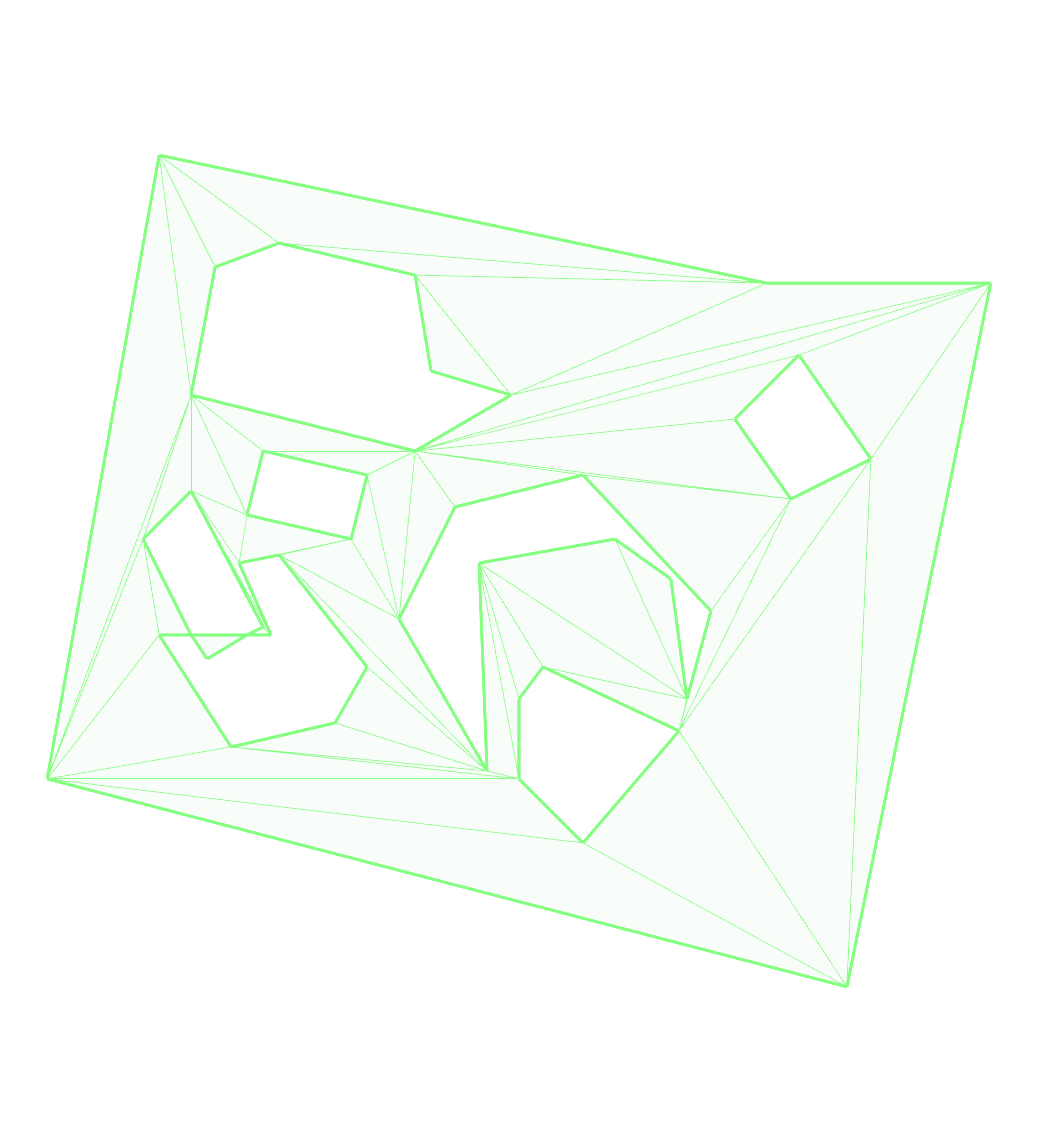
touching-holes2:
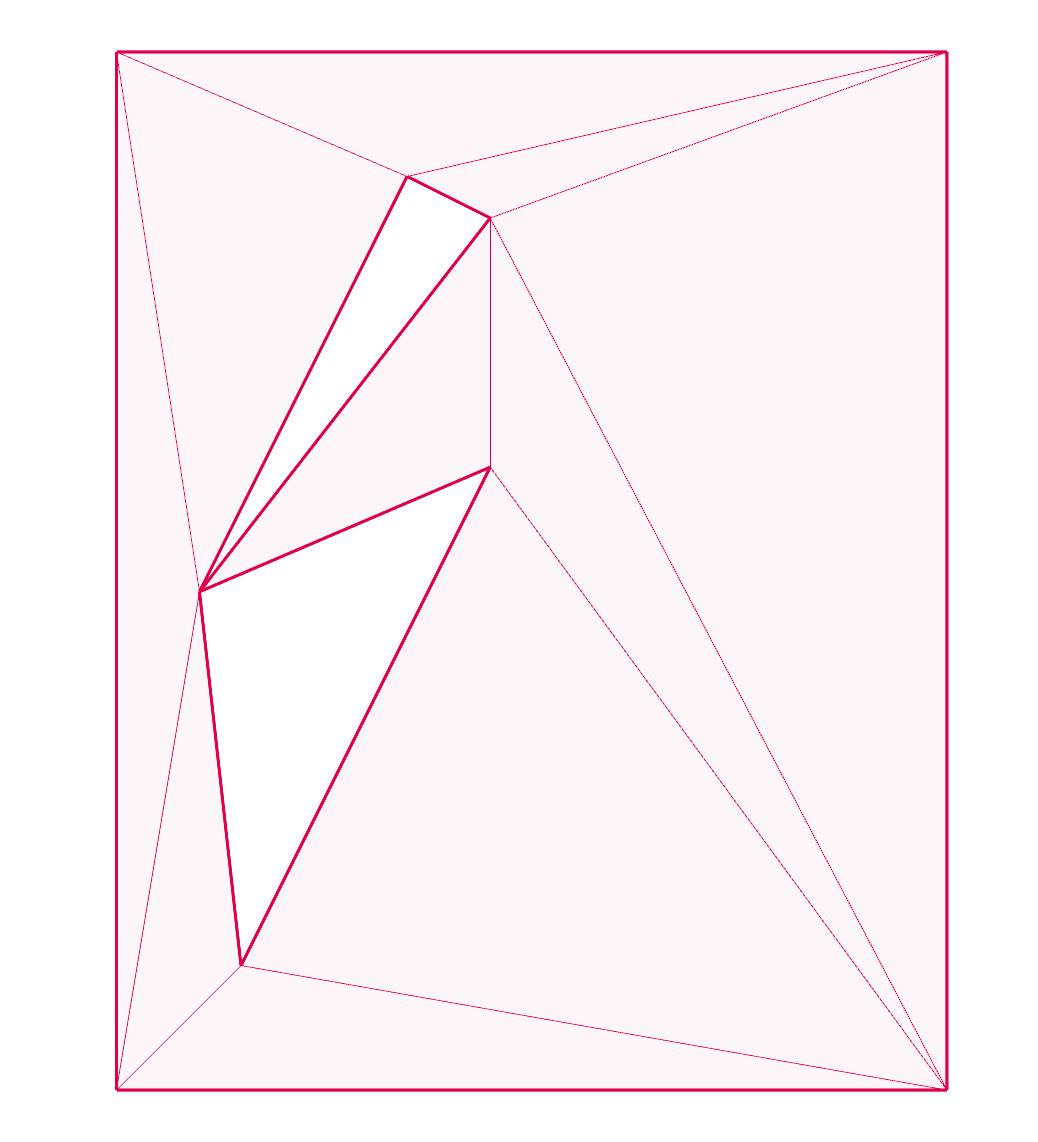
touching-holes3:
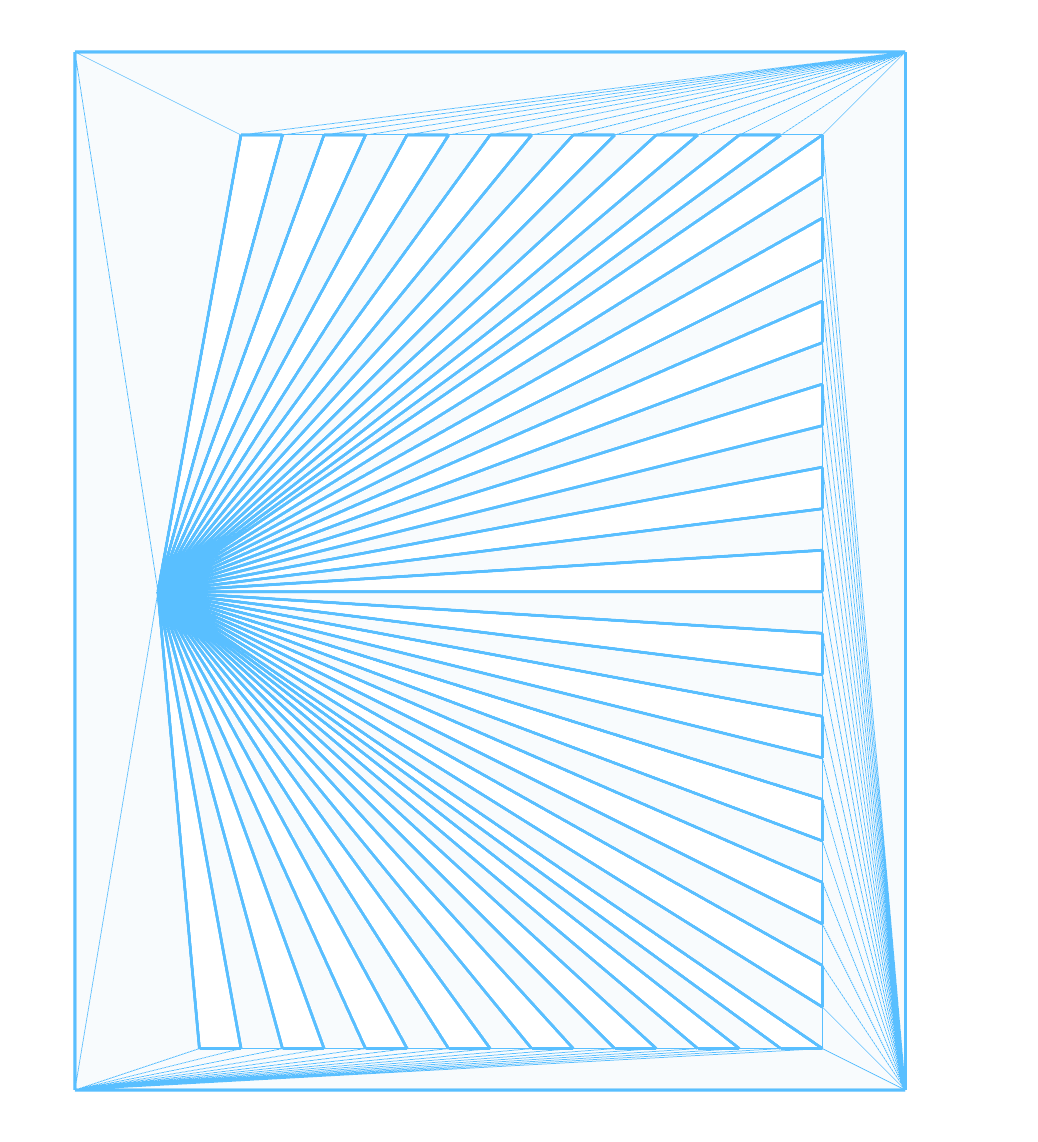
touching-holes4:
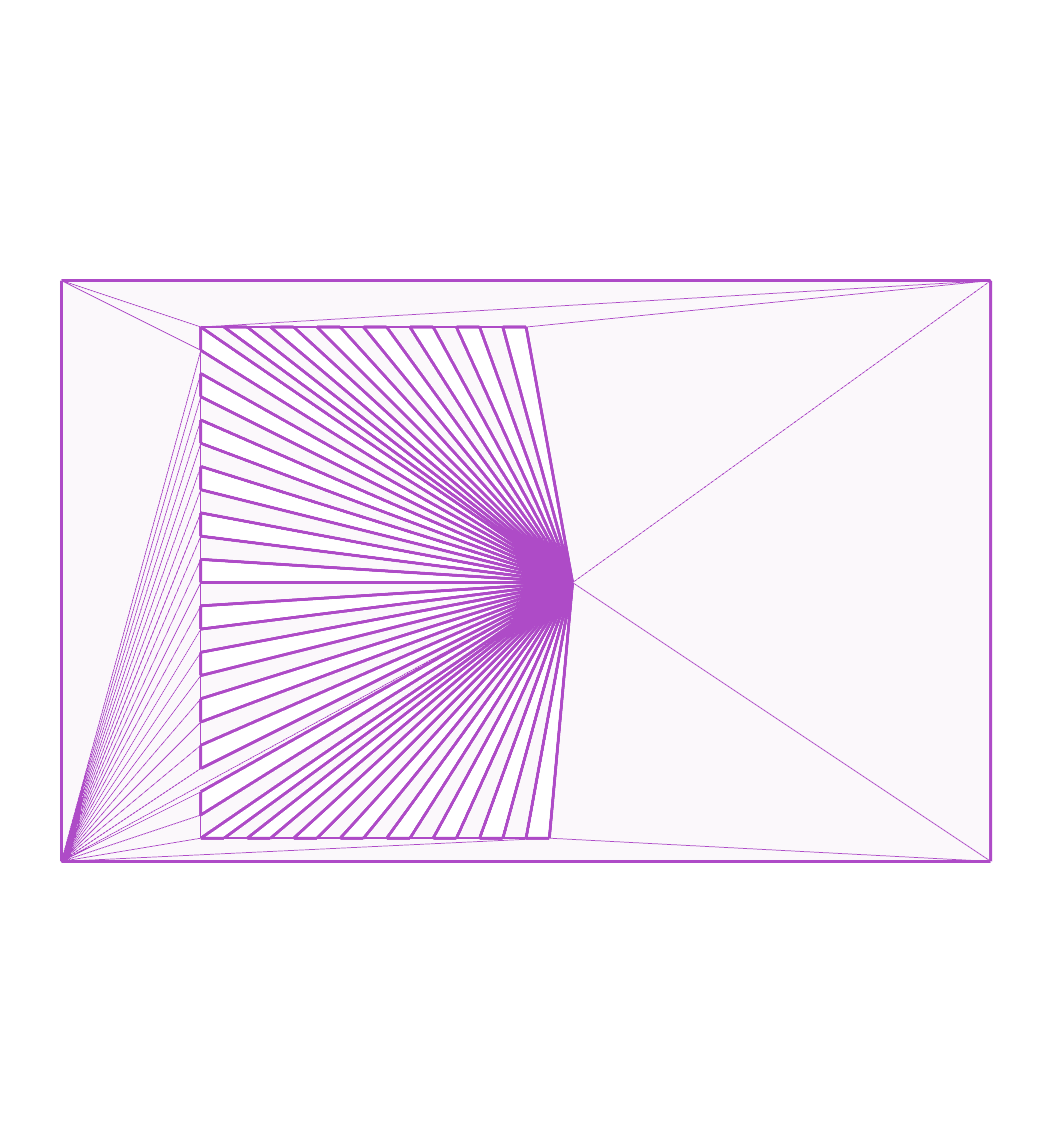
touching-holes5:
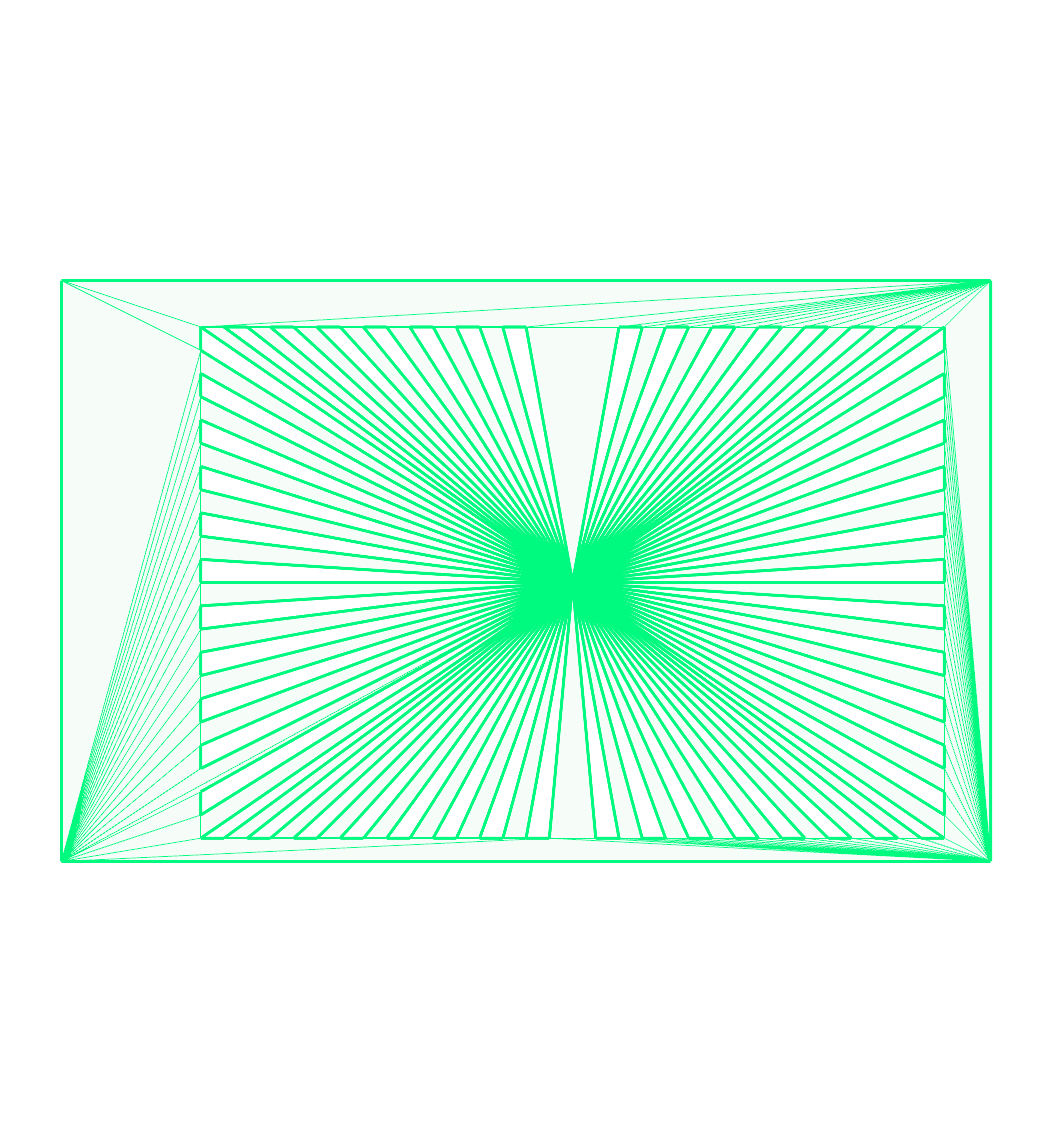
touching-holes6:
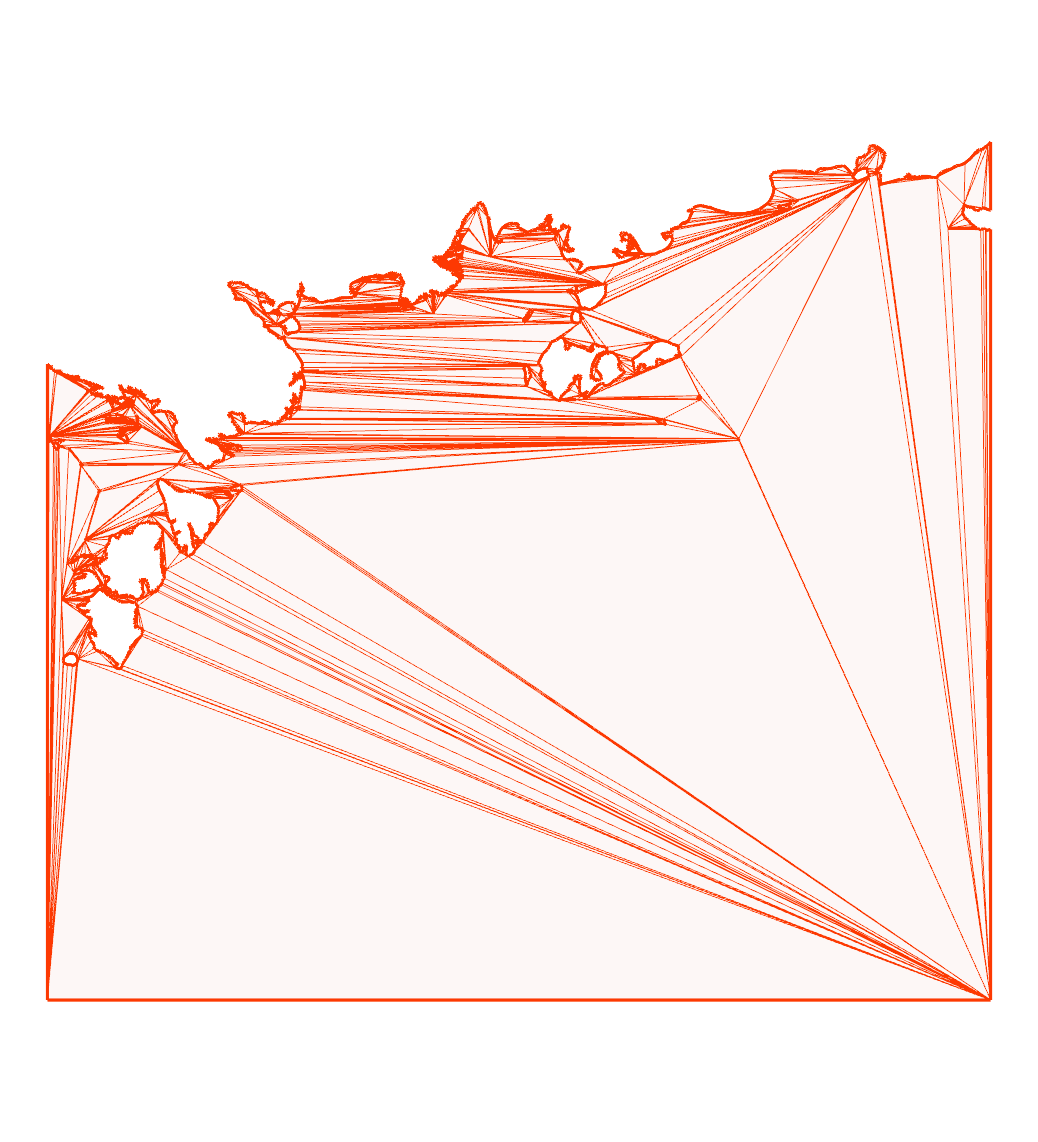
touching2:
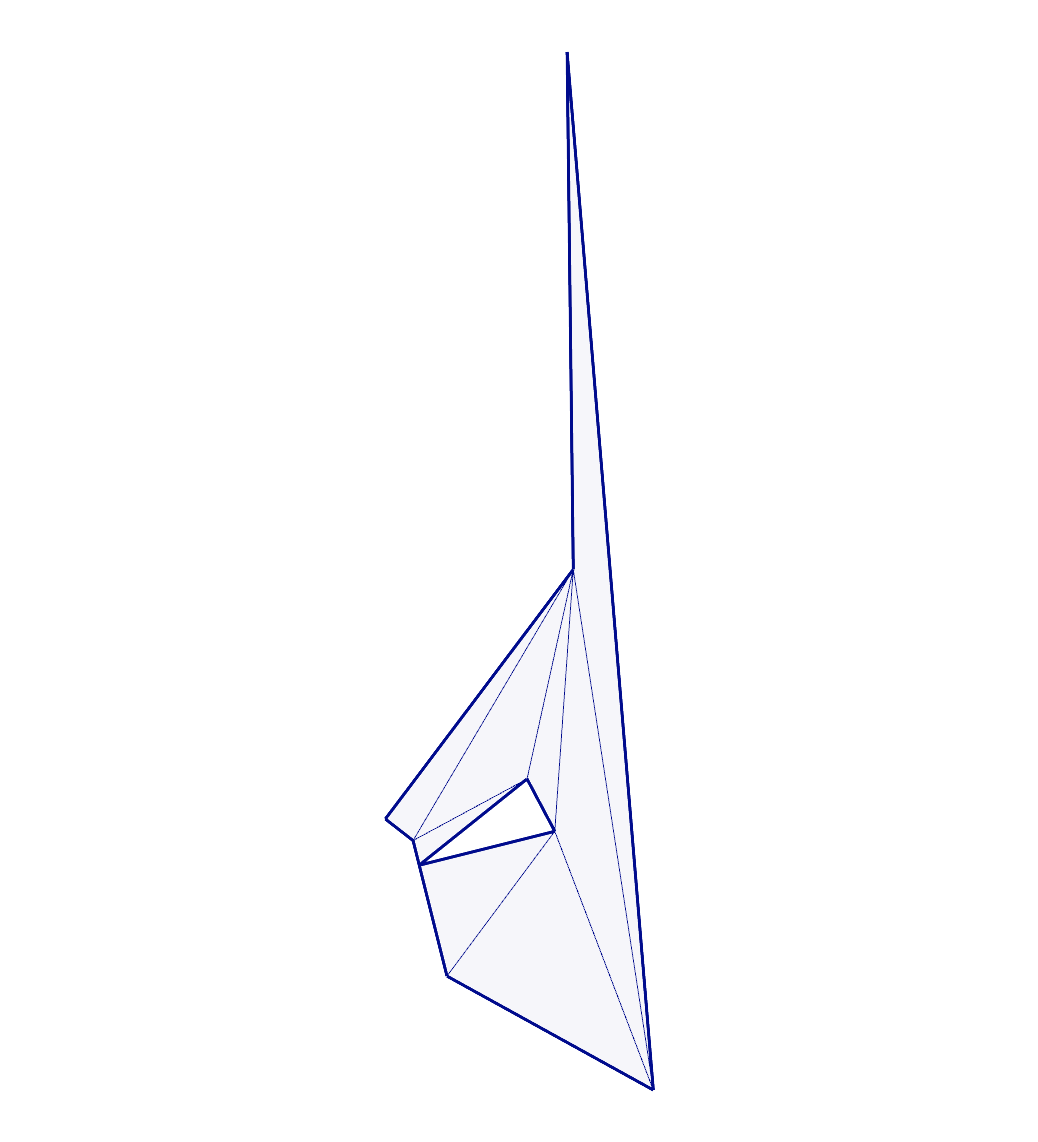
touching3:
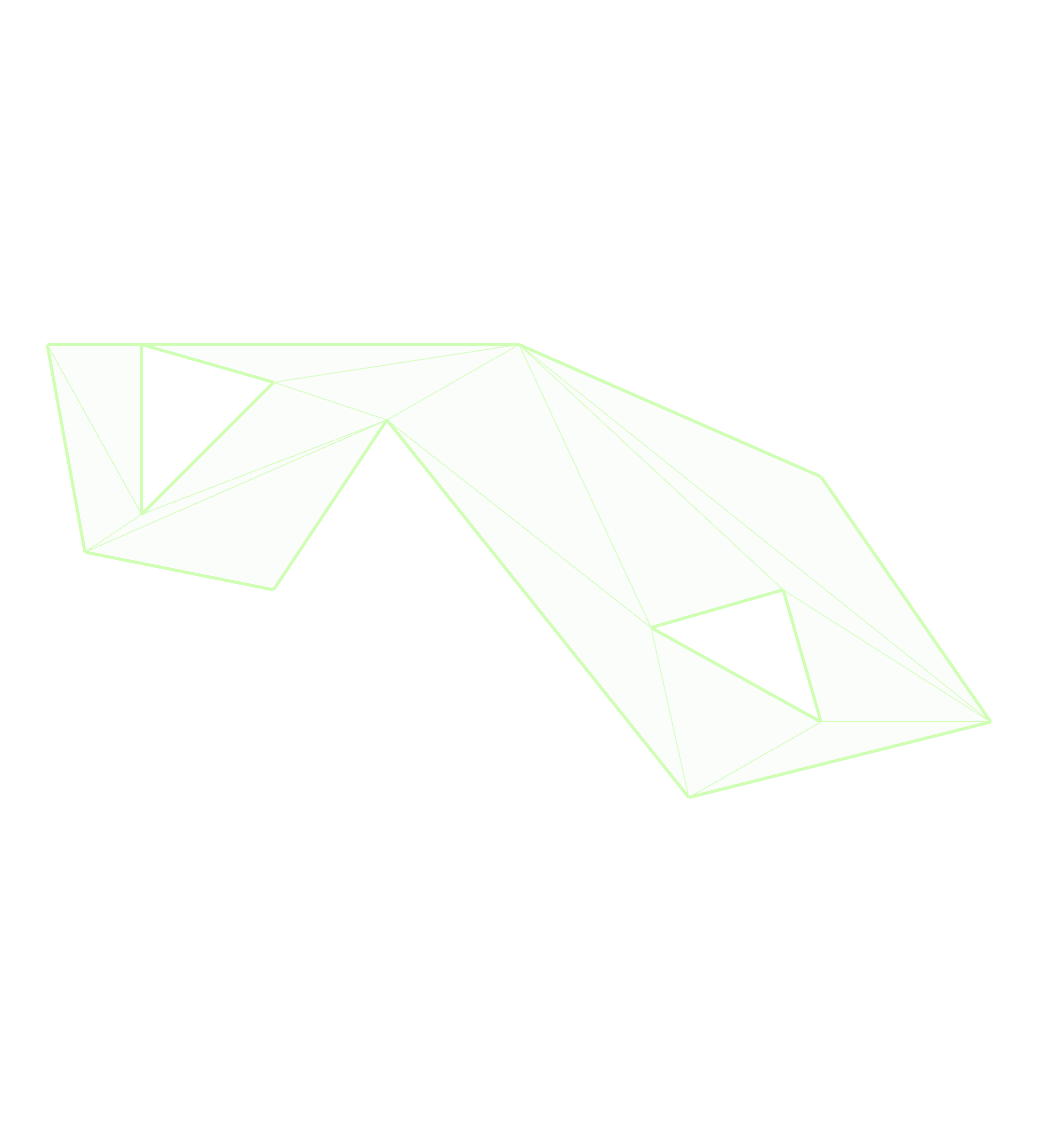
touching4:
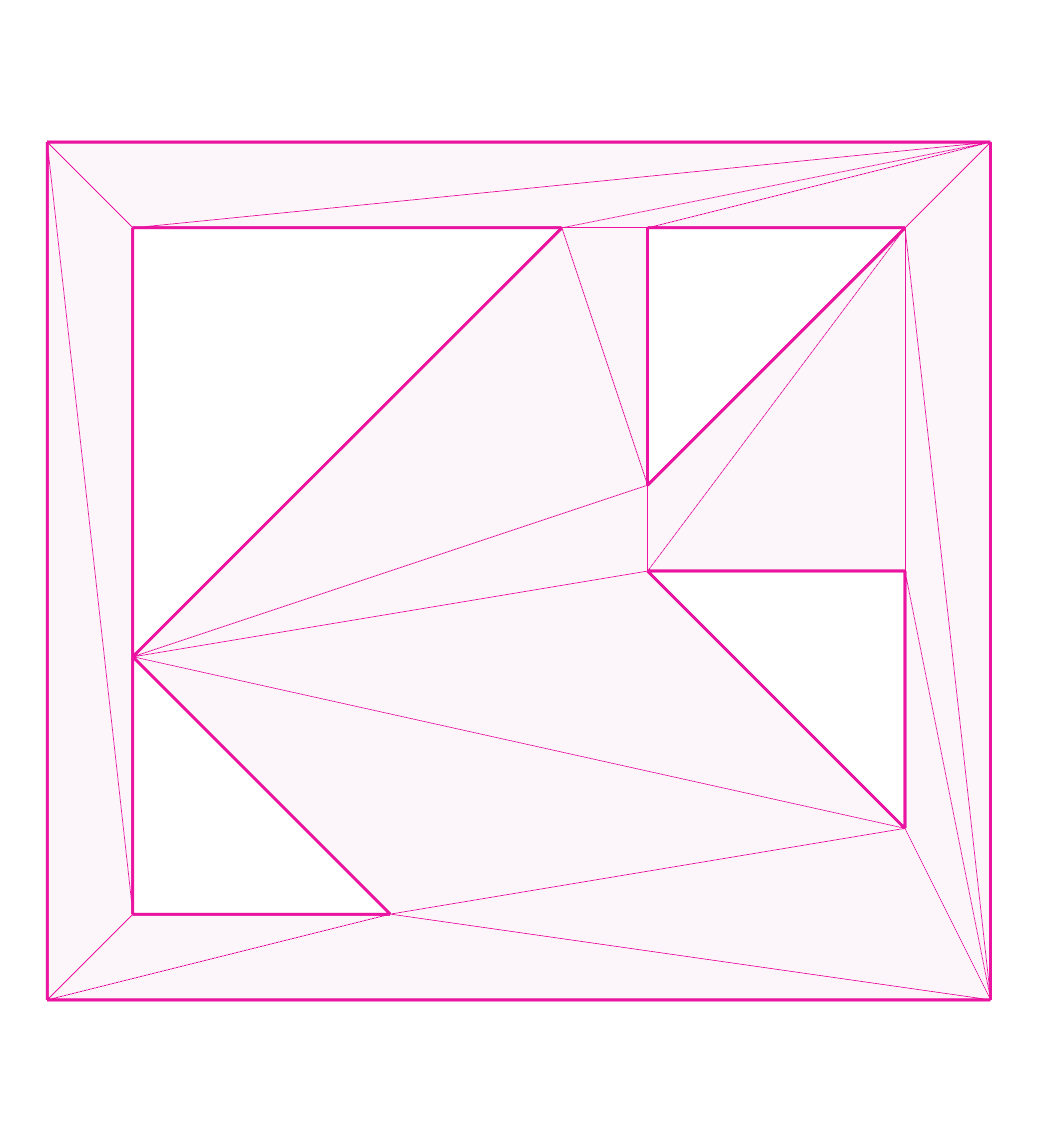
water-huge2:
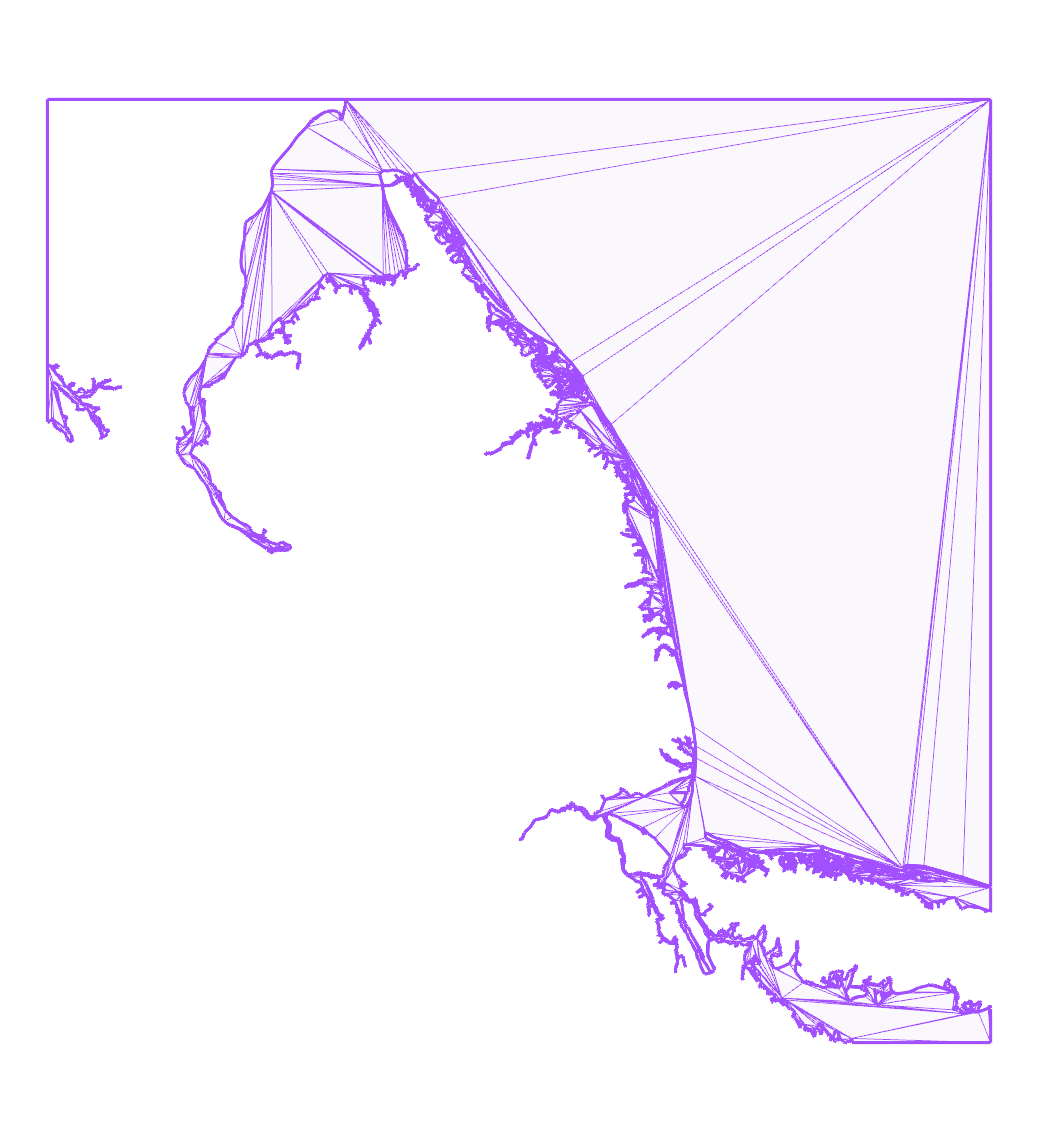
water:
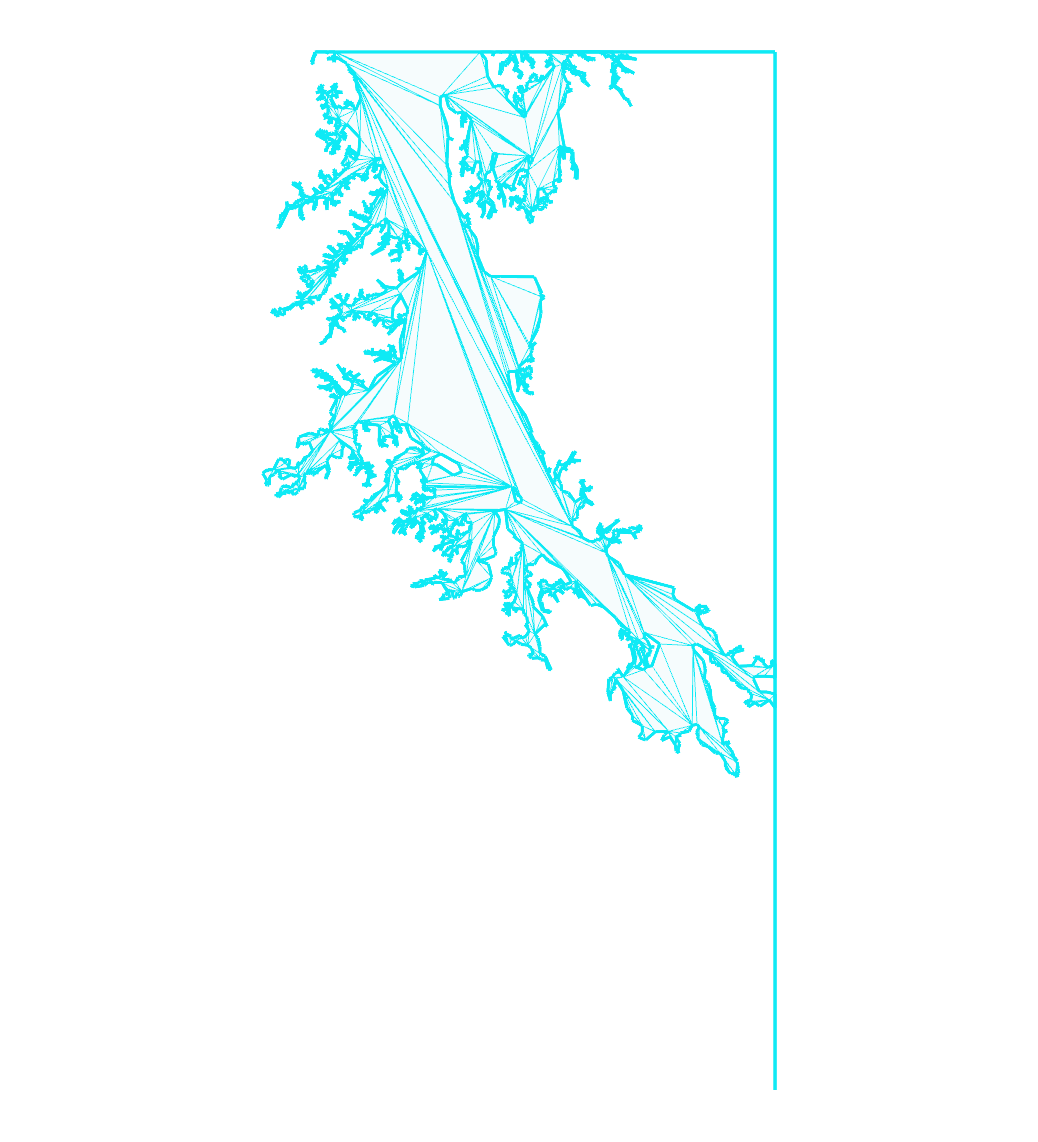
water2:
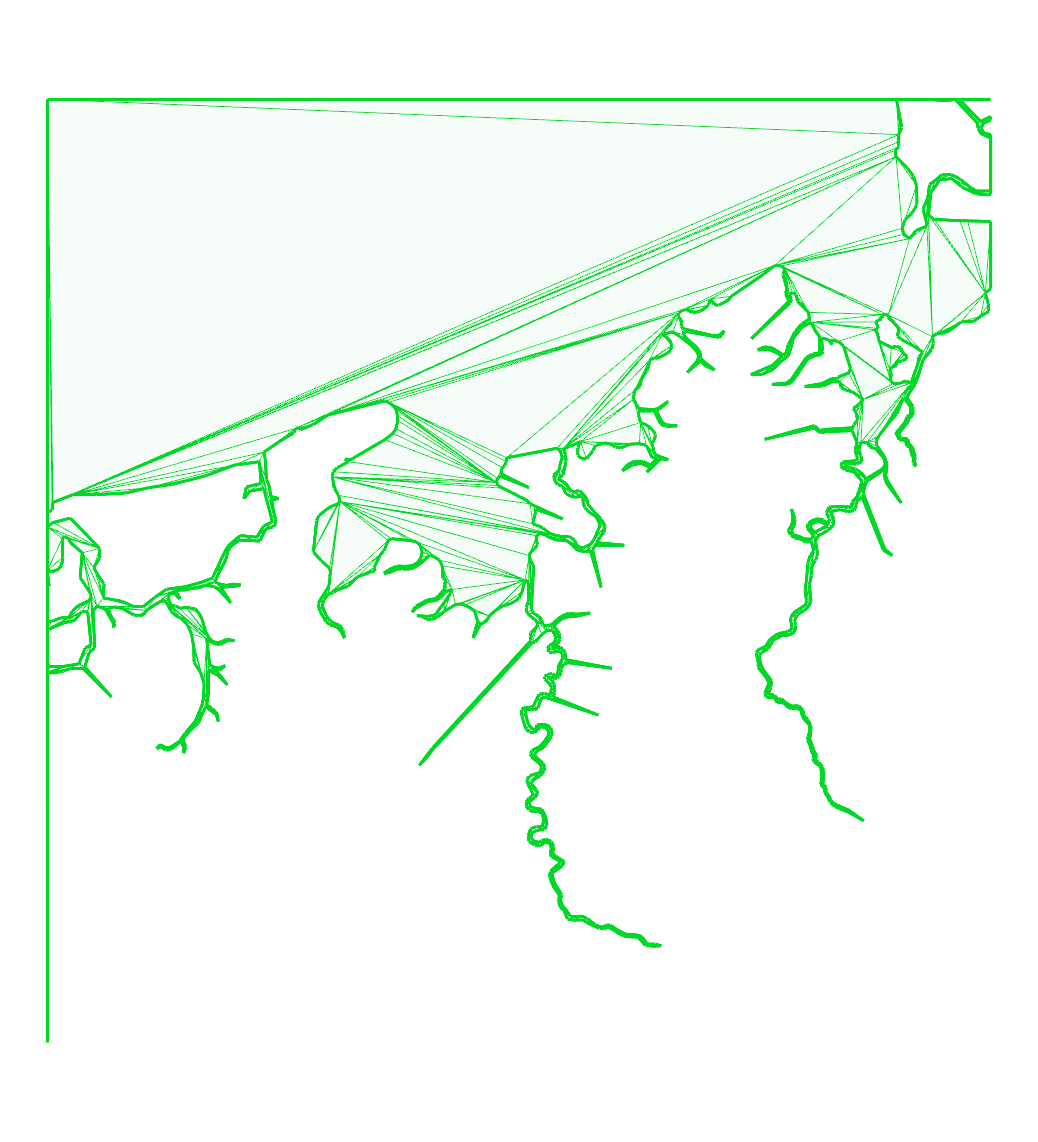
water3:
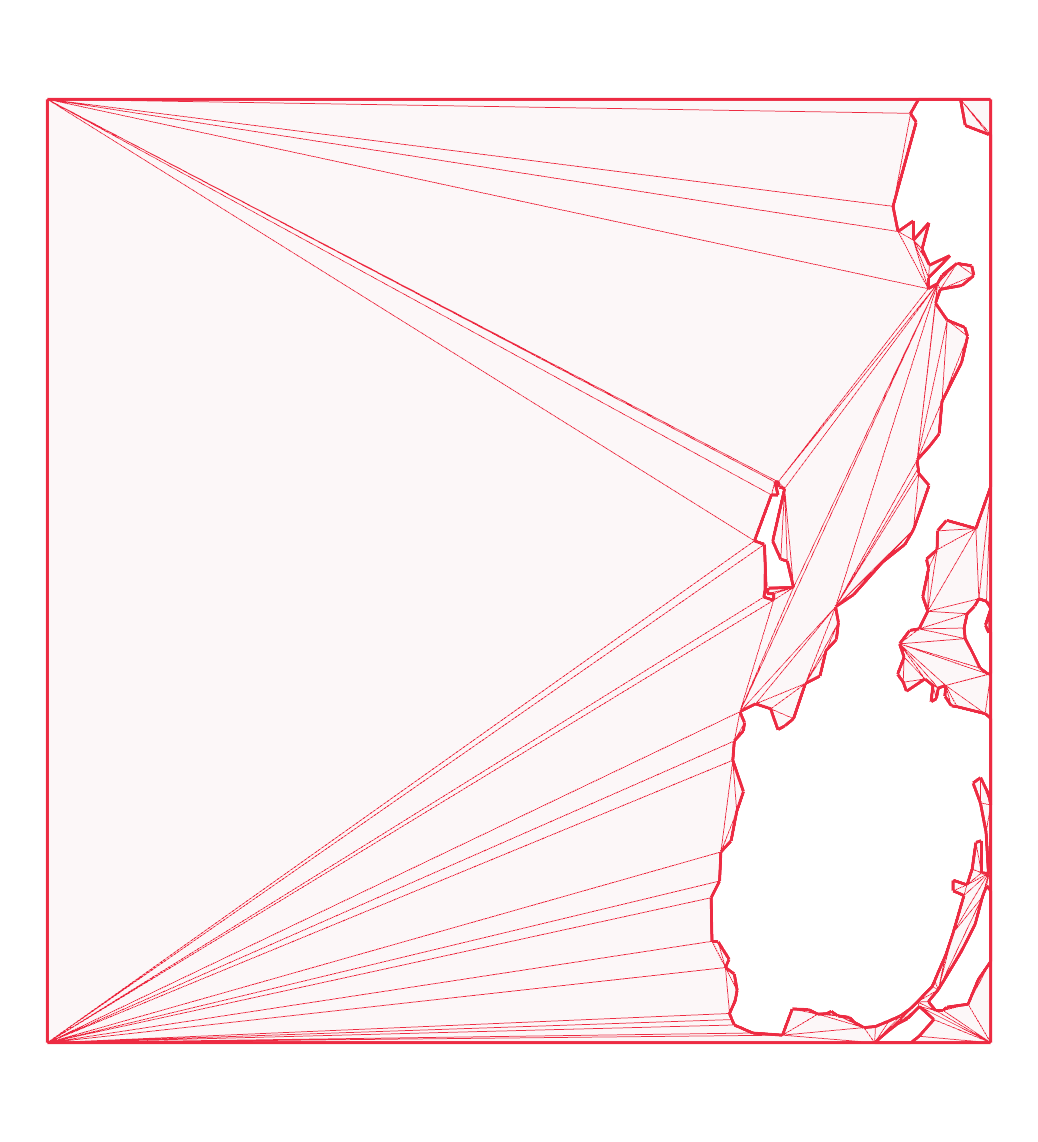
water3b:
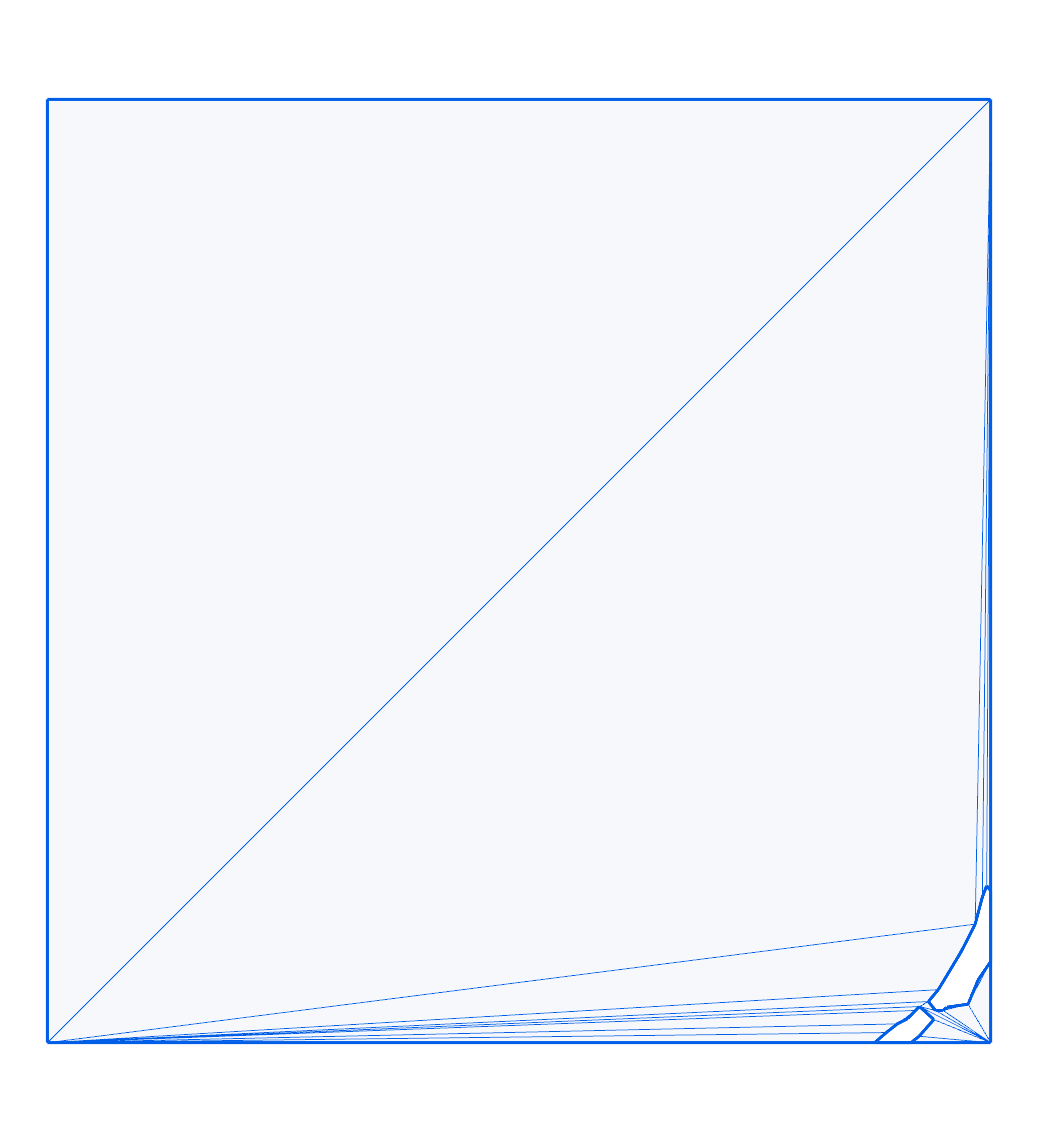
water4:
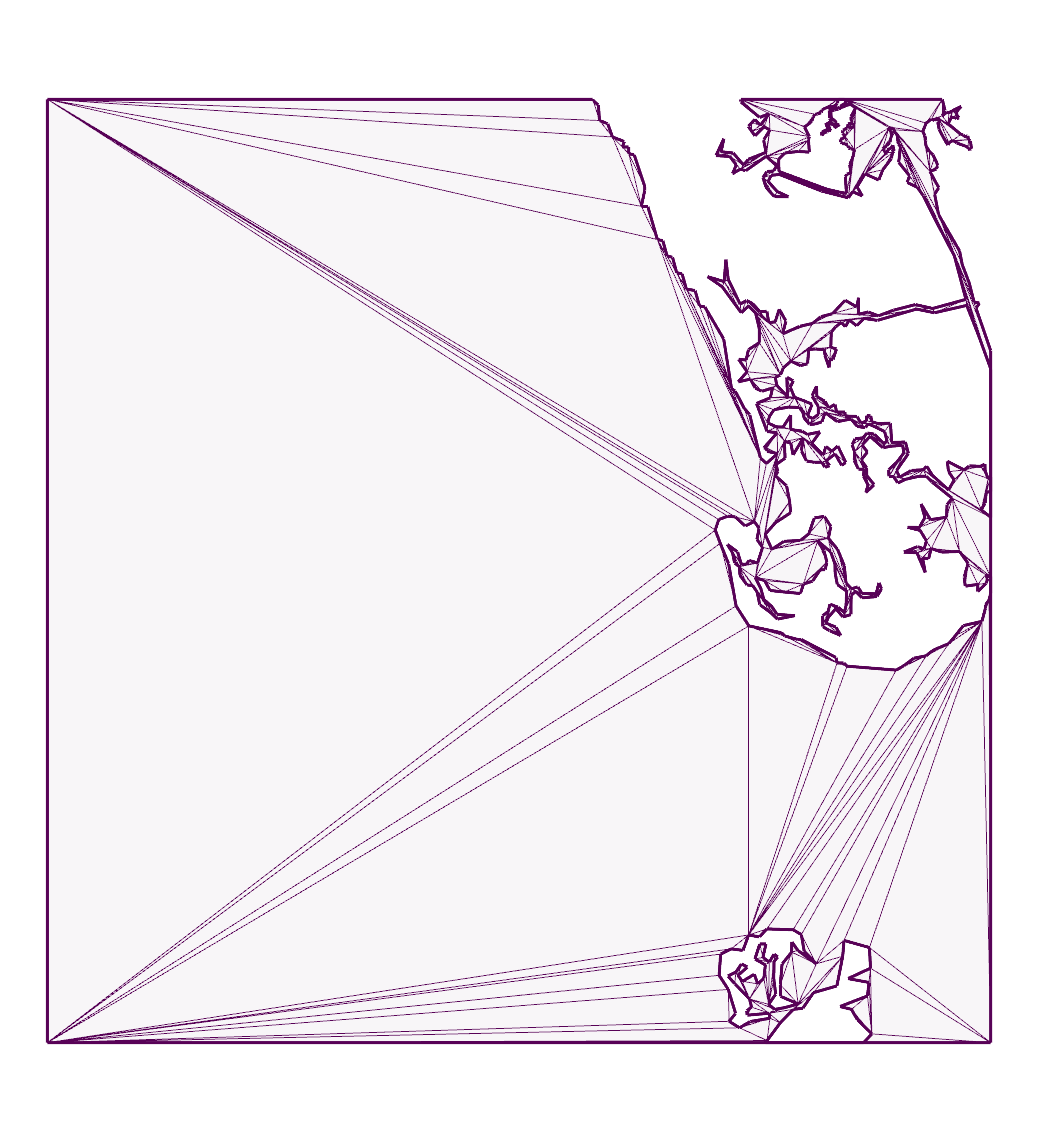
| Product | Versions Compatible and additional computed target framework versions. |
|---|---|
| .NET | net5.0 was computed. net5.0-windows was computed. net6.0 was computed. net6.0-android was computed. net6.0-ios was computed. net6.0-maccatalyst was computed. net6.0-macos was computed. net6.0-tvos was computed. net6.0-windows was computed. net7.0 was computed. net7.0-android was computed. net7.0-ios was computed. net7.0-maccatalyst was computed. net7.0-macos was computed. net7.0-tvos was computed. net7.0-windows was computed. net8.0 was computed. net8.0-android was computed. net8.0-browser was computed. net8.0-ios was computed. net8.0-maccatalyst was computed. net8.0-macos was computed. net8.0-tvos was computed. net8.0-windows was computed. net9.0 was computed. net9.0-android was computed. net9.0-browser was computed. net9.0-ios was computed. net9.0-maccatalyst was computed. net9.0-macos was computed. net9.0-tvos was computed. net9.0-windows was computed. net10.0 was computed. net10.0-android was computed. net10.0-browser was computed. net10.0-ios was computed. net10.0-maccatalyst was computed. net10.0-macos was computed. net10.0-tvos was computed. net10.0-windows was computed. |
| .NET Core | netcoreapp2.0 was computed. netcoreapp2.1 was computed. netcoreapp2.2 was computed. netcoreapp3.0 was computed. netcoreapp3.1 was computed. |
| .NET Standard | netstandard2.0 is compatible. netstandard2.1 was computed. |
| .NET Framework | net461 was computed. net462 was computed. net463 was computed. net47 was computed. net471 was computed. net472 was computed. net48 was computed. net481 was computed. |
| MonoAndroid | monoandroid was computed. |
| MonoMac | monomac was computed. |
| MonoTouch | monotouch was computed. |
| Tizen | tizen40 was computed. tizen60 was computed. |
| Xamarin.iOS | xamarinios was computed. |
| Xamarin.Mac | xamarinmac was computed. |
| Xamarin.TVOS | xamarintvos was computed. |
| Xamarin.WatchOS | xamarinwatchos was computed. |
-
.NETStandard 2.0
- FSharp.Core (>= 6.0.7)
NuGet packages
This package is not used by any NuGet packages.
GitHub repositories
This package is not used by any popular GitHub repositories.
### Changed
- Target .NET Standard 2.0 only, replacing the .NET Framework 4.7.2 and .NET 6.0 targets
- Port of Mapbox Earcut version 3.2.3 (upstream versions 3.1.0 through 3.2.3)
- Much faster hole elimination via a block-bbox spatial index for hole bridge search
- Z-order sorting switched from linked-list merge sort to insertion/radix sort over arrays
- Simplified `earcutLinked` ear-slicing loop and `isEar`/`isEarHashed` checks
- Better filtering of collinear/coincident points for pathological cases
- Fixed a rare self-tangency issue and an edge case with coincident holes
- Triangulations can differ from previous releases (equally valid results, verified element-for-element identical to the reference JS implementation)
- Breaking: the module now keeps reusable scratch state at module level (mirroring the upstream JS), so calls into the Earcut module are no longer thread-safe
### Added
- `refine` function: optional Delaunay refinement post-pass (Lawson flips) that improves triangle quality in place while preserving the polygon boundary, holes and triangle count
- MVT regression test suite over 119,680 real-world polygons and new upstream test fixtures
- MVT benchmarks (`Test/bench/bench-tiles.js` and `Test/bench/bench-refine.js`)