BackofficeThemes 17.0.2
There is a newer version of this package available.
See the version list below for details.
See the version list below for details.
dotnet add package BackofficeThemes --version 17.0.2
NuGet\Install-Package BackofficeThemes -Version 17.0.2
This command is intended to be used within the Package Manager Console in Visual Studio, as it uses the NuGet module's version of Install-Package.
<PackageReference Include="BackofficeThemes" Version="17.0.2" />
For projects that support PackageReference, copy this XML node into the project file to reference the package.
<PackageVersion Include="BackofficeThemes" Version="17.0.2" />
<PackageReference Include="BackofficeThemes" />
For projects that support Central Package Management (CPM), copy this XML node into the solution Directory.Packages.props file to version the package.
paket add BackofficeThemes --version 17.0.2
The NuGet Team does not provide support for this client. Please contact its maintainers for support.
#r "nuget: BackofficeThemes, 17.0.2"
#r directive can be used in F# Interactive and Polyglot Notebooks. Copy this into the interactive tool or source code of the script to reference the package.
#:package BackofficeThemes@17.0.2
#:package directive can be used in C# file-based apps starting in .NET 10 preview 4. Copy this into a .cs file before any lines of code to reference the package.
#addin nuget:?package=BackofficeThemes&version=17.0.2
#tool nuget:?package=BackofficeThemes&version=17.0.2
The NuGet Team does not provide support for this client. Please contact its maintainers for support.
Backoffice Theme Bundle
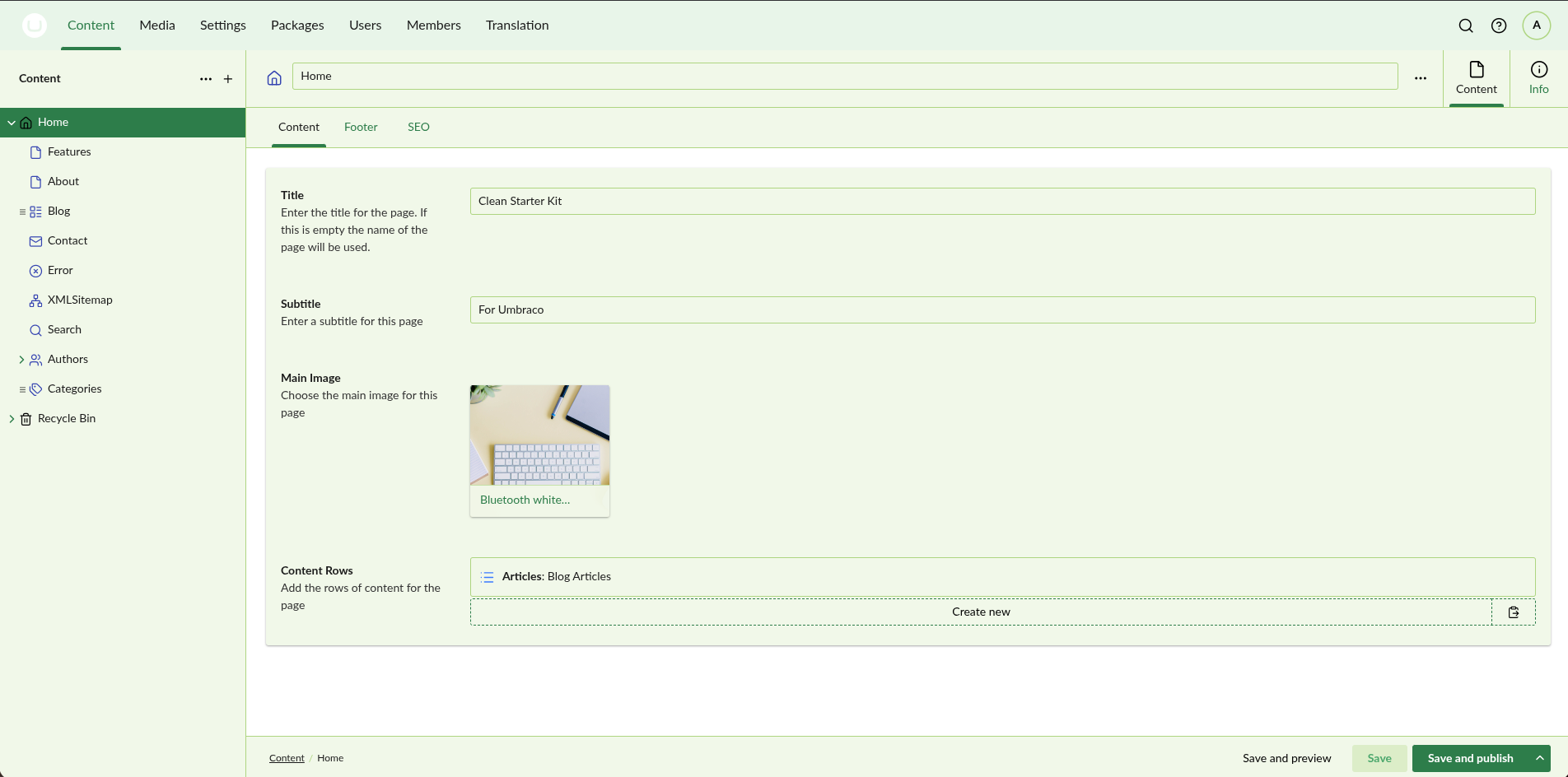
Extra themes for the Umbraco backoffice — including Christmas (theme + snow, lights, tree, Santa hat) and popular editor-style themes.
Themes included
| Theme | Style |
|---|---|
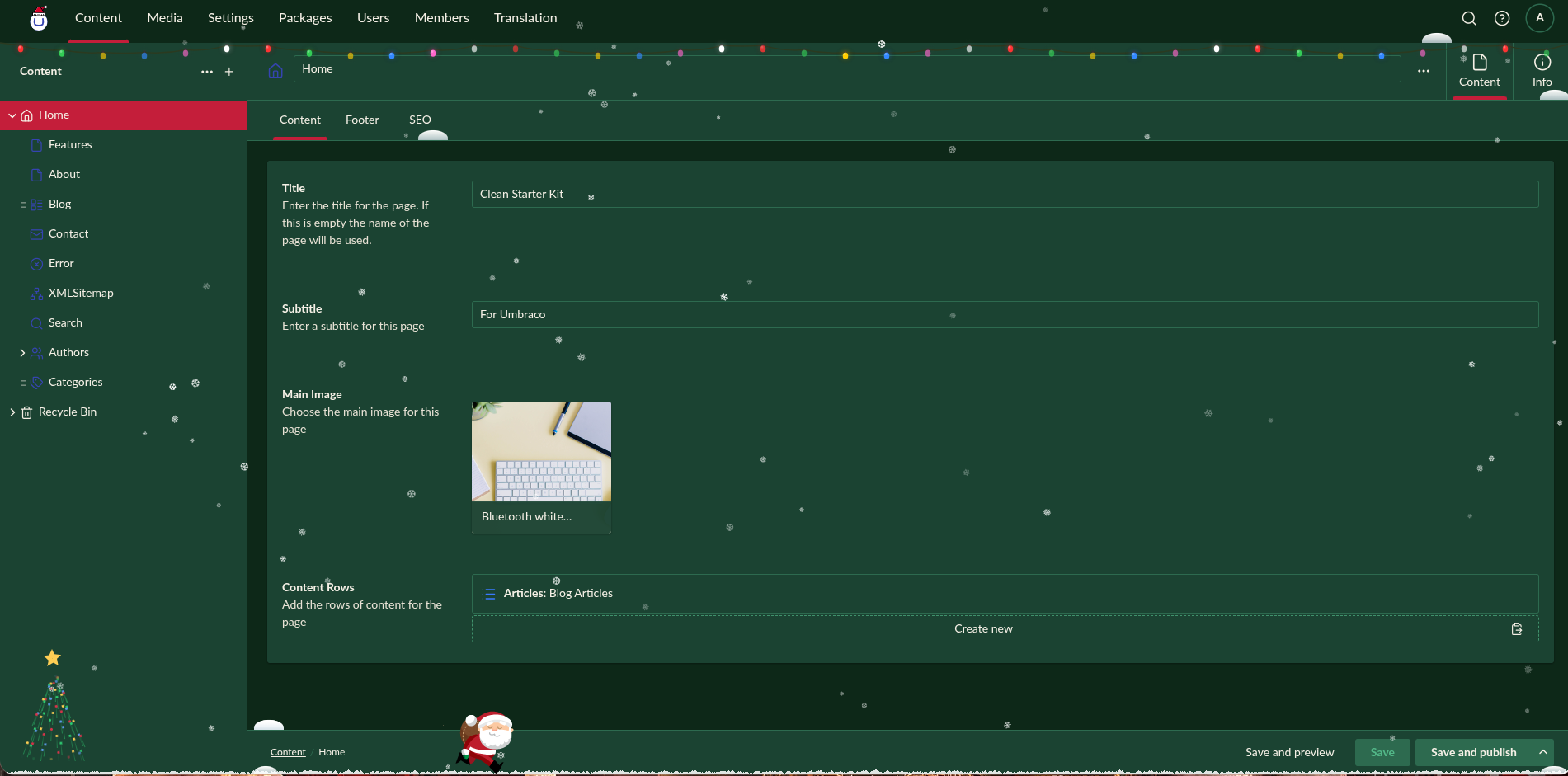
| Christmas | Festive dark palette + effects (snow, lights, tree, Santa) when selected |
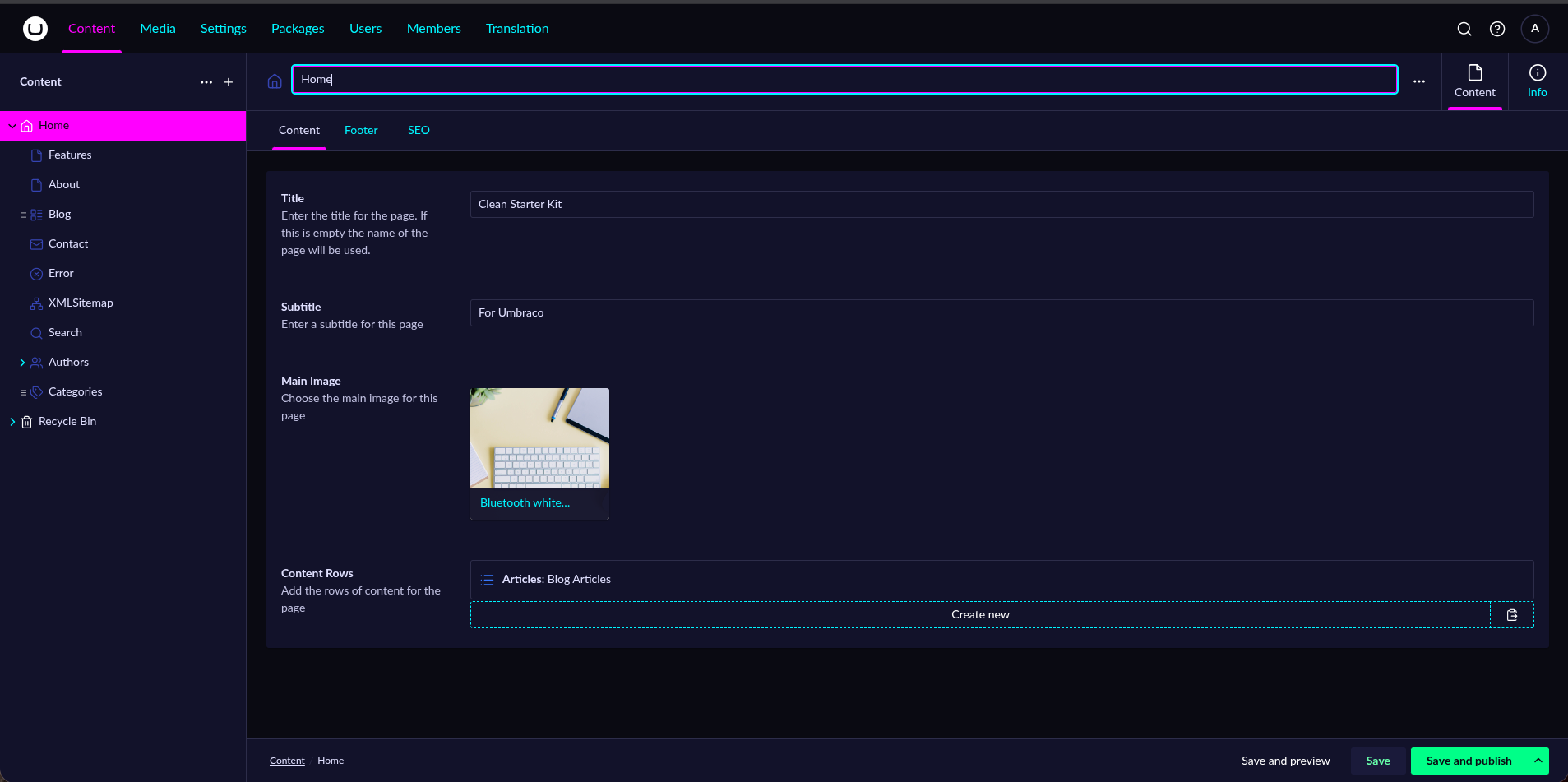
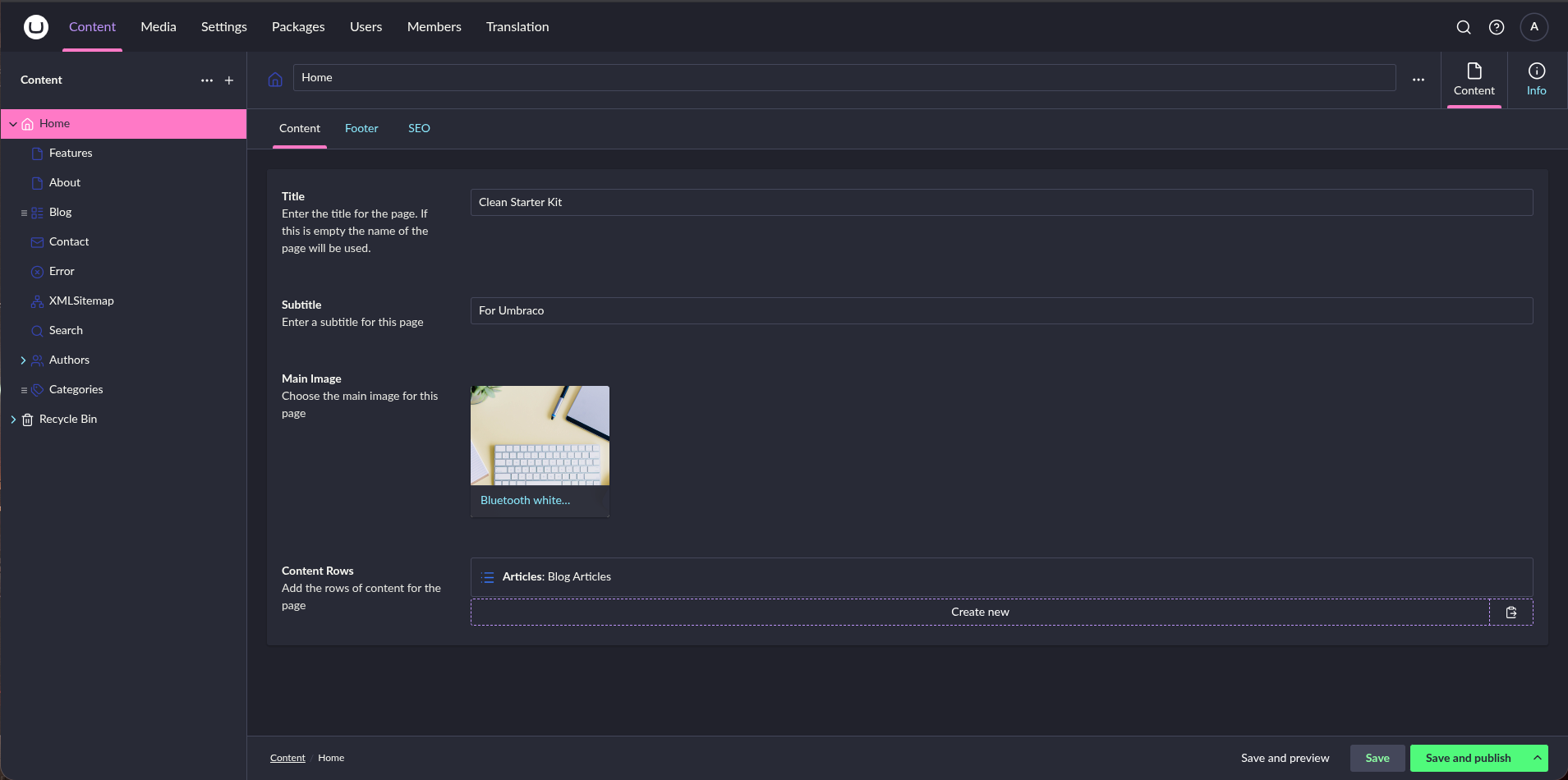
| Neon | Synthwave / outrun – cyan & magenta on dark |
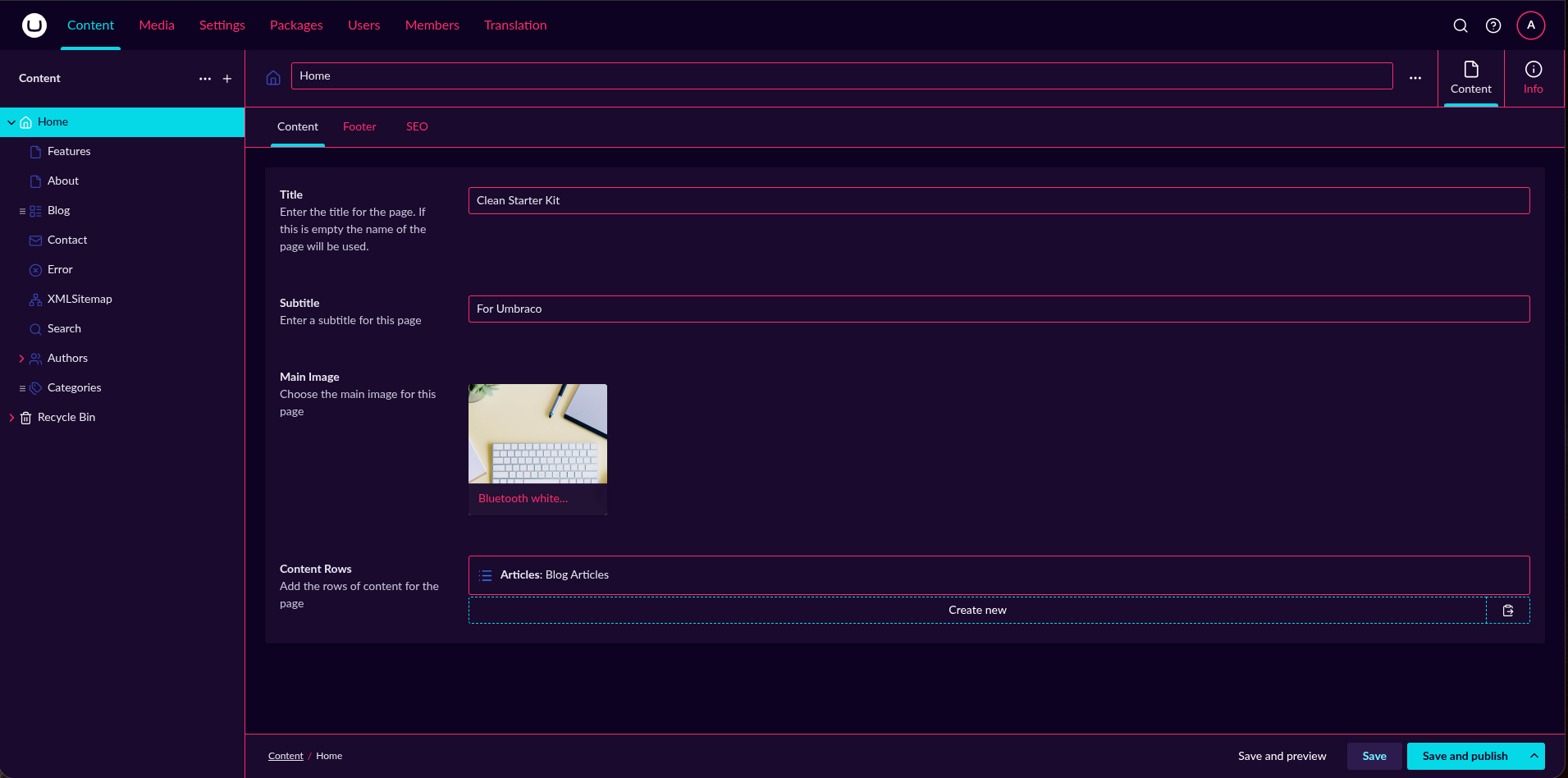
| Cyberpunk | High-contrast pink & blue, chrome accents |
| Dracula | Popular dark – purple background, candy accents |
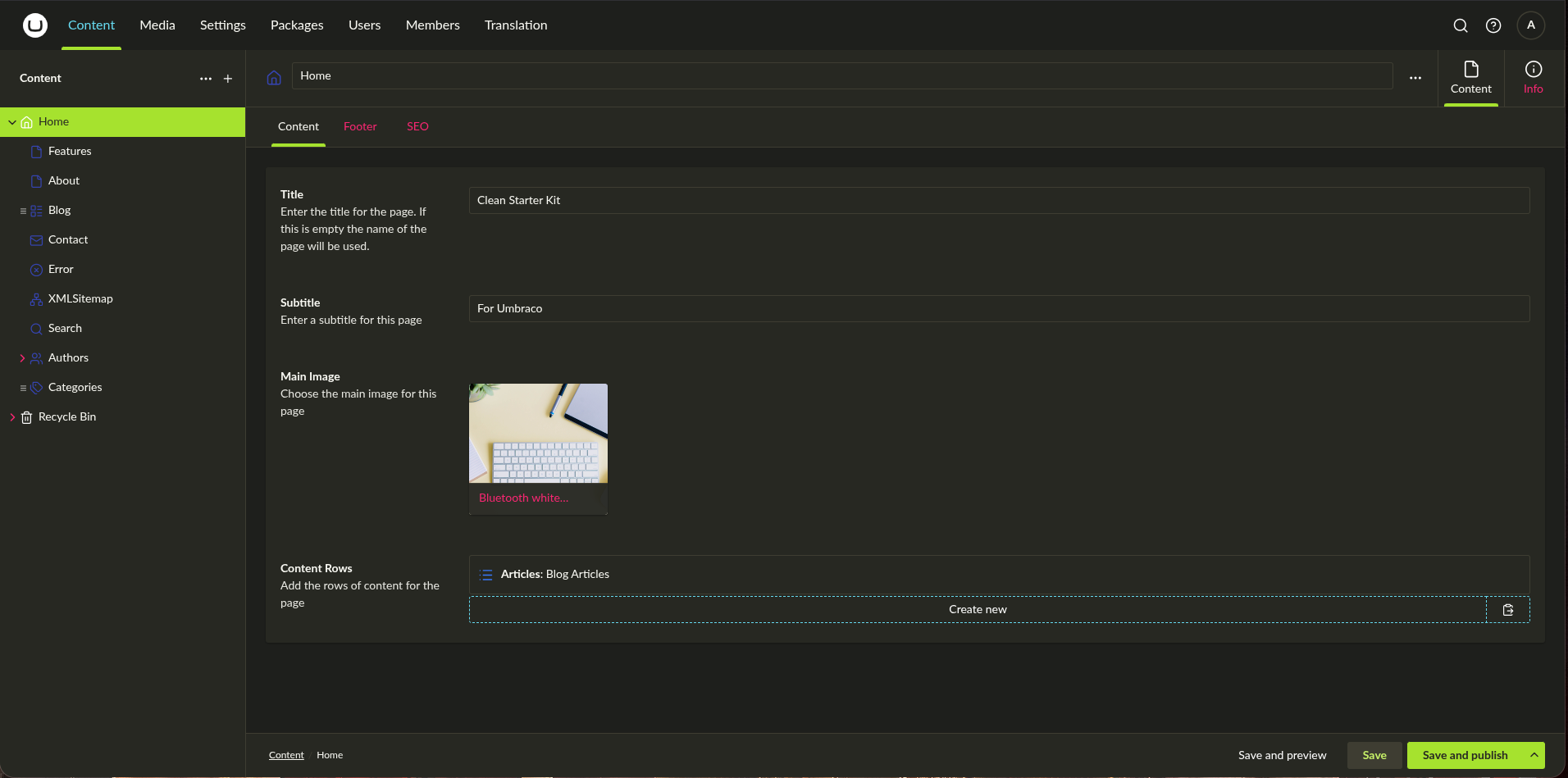
| Monokai | Classic high-contrast dark, charcoal + bright accents |
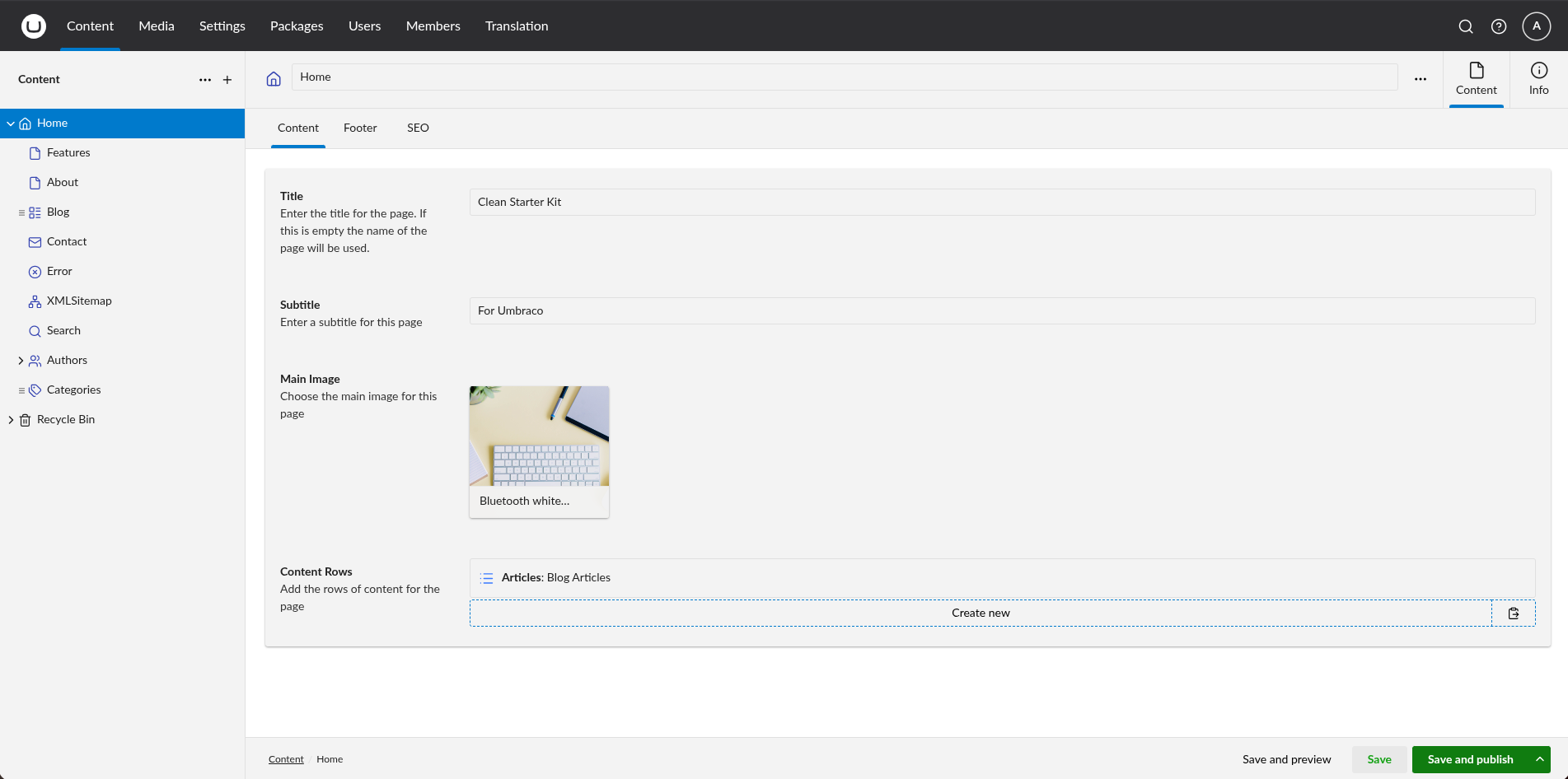
| VS Blue | Visual Studio–style light with blue accent |
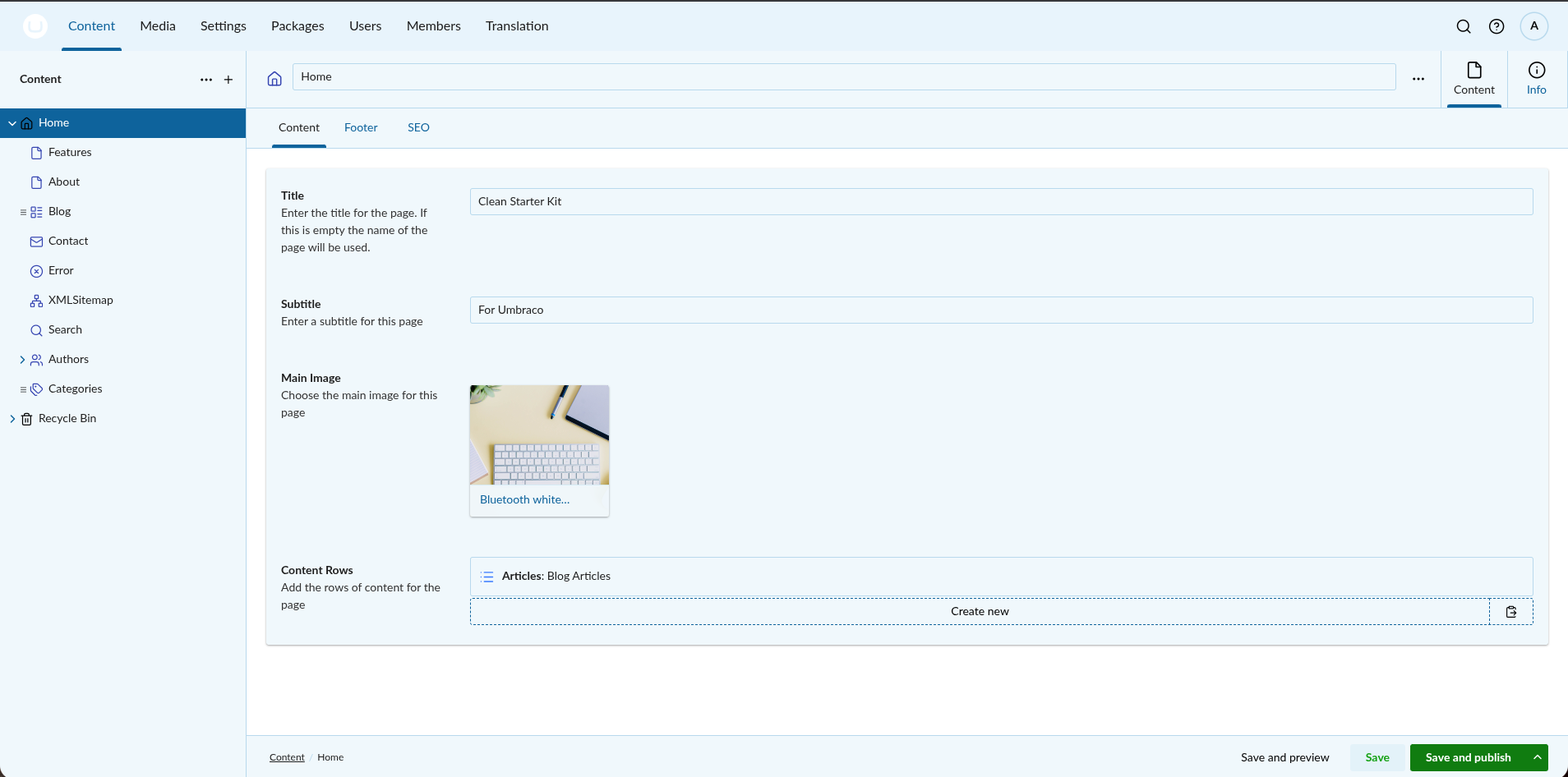
| VS Cool Breeze | VS built-in – light with soft blue tint |
| VS Icy Mint | VS built-in – light with mint green tint |
Theme previews
| Christmas | Neon | Cyberpunk |
 |
 |
 |
| Dracula | Monokai | VS Blue |
 |
 |
 |
| VS Cool Breeze | VS Icy Mint | |
 |
 |
Install
- Build the bundle
cd BackofficeThemes && npm install && npm run build - Copy to your site (
BackofficeThemes/):dist/umbraco-extension.jsanddist/effects.entrypoint-*.jspublic/umbraco-package.json- All
public/*.theme.cssandpublic/santahatlogo.svg
- Restart the application or reload the backoffice. Themes appear in the theme picker; selecting Christmas enables the festive effects.
Add more themes
- Add a new
.theme.cssinpublic/using the same UUI variables as the existing themes (seedark.theme.cssor any file in this bundle). - Register it in
src/bundle.manifests.tswithtype: "theme", a uniquealias,name, andcsspath. - Rebuild and redeploy.
| Product | Versions Compatible and additional computed target framework versions. |
|---|---|
| .NET | net10.0 is compatible. net10.0-android was computed. net10.0-browser was computed. net10.0-ios was computed. net10.0-maccatalyst was computed. net10.0-macos was computed. net10.0-tvos was computed. net10.0-windows was computed. |
Compatible target framework(s)
Included target framework(s) (in package)
Learn more about Target Frameworks and .NET Standard.
-
net10.0
- Umbraco.Cms.Core (>= 17.0.0)
NuGet packages
This package is not used by any NuGet packages.
GitHub repositories
This package is not used by any popular GitHub repositories.