3DEngine 5.2.291

dotnet add package 3DEngine --version 5.2.291
                    
NuGet\Install-Package 3DEngine -Version 5.2.291
                    
This command is intended to be used within the Package Manager Console in Visual Studio, as it uses the NuGet module's version of Install-Package.
<PackageReference Include="3DEngine" Version="5.2.291" />
                    
For projects that support PackageReference, copy this XML node into the project file to reference the package.
<PackageVersion Include="3DEngine" Version="5.2.291" />
                    
Directory.Packages.props
<PackageReference Include="3DEngine" />
                    
Project file
For projects that support Central Package Management (CPM), copy this XML node into the solution Directory.Packages.props file to version the package.
paket add 3DEngine --version 5.2.291
                    
#r "nuget: 3DEngine, 5.2.291"
                    
#r directive can be used in F# Interactive and Polyglot Notebooks. Copy this into the interactive tool or source code of the script to reference the package.
#:package 3DEngine@5.2.291
                    
#:package directive can be used in C# file-based apps starting in .NET 10 preview 4. Copy this into a .cs file before any lines of code to reference the package.
#addin nuget:?package=3DEngine&version=5.2.291
                    
Install as a Cake Addin
#tool nuget:?package=3DEngine&version=5.2.291
                    
Install as a Cake Tool

<div align="center">

3D Engine

A C# engine on SDL3, Vulkan, ImGui and Slang. A program draws each frame with static calls named as raylib's functions are, over an ECS with a schedule of stages, and is scripted with behaviors compiled while it runs.


.NET Graphics Windowing Shaders Status

</div>

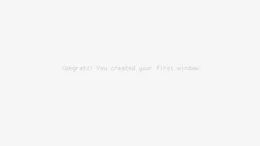
using Engine;
using static Engine.E3D;

InitWindow(800, 450, "[core] basic window");
SetTargetFPS(60);

while (!WindowShouldClose())
{
    BeginDrawing();
    ClearBackground(Color.RayWhite);
    DrawText("Congrats! You created your first window!", 190, 200, 20, Color.LightGray);
    EndDrawing();
}

CloseWindow();

That is raylib's first example, and why not raylib itself is a fair question. This engine keeps its flat API and its loop, in C# with no binding, and adds a Vulkan renderer with shadows and reflections, an ECS, physics, skeletal animation, scene files and ImGui in the frame. It costs raylib's reach, the web, phones and small boards, and asks for Vulkan. The comparison, with what was measured, is Compared with raylib.

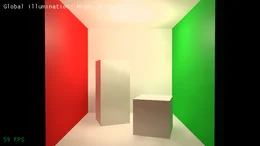
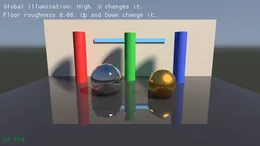
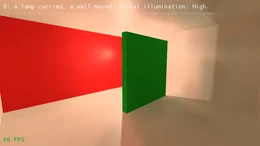
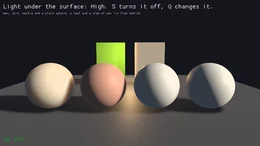
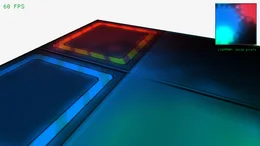
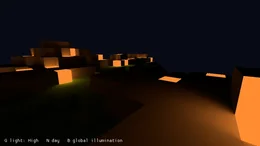
A scene is lit by global illumination worked out in real time by radiance cascades, the light that leaves every surface it reaches lighting what it falls on next, tinted by its color, each frame and with nothing baked. A lamp carried through a cave lights it round its corners, a red wall tints the floor beside it, and every light and mesh of a game may move. Global illumination says how, and what it costs.

[Behavior]
public struct Ball
{
    public Vector3 Position;
    public Vector3 Velocity;

    [OnUpdate]
    public void Move(BehaviorContext ctx)
    {
        var dt = (float)ctx.Time.DeltaSeconds;
        Velocity.Y -= 9.81f * dt;
        Position += Velocity * dt;
    }
}

A program opens a window, draws each frame with static calls and closes the window, and every call it can make is on one cheatsheet. Dear ImGui works between BeginDrawing and EndDrawing with no setup. Under the flat API is an ECS whose behaviors are [Behavior] structs like Ball, whose fields are each entity's state and whose methods a source generator turns into systems. It runs inside the same frames, so a program uses as much of it as it needs. DESIGN.md shows the rest of it, and ARCHITECTURE.md how it is built.

Contents

A program of your own

The engine is the 3DEngine package on nuget.org, and 3DEngine.Templates beside it makes a game from it in one command:

dotnet new install 3DEngine.Templates
dotnet new 3dengine -n Hello && cd Hello
dotnet run

The project has a window, a loop and a cube in Program.cs, a resources folder for what it loads, and a source/behaviors folder for scripts the running game compiles again when they are saved. dotnet new 3dengine-ecs makes one whose state is in behaviors instead, with a script in that folder setting how fast its cubes turn. Where there is no display, dotnet run -- --offscreen --frames 30 draws thirty frames with no window and exits.

Without the templates, a console project takes the package:

dotnet new console -n Hello && cd Hello
dotnet add package 3DEngine

and the program at the top of this page goes into Program.cs. A program can use a package built from a checkout of this repository instead, as BUILDING.md shows.

Examples

Each example is a short program in 3DEngine.Examples, run by name:

build/fetch-slang.sh                                          # once, for the shader compiler
build/fetch-raylib-resources.sh                               # once, for the files raylib's examples load
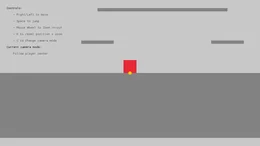
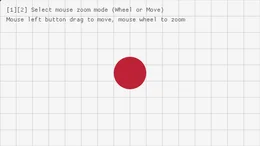
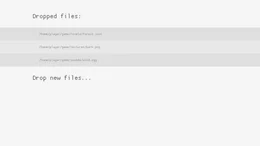
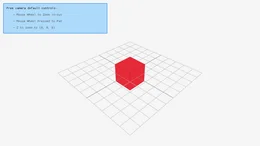
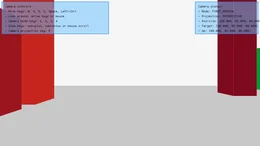
dotnet run --project 3DEngine.Examples -- core_3d_camera_free

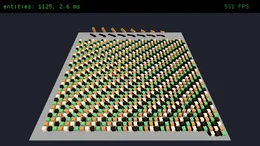
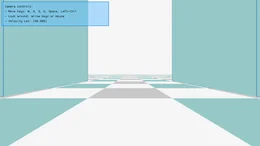
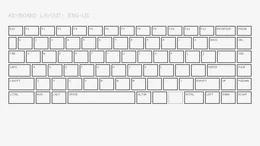
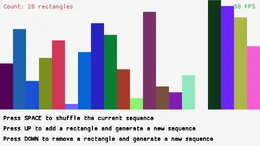
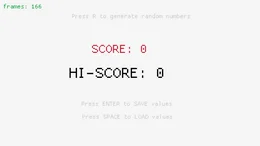
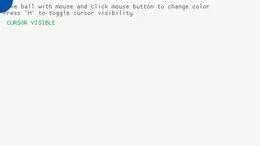
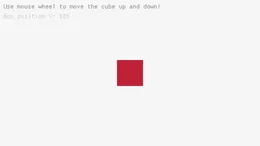
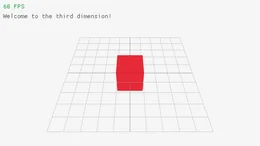
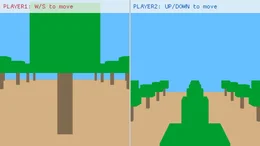
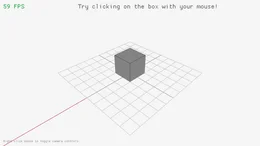
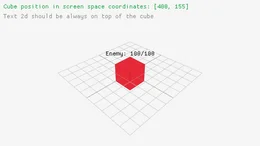
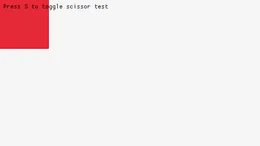
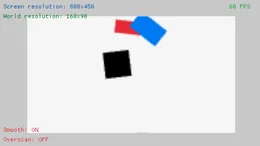
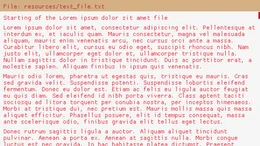
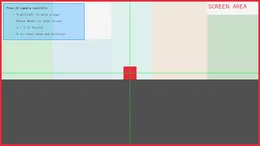
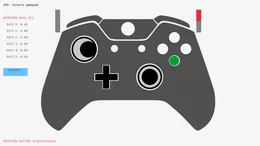
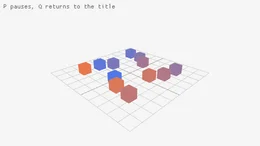
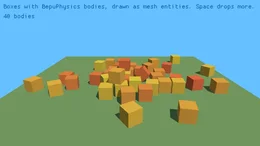
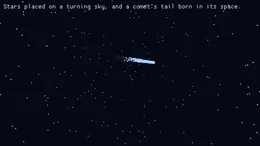
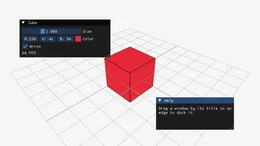
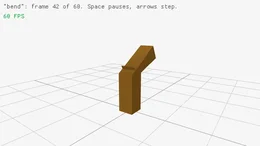
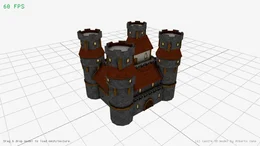
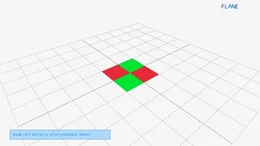
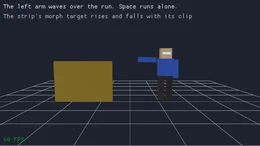
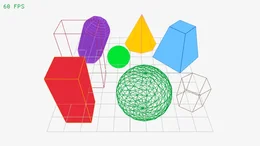
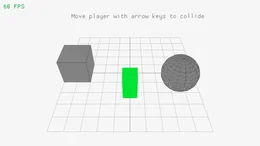
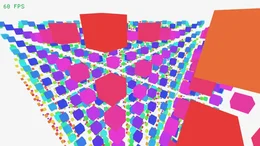
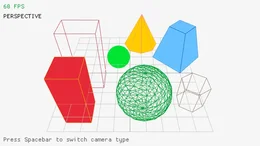
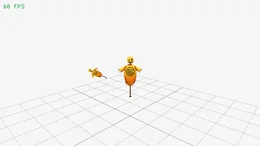
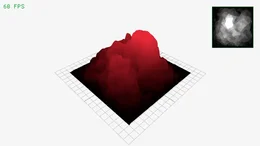
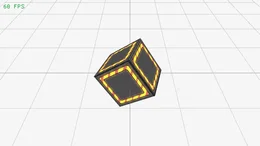
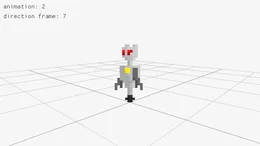
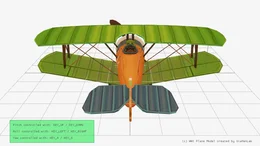
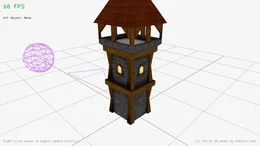
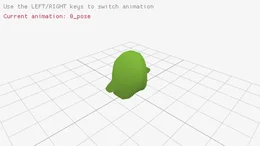
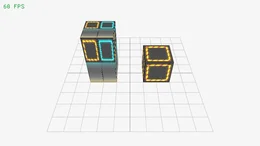
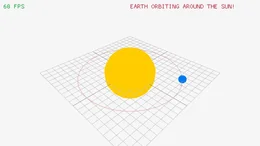
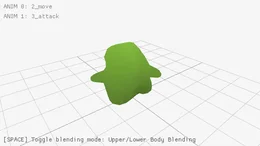
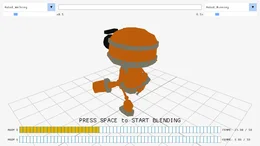
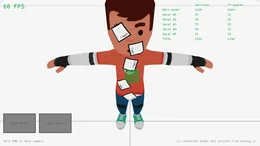
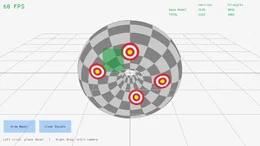
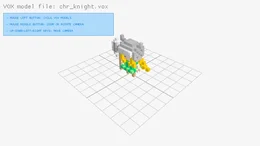
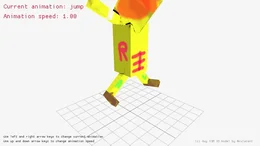
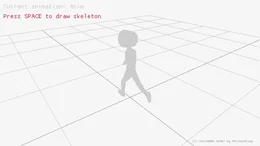
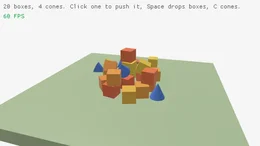
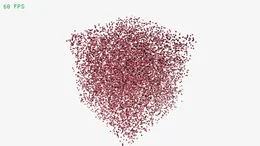
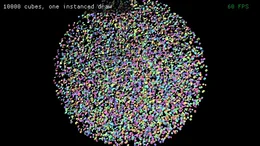
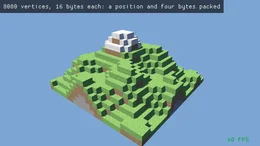
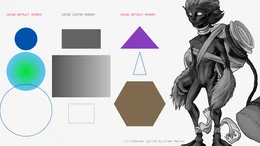
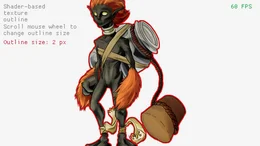
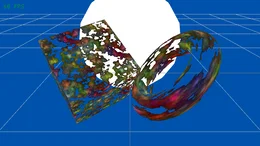
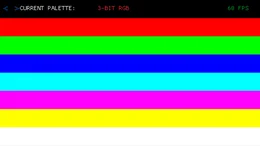
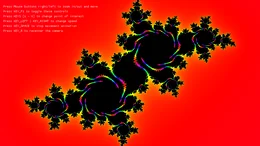
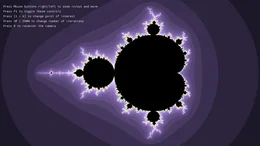
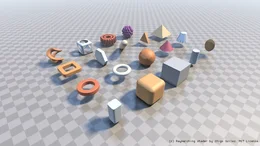
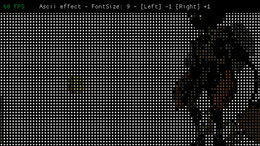
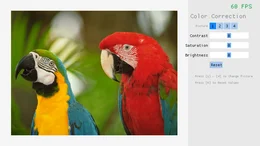
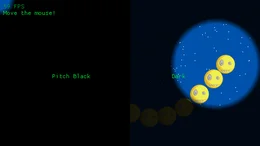
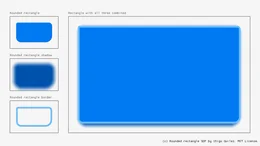
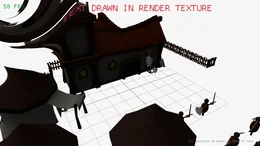
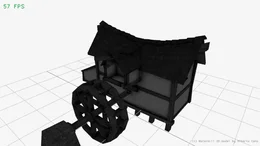
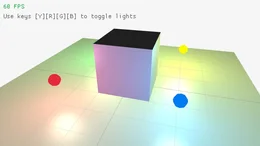
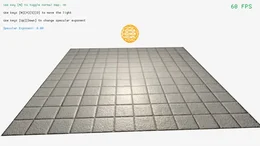
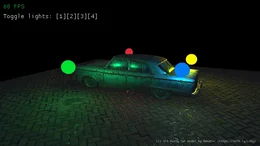
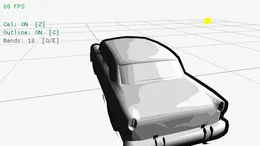
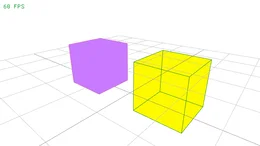
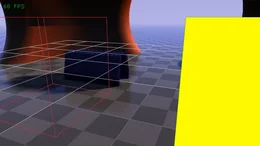
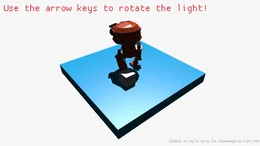
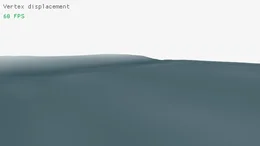
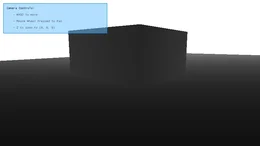
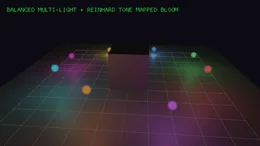
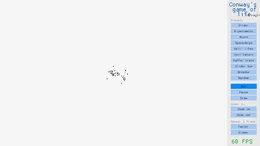
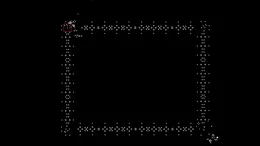
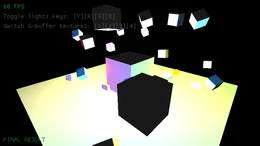
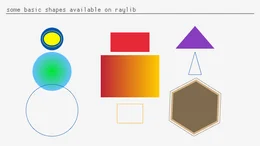
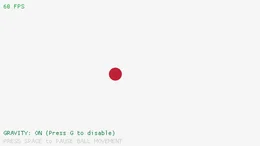
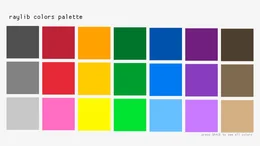
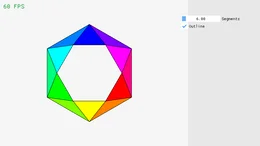
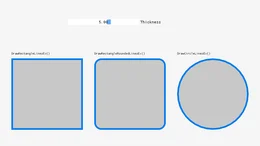
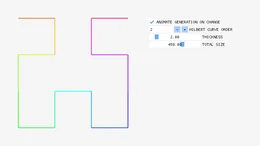
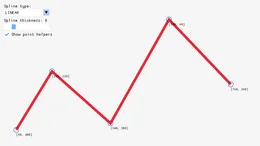
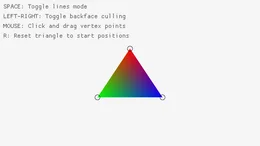
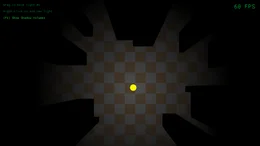
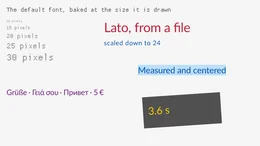
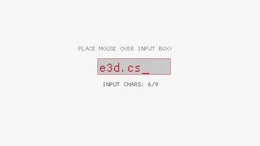
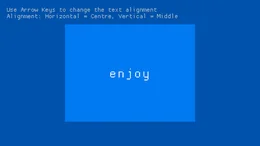
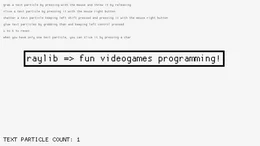
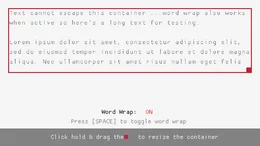
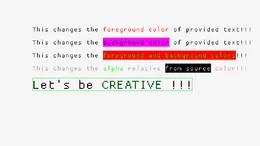
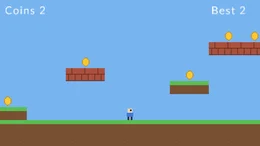
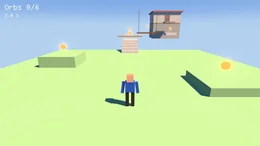
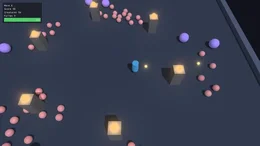
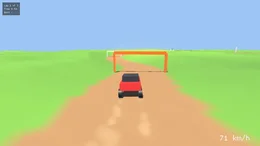
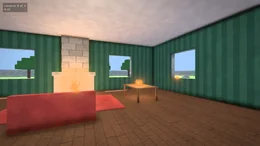
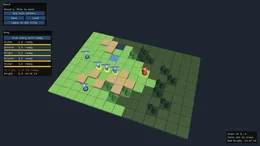
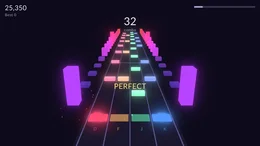
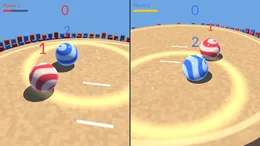
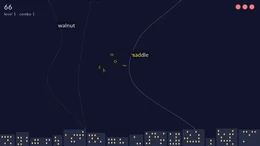
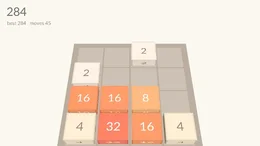
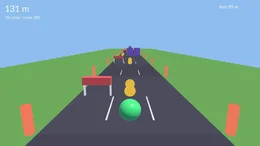
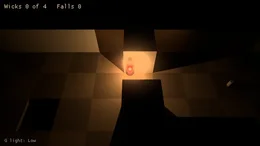
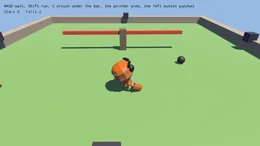
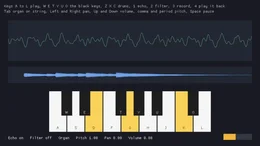
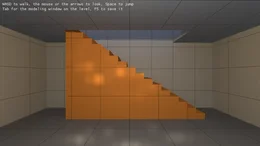
A picture opens the program that drew it, and the name under it is the one it runs by. Each of raylib's own examples, and what is written of it here, is a row of the examples table. A folder's row scrolls sideways where it is wider than the page. The games, the last row, are built from the package as a game of your own would be, each with a README of what it shows.

Of raylib's 222 examples 221 are written here and 1 does not apply, and beside them are 43 examples of the engine's own and 19 games.

Audio (12)
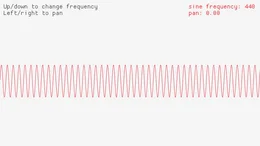
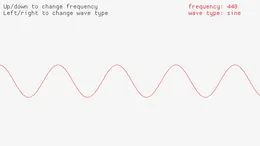
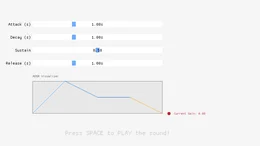
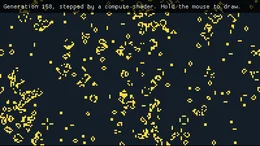
audio_raw_stream audio_mixed_processor audio_stream_effects audio_sound audio_sound_loading audio_sound_multi audio_sound_positioning audio_music_stream audio_module_playing audio_stream_callback audio_amp_envelope audio_spectrum_visualizer
audio_raw_stream                 audio_mixed_processor            audio_stream_effects             audio_sound                      audio_sound_loading              audio_sound_multi                audio_sound_positioning          audio_music_stream               audio_module_playing             audio_stream_callback            audio_amp_envelope               audio_spectrum_visualizer       

Benchmarks (2)

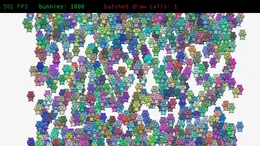
textures_bunnymark models_stress
textures_bunnymark               models_stress                   

Core (50)
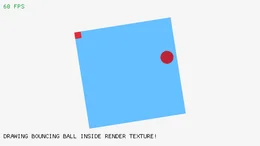
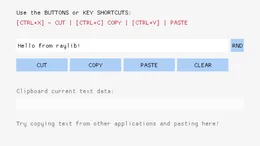
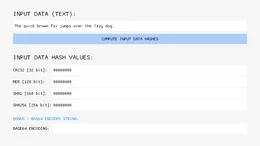
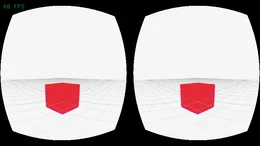
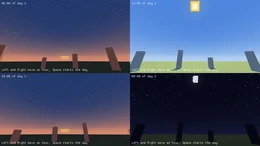
core_basic_window core_3d_camera_fps core_keyboard_testbed core_input_actions core_undo_redo core_automation_events core_screen_recording core_random_sequence core_basic_screen_manager core_storage_values core_custom_logging core_window_letterbox core_viewport_scaling core_2d_camera_split_screen core_input_multitouch core_input_gestures_testbed core_input_virtual_controls core_delta_time core_input_keys core_input_mouse core_input_mouse_wheel core_3d_camera_mode core_3d_camera_split_screen core_3d_picking core_world_screen core_window_should_close core_random_values core_scissor_test core_smooth_pixelperfect core_render_texture core_text_file_loading core_2d_camera core_2d_camera_platformer core_2d_camera_mouse_zoom core_drop_files core_3d_camera_free core_3d_camera_first_person core_input_gamepad core_window_toggles core_window_flags core_highdpi_demo core_highdpi_testbed core_monitor_detector core_custom_frame_control core_directory_files core_clipboard_text core_compute_hash core_vr_simulator core_day_sky core_input_gestures
core_basic_window                core_3d_camera_fps               core_keyboard_testbed            core_input_actions               core_undo_redo                   core_automation_events           core_screen_recording            core_random_sequence             core_basic_screen_manager        core_storage_values              core_custom_logging              core_window_letterbox            core_viewport_scaling            core_2d_camera_split_screen      core_input_multitouch            core_input_gestures_testbed      core_input_virtual_controls      core_delta_time                  core_input_keys                  core_input_mouse                 core_input_mouse_wheel           core_3d_camera_mode              core_3d_camera_split_screen      core_3d_picking                  core_world_screen                core_window_should_close         core_random_values               core_scissor_test                core_smooth_pixelperfect         core_render_texture              core_text_file_loading           core_2d_camera                   core_2d_camera_platformer        core_2d_camera_mouse_zoom        core_drop_files                  core_3d_camera_free              core_3d_camera_first_person      core_input_gamepad               core_window_toggles              core_window_flags                core_highdpi_demo                core_highdpi_testbed             core_monitor_detector            core_custom_frame_control        core_directory_files             core_clipboard_text              core_compute_hash                core_vr_simulator                core_day_sky                     core_input_gestures             

Ecs (6)
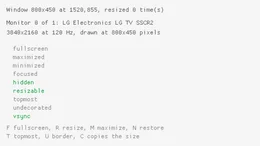
ecs_behaviors ecs_mesh_entities ecs_animated_models ecs_states ecs_physics ecs_parented_particles
ecs_behaviors                    ecs_mesh_entities                ecs_animated_models              ecs_states                       ecs_physics                      ecs_parented_particles          

Gui (1)

gui_imgui_window
gui_imgui_window                

Models (42)
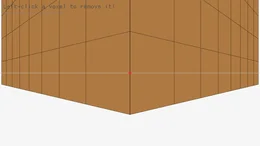
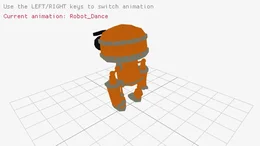
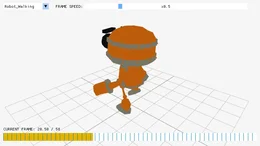
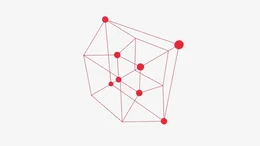
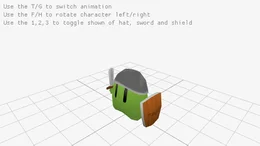
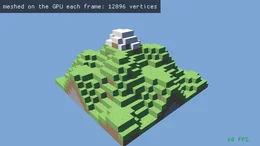
models_animation models_loading models_skybox_rendering models_mesh_generation models_edit_mesh models_edit_mesh_cuts models_edit_mesh_modifiers models_edit_mesh_room models_edit_mesh_looks models_terrain models_skybox models_reflection_probe models_morph_and_layers models_geometric_shapes models_box_collisions models_waving_cubes models_orthographic_projection models_billboard_rendering models_cubicmap_rendering models_first_person_maze models_heightmap_rendering models_rotating_cube models_directional_billboard models_yaw_pitch_roll models_loading_gltf models_animation_timing models_tesseract_view models_basic_voxel models_bone_socket models_mesh_picking models_animation_gpu_skinning models_textured_cube models_rlgl_solar_system models_animation_blend_custom models_animation_blending models_decals models_procedural_decals models_mesh_uv_painting models_point_rendering models_loading_vox models_loading_iqm models_loading_m3d
models_animation                 models_loading                   models_skybox_rendering          models_mesh_generation           models_edit_mesh                 models_edit_mesh_cuts            models_edit_mesh_modifiers       models_edit_mesh_room            models_edit_mesh_looks           models_terrain                   models_skybox                    models_reflection_probe          models_morph_and_layers          models_geometric_shapes          models_box_collisions            models_waving_cubes              models_orthographic_projection   models_billboard_rendering       models_cubicmap_rendering        models_first_person_maze         models_heightmap_rendering       models_rotating_cube             models_directional_billboard     models_yaw_pitch_roll            models_loading_gltf              models_animation_timing          models_tesseract_view            models_basic_voxel               models_bone_socket               models_mesh_picking              models_animation_gpu_skinning    models_textured_cube             models_rlgl_solar_system         models_animation_blend_custom    models_animation_blending        models_decals                    models_procedural_decals         models_mesh_uv_painting          models_point_rendering           models_loading_vox               models_loading_iqm               models_loading_m3d              

Physics (1)

physics_boxes
physics_boxes                   

Scenes (1)

scenes_level
scenes_level                    

Shaders (52)
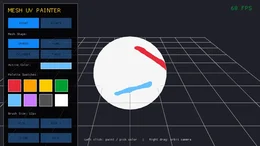
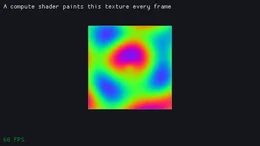
shaders_postprocessing shaders_scene_passes shaders_model shaders_compute_life shaders_compute_texture shaders_compute_mesh shaders_bloom shaders_auto_exposure shaders_particles shaders_shadowmap shaders_scene_field shaders_cornell_box shaders_reflections shaders_bounce_rooms shaders_subsurface shaders_mesh_instancing shaders_instance_hues shaders_packed_vertices shaders_shapes_textures shaders_texture_outline shaders_texture_waves shaders_texture_rendering shaders_texture_tiling shaders_multi_sample2d shaders_simple_mask shaders_palette_switch shaders_eratosthenes_sieve shaders_julia_set shaders_mandelbrot_set shaders_raymarching_rendering shaders_ascii_rendering shaders_color_correction shaders_spotlight_rendering shaders_rounded_rectangle shaders_hot_reloading shaders_custom_uniform shaders_model_shader shaders_basic_lighting shaders_fog_rendering shaders_normalmap_rendering shaders_basic_pbr shaders_cel_shading shaders_depth_writing shaders_hybrid_rendering shaders_shadowmap_rendering shaders_vertex_displacement shaders_depth_rendering shaders_lights_bloom shaders_game_of_life shaders_rlgl_compute shaders_lightmap_rendering shaders_deferred_rendering
shaders_postprocessing           shaders_scene_passes             shaders_model                    shaders_compute_life             shaders_compute_texture          shaders_compute_mesh             shaders_bloom                    shaders_auto_exposure            shaders_particles                shaders_shadowmap                shaders_scene_field              shaders_cornell_box              shaders_reflections              shaders_bounce_rooms             shaders_subsurface               shaders_mesh_instancing          shaders_instance_hues            shaders_packed_vertices          shaders_shapes_textures          shaders_texture_outline          shaders_texture_waves            shaders_texture_rendering        shaders_texture_tiling           shaders_multi_sample2d           shaders_simple_mask              shaders_palette_switch           shaders_eratosthenes_sieve       shaders_julia_set                shaders_mandelbrot_set           shaders_raymarching_rendering    shaders_ascii_rendering          shaders_color_correction         shaders_spotlight_rendering      shaders_rounded_rectangle        shaders_hot_reloading            shaders_custom_uniform           shaders_model_shader             shaders_basic_lighting           shaders_fog_rendering            shaders_normalmap_rendering      shaders_basic_pbr                shaders_cel_shading              shaders_depth_writing            shaders_hybrid_rendering         shaders_shadowmap_rendering      shaders_vertex_displacement      shaders_depth_rendering          shaders_lights_bloom             shaders_game_of_life             shaders_rlgl_compute             shaders_lightmap_rendering       shaders_deferred_rendering      

Shapes (45)
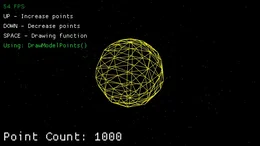
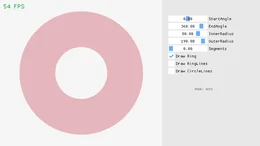
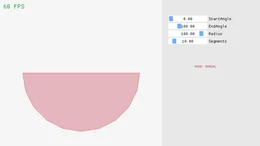
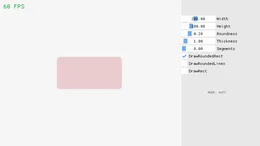
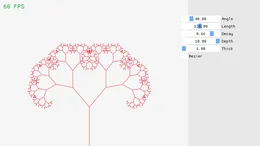
shapes_basic_shapes shapes_bouncing_ball shapes_colors_palette shapes_logo_raylib shapes_logo_raylib_anim shapes_rectangle_scaling shapes_lines_bezier shapes_collision_area shapes_following_eyes shapes_easings_ball shapes_easings_box shapes_easings_rectangles shapes_easings_testbed shapes_digital_clock shapes_bullet_hell shapes_double_pendulum shapes_dashed_line shapes_vector_angle shapes_clock_of_clocks shapes_mouse_trail shapes_simple_particles shapes_starfield_effect shapes_lines_drawing shapes_math_angle_rotation shapes_ball_physics shapes_penrose_tile shapes_drag_puzzle shapes_ellipse_collision shapes_polygon_lines shapes_ring_drawing shapes_circle_sector_drawing shapes_rounded_rectangle_drawing shapes_recursive_tree shapes_triangle_strip shapes_outlines_thickness shapes_hilbert_curve shapes_splines_drawing shapes_pie_chart shapes_kaleidoscope shapes_math_sine_cosine shapes_outlines_testbed shapes_rlgl_color_wheel shapes_rectangle_advanced shapes_rlgl_triangle shapes_top_down_lights
shapes_basic_shapes              shapes_bouncing_ball             shapes_colors_palette            shapes_logo_raylib               shapes_logo_raylib_anim          shapes_rectangle_scaling         shapes_lines_bezier              shapes_collision_area            shapes_following_eyes            shapes_easings_ball              shapes_easings_box               shapes_easings_rectangles        shapes_easings_testbed           shapes_digital_clock             shapes_bullet_hell               shapes_double_pendulum           shapes_dashed_line               shapes_vector_angle              shapes_clock_of_clocks           shapes_mouse_trail               shapes_simple_particles          shapes_starfield_effect          shapes_lines_drawing             shapes_math_angle_rotation       shapes_ball_physics              shapes_penrose_tile              shapes_drag_puzzle               shapes_ellipse_collision         shapes_polygon_lines             shapes_ring_drawing              shapes_circle_sector_drawing     shapes_rounded_rectangle_drawing shapes_recursive_tree            shapes_triangle_strip            shapes_outlines_thickness        shapes_hilbert_curve             shapes_splines_drawing           shapes_pie_chart                 shapes_kaleidoscope              shapes_math_sine_cosine          shapes_outlines_testbed          shapes_rlgl_color_wheel          shapes_rectangle_advanced        shapes_rlgl_triangle             shapes_top_down_lights          

Text (17)
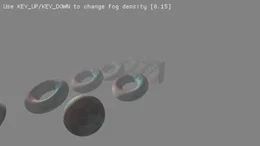
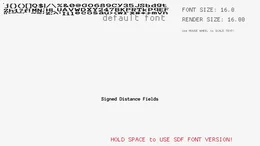
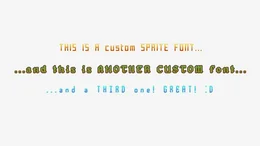
text_fonts text_input_box text_font_sdf text_format_text text_writing_anim text_font_spritefont text_sprite_fonts text_font_filters text_unicode_ranges text_codepoints_loading text_words_alignment text_strings_management text_rectangle_bounds text_inline_styling text_3d_drawing text_font_loading text_unicode_emojis
text_fonts                       text_input_box                   text_font_sdf                    text_format_text                 text_writing_anim                text_font_spritefont             text_sprite_fonts                text_font_filters                text_unicode_ranges              text_codepoints_loading          text_words_alignment             text_strings_management          text_rectangle_bounds            text_inline_styling              text_3d_drawing                  text_font_loading                text_unicode_emojis             

Textures (35)
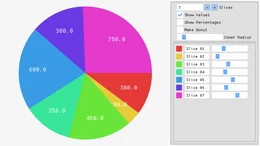
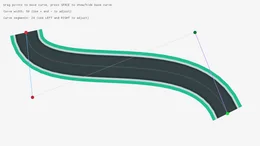
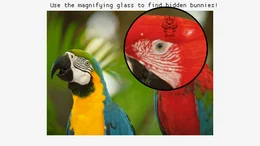
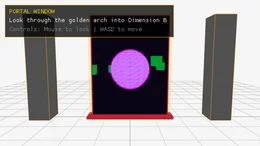
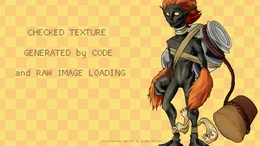
textures_basic textures_render_target textures_image_drawing textures_mipmaps textures_logo_raylib textures_image_loading textures_to_image textures_image_rotate textures_srcrec_dstrec textures_sprite_animation textures_background_scrolling textures_image_generation textures_image_text textures_particles_blending textures_npatch_drawing textures_sprite_button textures_sprite_explosion textures_blend_modes textures_gif_player textures_image_channel textures_image_kernel textures_sprite_stacking textures_clipboard_image textures_tiled_drawing textures_mouse_painting textures_fog_of_war textures_screen_buffer textures_cellular_automata textures_framebuffer_rendering textures_polygon_drawing textures_textured_curve textures_magnifying_glass textures_portal_window textures_raw_data textures_image_processing
textures_basic                   textures_render_target           textures_image_drawing           textures_mipmaps                 textures_logo_raylib             textures_image_loading           textures_to_image                textures_image_rotate            textures_srcrec_dstrec           textures_sprite_animation        textures_background_scrolling    textures_image_generation        textures_image_text              textures_particles_blending      textures_npatch_drawing          textures_sprite_button           textures_sprite_explosion        textures_blend_modes             textures_gif_player              textures_image_channel           textures_image_kernel            textures_sprite_stacking         textures_clipboard_image         textures_tiled_drawing           textures_mouse_painting          textures_fog_of_war              textures_screen_buffer           textures_cellular_automata       textures_framebuffer_rendering   textures_polygon_drawing         textures_textured_curve          textures_magnifying_glass        textures_portal_window           textures_raw_data                textures_image_processing       

Games (19)
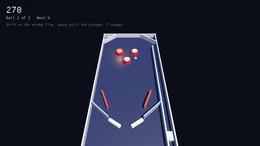
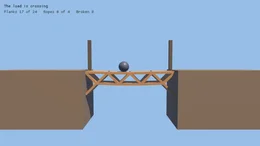
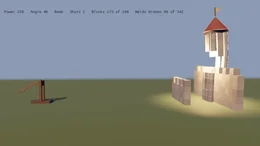
hopper summit swarm rally manor tactics tempo sumo wordfall slide jelly wick ore pinball span siege tumble tones blockout
Hopper                           Summit                           Swarm                            Rally                            Manor                            Tactics                          Tempo                            Sumo                             Wordfall                         Slide                            Jelly                            Wick                             Ore                              Pinball                          Span                             Siege                            Tumble                           Tones                            Blockout                        

Guide

The guide in docs/ is for somebody using the engine, a page an area, each built on an example that runs, read in order or by area.

CHEATSHEET.md Every public function of the library on one line, grouped as the pages are
A first game From dotnet new 3dengine to a small finished game in twelve steps, each a few lines and a picture
The window and the frame Opening a window, the loop, time, the window's state and ImGui in the frame
Drawing in 2D Shapes, colors, text, splines, a 2D camera and collision
Drawing in 3D and cameras 3D shapes, moving a camera, projections, picking and drawing into a texture
Textures and images Loading and drawing textures, filtering, editing images, sprites and many sprites
Text and fonts The default font, fonts from files, other scripts, typed text and distance field fonts
Models and animation Loading and generating models, terrain, skeletal animation, layered clips, morph targets, a sky and instancing
Modeling Edit meshes shaped by primitives and operations on a selection, their recipe and its files, and the models and colliders built from them
Materials, light and shadows Metallic and rough surfaces, maps, emissive and see-through surfaces, bloom and effects over the frame, lights and shadows, global illumination, reflection probes
Global illumination Radiance cascades, the scene's field and the probes, emissive surfaces as lights, the qualities and their cost, and the tools that read it against a reference
Shaders and compute Slang shaders for 2D drawing and models, post processing, compute shaders, their buffers and the textures they write
Audio Sounds, streamed music, volume, pitch and pan, and sound placed in a 3D world
Input Keys, the mouse, touch and gestures, gamepads, and input shared with ImGui
Physics Bodies that fall and collide, rays, contacts, triggers, joints and a character
Behaviors and the ECS Behaviors, stages, spawning entities, filters, and the world from the loop
States Screens and modes as a state, behaviors that follow it, and states within states
Scenes Saving and loading levels, the file, a program's own components, and scenes inside scenes
The command line Asking a running program about its world, input, captures, the log, commands of its own and C# typed at it
Shipping a game A game of its own on the package, and one native executable a player runs
Compared with raylib What is the same as raylib, what this engine adds, what it costs, and what was measured
Moving from 5.1 to 6.0 What a game written for 5.1 writes for 6.0, name by name, raylib's names for keys, buttons and log levels among them

Controlling a running app

./e3d controls any program built on the engine from a terminal, which is how changes are checked without opening a visible window:

./e3d open models_loading --offscreen  # renders, with no window and no display needed
./e3d command entity.count
./e3d command input.key W 40           # input through the engine
./e3d eval 'ecs.Query<Transform>().Count()'  # C# compiled against the running world
./e3d shot after.png                   # the next frame, as a PNG
./e3d stop

Programs take --serve, --hidden, --offscreen, --headless, --frames N and --frame-time S, and a game adds commands with [Command] on a static method. E3D.md lists the commands.

Building

You need the .NET 10 SDK and a Vulkan 1.3 driver. SDL3, Assimp and Dear ImGui come with their NuGet packages, and build/fetch-slang.sh downloads the Slang compiler into build/tools.

build/fetch-slang.sh
dotnet build 3DEngine.slnx
dotnet test 3DEngine.Tests

BUILDING.md has the layout, the platforms and how shaders are compiled.

Status

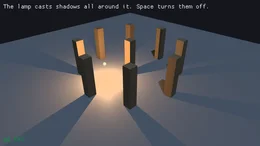
Early, and used for small games. The flat API carries most of raylib's API, the window and input, 2D and 3D shapes, images and textures, models through Assimp with skeletal animation, sounds, music, audio streams, text in fonts, render targets, Slang shaders for shapes and models, compute shaders, lights with shadows, an environment map and reflection probes, global illumination and glossy reflections, physics, states and scenes, with ImGui in the same frame. The ECS, the scheduler and behaviors run underneath, and a game ships as one native executable through native AOT. What is missing:

  • Some of raylib is not carried, as the shapes texture and the file callbacks, and the comparison with raylib answers each function left out with what C# has in its place or why it is left out.
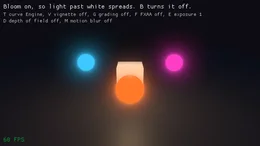
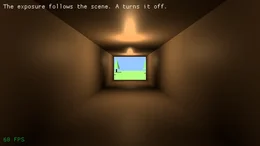
  • The effects over the frame are bloom, exposure, a choice of curve, color grading, a vignette, FXAA, depth of field and motion blur, with ambient occlusion beside them, past what a program draws through a render texture and a shader of its own.
  • CI draws on Linux and Windows through lavapipe and on macOS through MoltenVK, under the validation layer, on every push, and the pack run plays every game on all three and captures every example on Linux and macOS.

TODO.md lists the rest, in the order it blocks making a game.

Documents

DESIGN.md The rules the API follows, and the dependency policy
ARCHITECTURE.md The app, the schedule, the ECS and the renderer
RENDERING.md The renderer and the order it grows in
BUILDING.md Building, testing and platforms
TODO.md Outstanding work

License

Mozilla Public License 2.0. The libraries the engine depends on, and their licenses, are in THIRD-PARTY-NOTICES.md, which the package carries beside the license.

Product Compatible and additional computed target framework versions.
.NET net10.0 is compatible.  net10.0-android was computed.  net10.0-browser was computed.  net10.0-ios was computed.  net10.0-maccatalyst was computed.  net10.0-macos was computed.  net10.0-tvos was computed.  net10.0-windows was computed. 
Compatible target framework(s)
Included target framework(s) (in package)
Learn more about Target Frameworks and .NET Standard.

NuGet packages

This package is not used by any NuGet packages.

GitHub repositories

This package is not used by any popular GitHub repositories.

Version Downloads Last Updated
5.2.291 0 10/24/2026
5.2.283 69 10/24/2026
5.2.281 44 10/24/2026
5.2.215 157 10/23/2026
5.2.213 57 10/21/2026
5.2.204 55 10/21/2026
5.2.190 180 10/20/2026
5.2.155 53 10/20/2026
5.2.92 91 10/19/2026
5.2.65 65 10/18/2026
5.2.43 93 10/17/2026
5.1.116 87 10/6/2026
5.0.12 88 10/4/2026
5.0.0 66 10/4/2026
4.0.1 472 11/16/2025
4.0.0 378 11/16/2025
3.1.0 465 10/30/2024
3.0.99 354 10/30/2024
3.0.98 353 10/30/2024
3.0.97 398 10/29/2024
Loading failed

A mesh entity draws a mesh the program uploaded or indexed arrays, keeps its mesh while it lives whether drawn or not, and keeps every look past four thousand, a freed mesh letting go of its own looks alone.
A component that names its key through IKeyed has its entities found by it through an index the world keeps as each is added, replaced, removed or despawned, a lookup allocating nothing.
A behavior holds a reference to what nothing can change, a record or sealed class of readonly fields of such values, with no warning, so a stack keeps its item where it kept the item's id.
A query takes up to six components, by copy, by reference and read only, each walking the store with the fewest and filtered as the smaller queries are.
A game's test builds an app with no window through the public AddPlugin and steps its behaviors a frame a call with Frame, and disposing an app shuts it down as CloseWindow does.
A material's ShadowOnly draws its mesh into the shadow maps alone, so a game that leaves the rock over a cave out of its view keeps the sun off the cave's floor, saved with the readings of the grove's glow lights by the way each pixel took, the grove on 5.2.215 and on HEAD, and the cave with the game's culling on and off.
The glow lights carry the box their reach lies in, so a point past it takes none of their light without being weighed against each, which takes the voxel game's cherry grove at 1920 by 1080 at High from 9.1 ms of scene pass to 8.4 on the development machine's GPU.
The model pass takes the share of the sky its probes see in the same gather as their light, which takes the voxel game's cherry grove at 1920 by 1080 at High from 10.1 ms of scene pass to 8.9 on the development machine's GPU.