Telerik.Reporting.GraphQLDataSource
20.2.26.1007
Prefix Reserved
dotnet add package Telerik.Reporting.GraphQLDataSource --version 20.2.26.1007
NuGet\Install-Package Telerik.Reporting.GraphQLDataSource -Version 20.2.26.1007
<PackageReference Include="Telerik.Reporting.GraphQLDataSource" Version="20.2.26.1007" />
<PackageVersion Include="Telerik.Reporting.GraphQLDataSource" Version="20.2.26.1007" />
<PackageReference Include="Telerik.Reporting.GraphQLDataSource" />
paket add Telerik.Reporting.GraphQLDataSource --version 20.2.26.1007
#r "nuget: Telerik.Reporting.GraphQLDataSource, 20.2.26.1007"
#:package Telerik.Reporting.GraphQLDataSource@20.2.26.1007
#addin nuget:?package=Telerik.Reporting.GraphQLDataSource&version=20.2.26.1007
#tool nuget:?package=Telerik.Reporting.GraphQLDataSource&version=20.2.26.1007
Telerik Reporting GraphQL Data Source
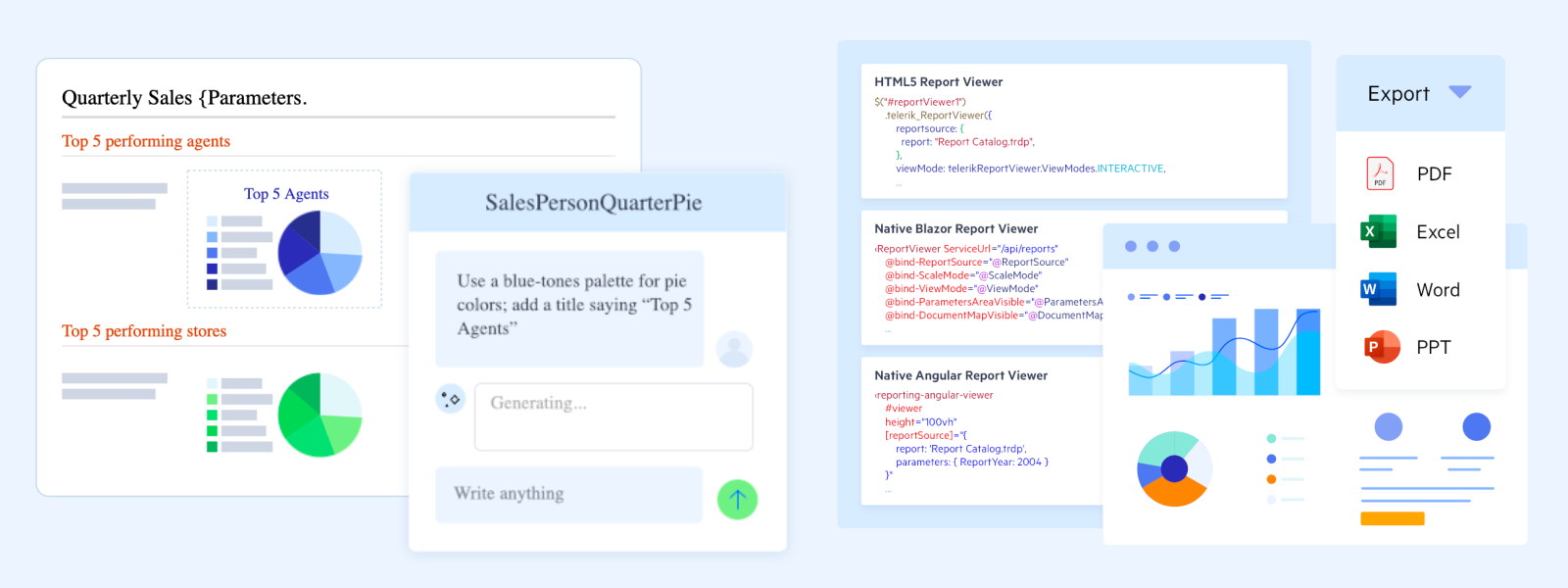
This package contains the runtime of the GraphQLDataSource component, which lets a report retrieve its data by executing queries against a GraphQL endpoint. It is part of the Progress® Telerik® Reporting solution.
What's in This Package
| Assembly | Purpose |
|---|---|
Telerik.Reporting.WebServiceDataSource.dll |
Shared runtime that implements the service-based data source components, including GraphQLDataSource. |
Telerik.Reporting.GraphQL.Client.dll |
GraphQL client used to execute queries (net462 only). |
Supported Frameworks
net462— .NET Framework 4.6.2 and laternetstandard2.0— .NET Standard 2.0 (.NET Core 3.1, .NET 5 and later)
Supported Platforms
Windows, Linux, and macOS, on-premises and in the cloud.
Requires
Reference this package whenever a report definition contains a GraphQLDataSource component.
Why Choose Telerik Reporting?
- Empower users with embedded reporting — let users create and customize reports in-app, reducing developer workload and turning data into decisions faster.
- Deploy anywhere with report viewer controls — embed interactive reports across .NET web and desktop apps, including ASP.NET Core, Blazor, Angular, React, HTML5/jQuery, WinForms, WPF, and WinUI.
- Build reports faster with intuitive report designers — create reports with drag-and-drop design tools for both code-first and low-code workflows, in the Standalone Report Designer, the Visual Studio-integrated report designer, or the Web Report Designer.
- Faster reports, clearer answers, powered by AI — streamline setup, speed up report design, and help developers, report creators, and end users get clearer answers from their data.
- Export to the formats your business runs on — PDF, Word, Excel, PowerPoint, CSV, images, and more.
- Connect to virtually any data — SQL and NoSQL databases, OLAP cubes, REST and GraphQL services, Entity Framework, JSON, CSV, and custom object data sources.
Trusted Enterprise-Grade Support
Get answers directly from the experts behind Telerik Reporting. Build confidently with a reporting solution backed by scalable architecture, comprehensive documentation, reliable performance, and expert support for .NET web, desktop, cloud, and on-premises deployments.
- Contact Support — technical support from the Telerik Reporting team.
- Community Forums — real-world questions, practical answers, and developer-to-developer knowledge to help you troubleshoot faster.
- Feedback Portal — share your feedback or request new features and components.
- Blog — expert-written articles and tutorials for developers.
- Discord Community — chat with other Telerik developers.
- Sample Source Code on GitHub — runnable examples for every supported platform.
- API Reference — complete type and member documentation.
- Release History — what changed in every release.
Get Started
Add the Telerik NuGet feed to your project and install this package:
dotnet add package Telerik.Reporting.GraphQLDataSourceDesign a report with the Standalone Report Designer, the Visual Studio Report Designer, the Web Report Designer, or in code. The desktop designers are not part of this package — they ship with the full product installer.
Display it with a report viewer or export it to one of the supported document formats.
For step-by-step walkthroughs, see First Steps in Designing Reports and First Steps in Integrating Reports.
License and Copyright
This is commercial software. By using it you agree to the Telerik End User License Agreement for Telerik Reporting. If you do not have a commercial license, your usage is governed by the trial license terms.
Telerik Reporting requires activation with a license key — this applies to both the trial and the commercial versions of the product. See Setting Up Your Telerik Reporting License Key for configuration and troubleshooting guidance.
Licenses can be obtained from the Telerik Reporting purchase page.
Copyright © 2021-2026 Progress Software Corporation and/or its subsidiaries or affiliates. All Rights Reserved.
Packaged distributions of Progress® Telerik® Reporting obtained from NuGet are made available pursuant to the Progress Telerik Reporting EULA at https://www.telerik.com/purchase/license-agreements, unless you have entered into a separate MSA with the licensor.
| Product | Versions Compatible and additional computed target framework versions. |
|---|---|
| .NET | net5.0 was computed. net5.0-windows was computed. net6.0 was computed. net6.0-android was computed. net6.0-ios was computed. net6.0-maccatalyst was computed. net6.0-macos was computed. net6.0-tvos was computed. net6.0-windows was computed. net7.0 was computed. net7.0-android was computed. net7.0-ios was computed. net7.0-maccatalyst was computed. net7.0-macos was computed. net7.0-tvos was computed. net7.0-windows was computed. net8.0 was computed. net8.0-android was computed. net8.0-browser was computed. net8.0-ios was computed. net8.0-maccatalyst was computed. net8.0-macos was computed. net8.0-tvos was computed. net8.0-windows was computed. net9.0 was computed. net9.0-android was computed. net9.0-browser was computed. net9.0-ios was computed. net9.0-maccatalyst was computed. net9.0-macos was computed. net9.0-tvos was computed. net9.0-windows was computed. net10.0 was computed. net10.0-android was computed. net10.0-browser was computed. net10.0-ios was computed. net10.0-maccatalyst was computed. net10.0-macos was computed. net10.0-tvos was computed. net10.0-windows was computed. |
| .NET Core | netcoreapp2.0 was computed. netcoreapp2.1 was computed. netcoreapp2.2 was computed. netcoreapp3.0 was computed. netcoreapp3.1 was computed. |
| .NET Standard | netstandard2.0 is compatible. netstandard2.1 was computed. |
| .NET Framework | net461 was computed. net462 is compatible. net463 was computed. net47 was computed. net471 was computed. net472 was computed. net48 was computed. net481 was computed. |
| MonoAndroid | monoandroid was computed. |
| MonoMac | monomac was computed. |
| MonoTouch | monotouch was computed. |
| Tizen | tizen40 was computed. tizen60 was computed. |
| Xamarin.iOS | xamarinios was computed. |
| Xamarin.Mac | xamarinmac was computed. |
| Xamarin.TVOS | xamarintvos was computed. |
| Xamarin.WatchOS | xamarinwatchos was computed. |
-
.NETFramework 4.6.2
- Microsoft.Net.Http (>= 2.2.29)
- Telerik.Reporting (= 20.2.26.1007)
-
.NETStandard 2.0
- GraphQL.Client (>= 6.1.0)
- GraphQL.Client.Serializer.SystemTextJson (>= 6.1.0)
NuGet packages (1)
Showing the top 1 NuGet packages that depend on Telerik.Reporting.GraphQLDataSource:
| Package | Downloads |
|---|---|
|
Telerik.WebReportDesigner.Services
This package contains an ASP.NET/ASP.NET Core Web API controller exposing services required by the Telerik Web Report Designer. This package is part of the Progress® Telerik® Reporting solution. To design reports in a Web application the Web Report Designer client-side is required. The Web Report Designer client-side is a jQuery widget that is part of the product installer found at https://www.telerik.com/account/product-download?product=REPORTING The assemblies are part of the product installer as well. IMPORTANT: This is commercial software. To use it, you must agree to the Telerik End User License Agreement for Telerik Reporting (https://www.telerik.com/purchase/license-agreement/reporting-dlw-s). If you do not have a commercial license, the usage of this product is governed by the trial license terms. Telerik Reporting requires activation using a license key — this applies to both the trial and commercial versions of the product. Telerik Reporting licenses can be obtained through the Telerik Reporting page (https://www.telerik.com/purchase/individual/reporting). For more information on licensing, configuration, and troubleshooting, refer to the product documentation's License section (https://docs.telerik.com/reporting/licensing/setting-up-your-telerik-reporting-license-key). |
GitHub repositories
This package is not used by any popular GitHub repositories.
| Version | Downloads | Last Updated |
|---|---|---|
| 20.2.26.1007 | 701 | 10/8/2026 |
| 20.2.26.812 | 5,542 | 9/21/2026 |