Telerik.Reporting.CLITemplates
20.3.26.1110
Prefix Reserved
dotnet new install Telerik.Reporting.CLITemplates@20.3.26.1110
Telerik Reporting CLI Project Templates
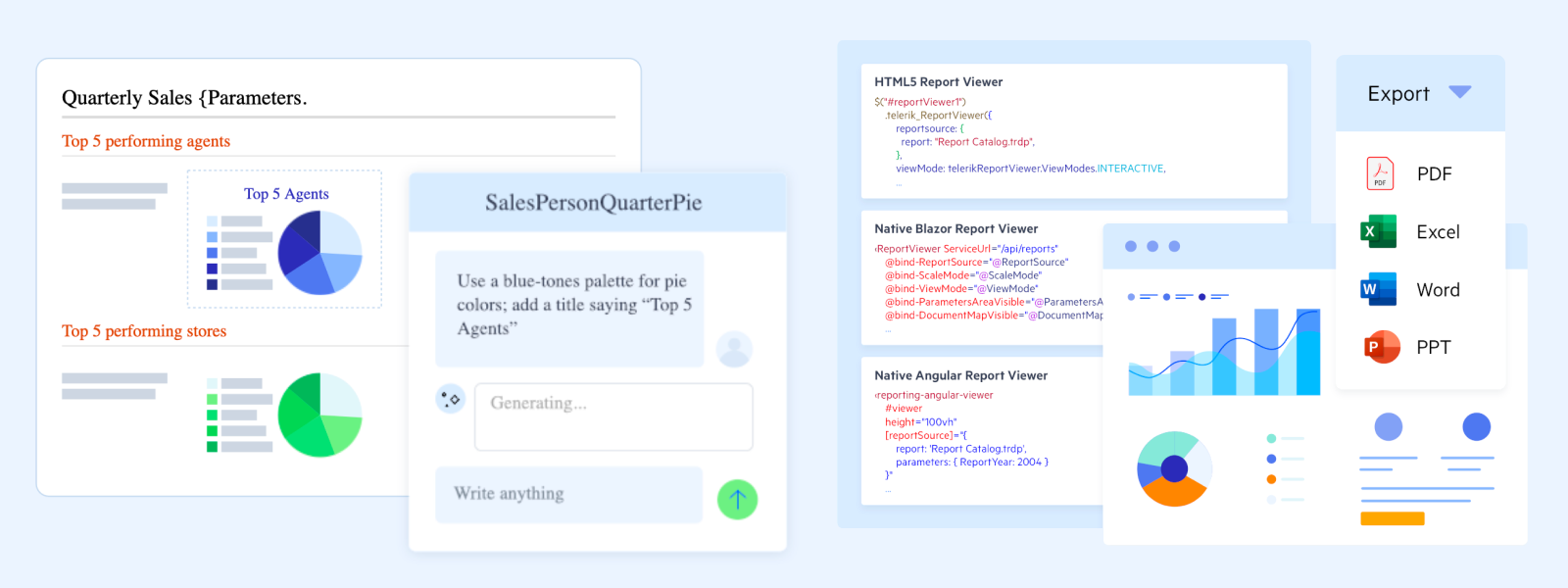
This package contains ready-to-run Progress® Telerik® Reporting project templates for the .NET CLI. Install the package once, then scaffold a new reporting project straight from the terminal with dotnet new.
Install the Templates
dotnet new install Telerik.Reporting.CLITemplates
Create a Project
Run dotnet new <template-short-name> --name <YourProjectName>. For example:
dotnet new telerik-reporting-html5 --name MyReportingApp
Use the --reportingtargetframework (-f) option to target a specific .NET version. The default is net10.0:
dotnet new telerik-reporting-html5 --name MyReportingApp --reportingtargetframework net8.0
For the Angular template, --reportingtargetframework sets the target framework of the companion ASP.NET Core reporting service.
Available Templates
All templates default to .NET 10 and can target .NET 8, .NET 9, or .NET 10 via the --reportingtargetframework option.
| Short Name | Project |
|---|---|
telerik-reporting-html5 |
ASP.NET Core application with the HTML5 (jQuery) Report Viewer. |
telerik-reporting-angular |
Angular application with the Native Angular Report Viewer and a companion ASP.NET Core reporting service. |
telerik-reporting-blazor |
Blazor Web App with the Native Blazor Report Viewer. |
telerik-web-report-designer |
ASP.NET Core application hosting the Web Report Designer. |
Supported Frameworks
net8.0— .NET 8net9.0— .NET 9net10.0— .NET 10 (default)
The generated projects reference the Telerik Reporting NuGet packages and, for the Angular template, the Telerik Angular report viewer npm package. The Blazor template uses Telerik UI for Blazor, which is installed transitively through the Telerik.ReportViewer.BlazorNative package. Their versions match the release this templates package ships with.
Requires
The generated projects reference the required Telerik Reporting NuGet packages and need a valid Telerik Reporting license key to run. See Setting Up Your License Key.
Why Choose Telerik Reporting?
- Empower users with embedded reporting — let users create and customize reports in-app, reducing developer workload and turning data into decisions faster.
- Deploy anywhere with report viewer controls — embed interactive reports across .NET web and desktop apps, including ASP.NET Core, ASP.NET MVC, Web Forms, Blazor, Angular, React, HTML5/jQuery, WinForms, WPF, and WinUI 3.
- Build reports faster with intuitive report designers — create reports with drag-and-drop design tools for both code-first and low-code workflows, in the Standalone Report Designer, the Visual Studio-integrated report designer, or the Web Report Designer.
- Faster reports, clearer answers, powered by AI — streamline setup and report design for developers and report creators, and help end users get clearer answers from their data.
- Export to the formats your business runs on — PDF, Word, Excel, PowerPoint, CSV, images, and more.
- Connect to virtually any data — SQL and NoSQL databases, OLAP cubes, REST and GraphQL services, Entity Framework, JSON, CSV, and custom object data sources.
Trusted Enterprise-Grade Support
Get answers directly from the experts behind Telerik Reporting. Build confidently with a reporting solution backed by scalable architecture, comprehensive documentation, reliable performance, and expert support for .NET web, desktop, cloud, and on-premises deployments.
This package has no dependencies.
NuGet packages
This package is not used by any NuGet packages.
GitHub repositories
This package is not used by any popular GitHub repositories.
| Version | Downloads | Last Updated |
|---|---|---|
| 20.3.26.1110 | 57 | 11/11/2026 |
| 20.2.26.1007 | 160 | 10/8/2026 |