SplatDev.Umbraco.Plugins.Tweets
2.3.0
See the version list below for details.
dotnet add package SplatDev.Umbraco.Plugins.Tweets --version 2.3.0
NuGet\Install-Package SplatDev.Umbraco.Plugins.Tweets -Version 2.3.0
<PackageReference Include="SplatDev.Umbraco.Plugins.Tweets" Version="2.3.0" />
<PackageVersion Include="SplatDev.Umbraco.Plugins.Tweets" Version="2.3.0" />
<PackageReference Include="SplatDev.Umbraco.Plugins.Tweets" />
paket add SplatDev.Umbraco.Plugins.Tweets --version 2.3.0
#r "nuget: SplatDev.Umbraco.Plugins.Tweets, 2.3.0"
#:package SplatDev.Umbraco.Plugins.Tweets@2.3.0
#addin nuget:?package=SplatDev.Umbraco.Plugins.Tweets&version=2.3.0
#tool nuget:?package=SplatDev.Umbraco.Plugins.Tweets&version=2.3.0
SplatDev.Umbraco.Plugins.Tweets
Twitter/X feed display plugin for Umbraco 13 (net8.0) and Umbraco 17 (net10.0).


Compatibility
| Umbraco | .NET | Package Version |
|---|---|---|
| 13.x | 8.0 | 2.0.1 |
| 17.x | 10.0 | 2.0.1 |
Installation
dotnet add package SplatDev.Umbraco.Plugins.Tweets
Fetches tweets via Twitter API v2, caches them locally in SQL Server, and renders styled tweet cards in Razor views or the backoffice dashboard.
Features
- Fetches tweets using Twitter API v2 Bearer Token (OAuth 2.0)
- Caches tweets in a local
CachedTweetsSQL table (avoids rate limits on page load) - Configurable maximum tweets count and refresh interval
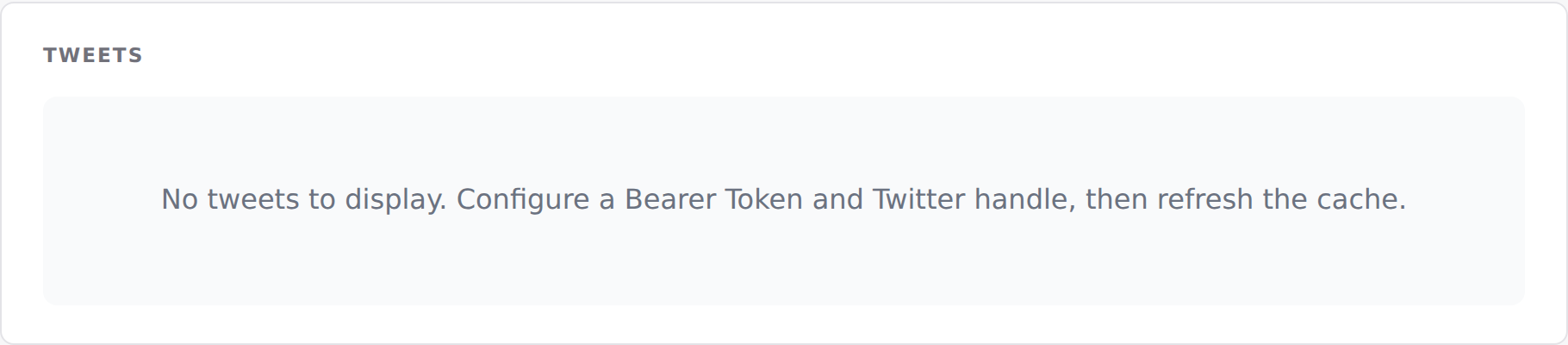
- Backoffice dashboard with tweet feed preview and manual refresh trigger
- View component for embedding the feed in Razor views
- Umbraco 17 dashboard (Lit 3) and Umbraco 13 dashboard (AngularJS)
Configuration
Add to appsettings.json:
{
  "UmbracoCms": {
    "Tweets": {
      "BearerToken": "YOUR_TWITTER_API_V2_BEARER_TOKEN",
      "TwitterHandle": "YourHandle",
      "MaxTweets": 10,
      "RefreshIntervalMinutes": 60,
      "CacheEnabled": true
    }
  }
}
Important: Keep the Bearer Token out of source control. Use environment variables or
appsettings.Production.json(excluded from git) in production.
Embedding the Feed
@* Default (uses MaxTweets from config) *@
@await Component.InvokeAsync("Tweets")

@* Limit to 5 tweets on a sidebar *@
@await Component.InvokeAsync("Tweets", new { maxItems = 5 })
API Endpoints
| Method | Path | Description |
|---|---|---|
| GET | /umbraco/api/tweets/feed |
Return cached tweets |
| POST | /umbraco/api/tweets/refresh |
Trigger a live API refresh |
Database Table
CachedTweets — stores tweet content, author info, engagement metrics, and cache timestamp.
Run migrations or context.Database.EnsureCreated() on startup.
Notes on Twitter API v2
- A Twitter/X Developer account and App are required.
- The free tier allows read access to public tweets for owned accounts.
- The plugin handles the case where
BearerTokenorTwitterHandleis not configured by logging a warning and returning the current cache without error.
Changelog
2.3.0 — 2026-08-23
The Razor view behind @await Component.InvokeAsync(...) is now compiled into the package. It was previously carried as a loose file that nothing packed, so the component threw "view not found" on every install and the front-end usage shown in this README could not have worked.
The view also still referenced the package's pre-rename namespace, so it would not have compiled even had it shipped. That is fixed, and the view is now built with the project — a broken view fails the build instead of failing a visitor's request.
2.2.3 — 2026-08-21
- A failed request now says so in the dashboard. Previously the dashboard kept its previous (usually empty) state, so a refused or failed call looked identical to having no data.
2.2.2 — 2026-08-21
- Dashboard now sends the backoffice token with its API calls. On Umbraco 17 those calls were arriving unauthenticated and coming back 401, which the dashboard rendered as an empty state rather than an error.
- A failed request now raises a notification instead of leaving the dashboard looking like there is simply no data.
- The plugin's tables are created on startup. They were never created before, so anything touching them failed on a fresh install.
- Runs on SQLite as well as SQL Server. It previously assumed SQL Server and failed with "Keyword not supported: 'cache'" on the database Umbraco's installer offers by default.
License
MIT © SplatDev
| Product | Versions Compatible and additional computed target framework versions. |
|---|---|
| .NET | net8.0 is compatible. net8.0-android was computed. net8.0-browser was computed. net8.0-ios was computed. net8.0-maccatalyst was computed. net8.0-macos was computed. net8.0-tvos was computed. net8.0-windows was computed. net9.0 was computed. net9.0-android was computed. net9.0-browser was computed. net9.0-ios was computed. net9.0-maccatalyst was computed. net9.0-macos was computed. net9.0-tvos was computed. net9.0-windows was computed. net10.0 is compatible. net10.0-android was computed. net10.0-browser was computed. net10.0-ios was computed. net10.0-maccatalyst was computed. net10.0-macos was computed. net10.0-tvos was computed. net10.0-windows was computed. |
-
net10.0
- Microsoft.EntityFrameworkCore.Design (>= 10.0.7)
- Microsoft.EntityFrameworkCore.Sqlite (>= 10.0.7)
- Microsoft.EntityFrameworkCore.SqlServer (>= 10.0.7)
- Microsoft.Extensions.FileProviders.Embedded (>= 10.0.6)
- Umbraco.Cms.Core (>= 17.3.4)
- Umbraco.Cms.Web.Common (>= 17.3.4)
-
net8.0
- Microsoft.EntityFrameworkCore.Design (>= 8.0.20)
- Microsoft.EntityFrameworkCore.Sqlite (>= 8.0.20)
- Microsoft.EntityFrameworkCore.SqlServer (>= 8.0.20)
- Umbraco.Cms.Core (>= 13.12.0)
- Umbraco.Cms.Web.Common (>= 13.12.0)
NuGet packages
This package is not used by any NuGet packages.
GitHub repositories
This package is not used by any popular GitHub repositories.
| Version | Downloads | Last Updated |
|---|---|---|
| 2.3.2 | 22 | 8/24/2026 |