MonoGo.MercuryParticleEngine
1.5.0
dotnet add package MonoGo.MercuryParticleEngine --version 1.5.0
NuGet\Install-Package MonoGo.MercuryParticleEngine -Version 1.5.0
<PackageReference Include="MonoGo.MercuryParticleEngine" Version="1.5.0" />
<PackageVersion Include="MonoGo.MercuryParticleEngine" Version="1.5.0" />
<PackageReference Include="MonoGo.MercuryParticleEngine" />
paket add MonoGo.MercuryParticleEngine --version 1.5.0
#r "nuget: MonoGo.MercuryParticleEngine, 1.5.0"
#:package MonoGo.MercuryParticleEngine@1.5.0
#addin nuget:?package=MonoGo.MercuryParticleEngine&version=1.5.0
#tool nuget:?package=MonoGo.MercuryParticleEngine&version=1.5.0

Welcome to MonoGo!


A cross-platform C# 2D game engine built on top of MonoGame.
Setup
Automatic
The easiest and recommended way to start using the engine is by installing the Visual Studio templates:
dotnet new install MonoGo.Templates
Manual
You can also add the packages manually:
dotnet add package MonoGo.Enginedotnet add package MonoGo.Engine.DesktopGLordotnet add package MonoGo.Engine.WindowsDX
Modules
Install optional modules depending on your project needs:



AI & Agent Support (AGENTS.md)
If you are using AI coding assistants (like Cursor, GitHub Copilot, or CLI agents) to work with or contribute to MonoGo, please point them to the AGENTS.md file located in the root directory.
This file contains crucial architectural rules, code style guidelines, and mandatory reference implementations specifically tailored for LLMs to ensure they write idiomatic MonoGo engine code.
Features
- Graphics pipeline and automated batch/vertex buffer management.
- Easy sprite sheet animations.
- Texture packing.
- Sprite groups and dynamic graphics loading.
- Input management with GamePad support.
- Timers, alarms, cameras, and state machines.
- Coroutines.
- Hybrid Entity-Component (EC) architecture.
- Scene system with layers.
- GameDev-focused math library.
- Lightweight collision detection.
- Integrated post-processing management (includes Bloom & Color Grading effects).
- Powerful particle effect system.
- Extensive GUI system.
- Enhanced content management.
- FMOD audio support (as a standalone library).
Sample Project
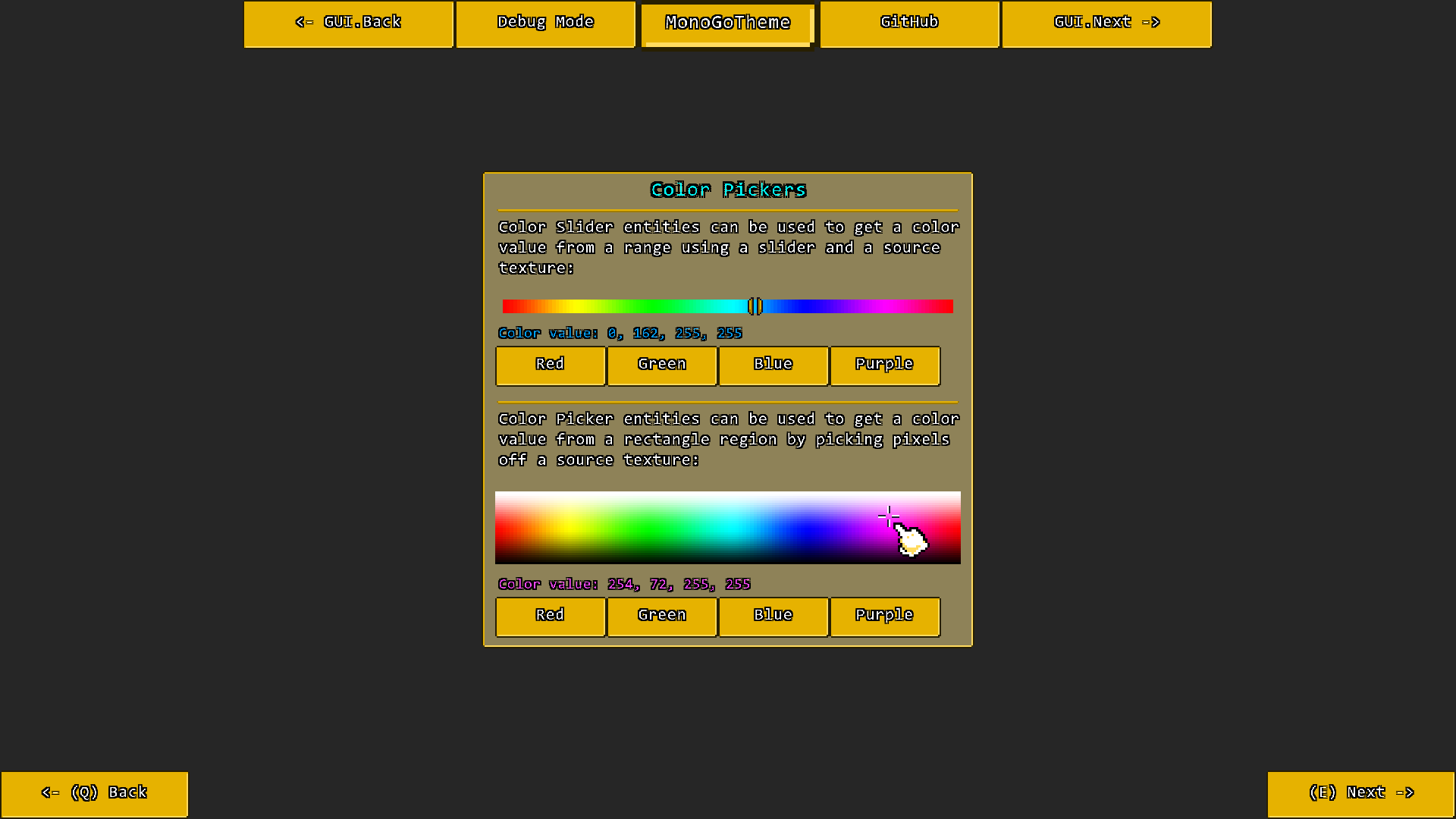
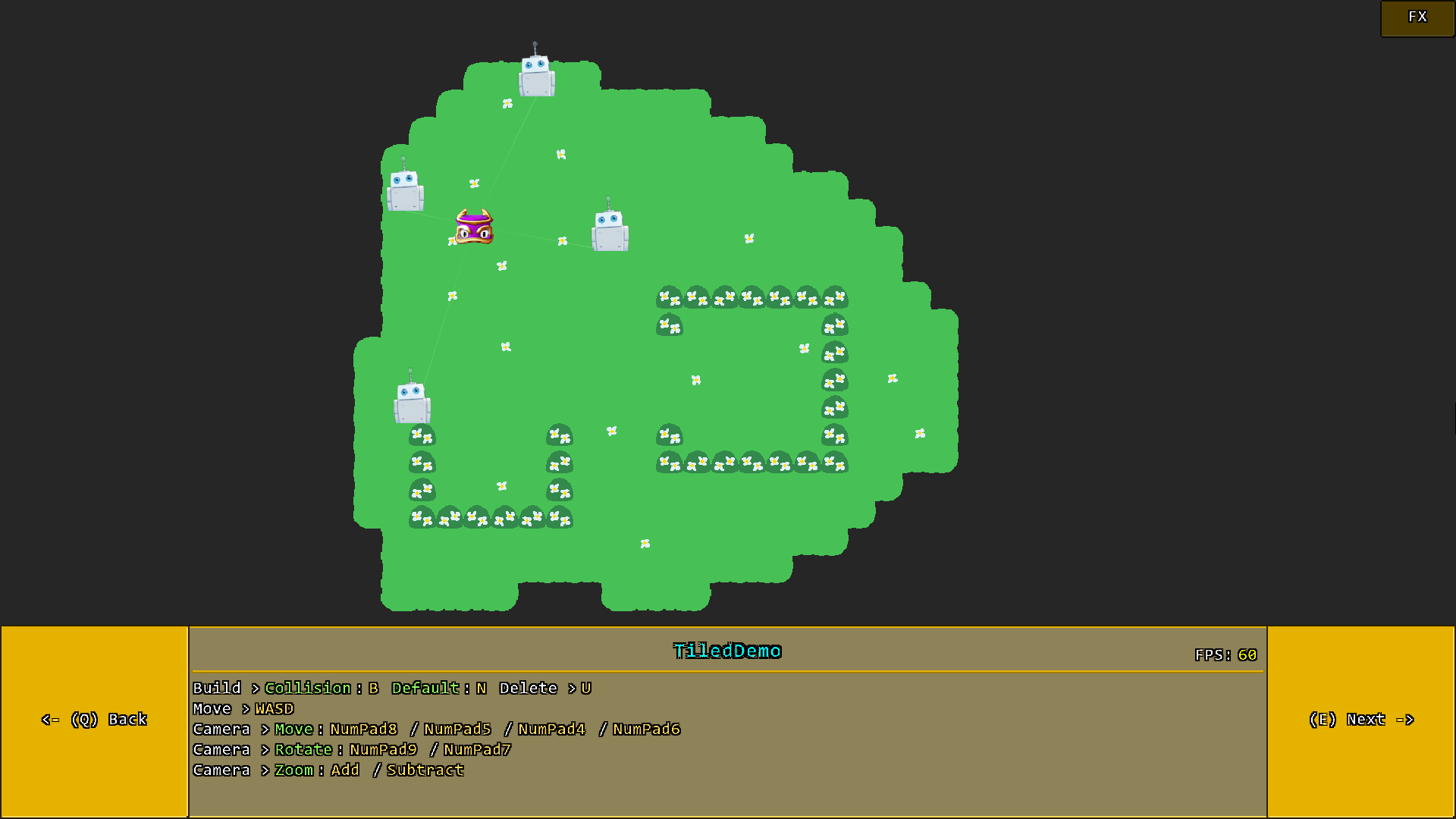
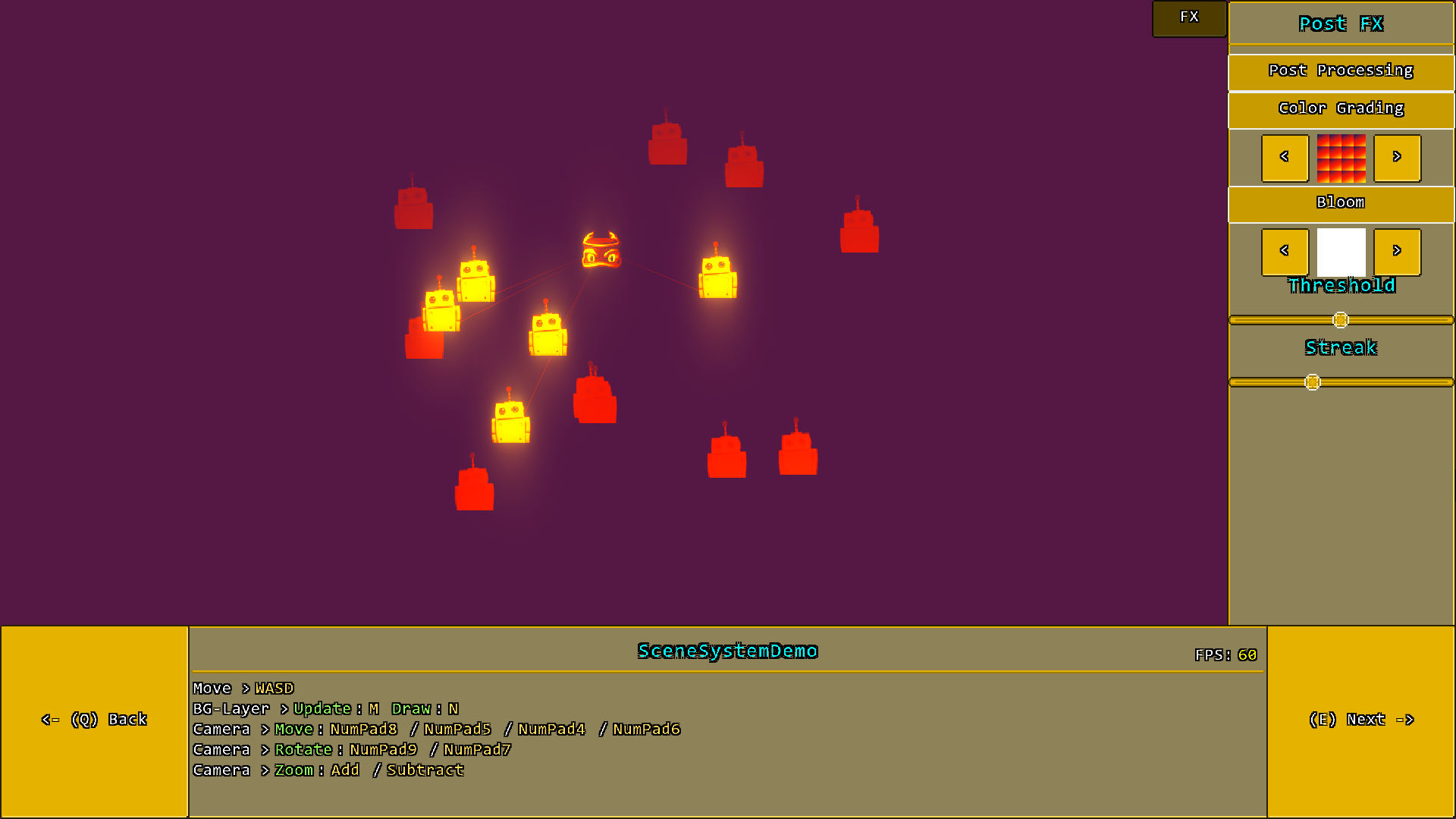
The included sample project contains many more demos, but here are a few impressions to get you started:
Credits
- MonoGame created by MonoGame Foundation, Inc
- Monofoxe created by Chai Foxes (Martenfur)
- StbImageSharp created by Roman Shapiro (rds1983)
- Iguina created by Ronen Ness
- Mercury Particle Engine created by Matthew Davey (Matt Davey)
- ColorGrading & Bloom Filter created by Thomas Lüttich (Kosmonaut3d)
For license information please take a look at the License.txt file.
Now Have Fun with MonoGo!

| Product | Versions Compatible and additional computed target framework versions. |
|---|---|
| .NET | net9.0 is compatible. net9.0-android was computed. net9.0-browser was computed. net9.0-ios was computed. net9.0-maccatalyst was computed. net9.0-macos was computed. net9.0-tvos was computed. net9.0-windows was computed. net10.0 was computed. net10.0-android was computed. net10.0-browser was computed. net10.0-ios was computed. net10.0-maccatalyst was computed. net10.0-macos was computed. net10.0-tvos was computed. net10.0-windows was computed. |
-
net9.0
- MonoGo.Engine (>= 1.5.0)
NuGet packages
This package is not used by any NuGet packages.
GitHub repositories
This package is not used by any popular GitHub repositories.