Diplo.GodMode.AI
1.0.0
dotnet add package Diplo.GodMode.AI --version 1.0.0
NuGet\Install-Package Diplo.GodMode.AI -Version 1.0.0
<PackageReference Include="Diplo.GodMode.AI" Version="1.0.0" />
<PackageVersion Include="Diplo.GodMode.AI" Version="1.0.0" />
<PackageReference Include="Diplo.GodMode.AI" />
paket add Diplo.GodMode.AI --version 1.0.0
#r "nuget: Diplo.GodMode.AI, 1.0.0"
#:package Diplo.GodMode.AI@1.0.0
#addin nuget:?package=Diplo.GodMode.AI&version=1.0.0
#tool nuget:?package=Diplo.GodMode.AI&version=1.0.0
Diplo God Mode AI
Diplo God Mode AI is the optional Umbraco.AI companion package for Diplo God Mode.
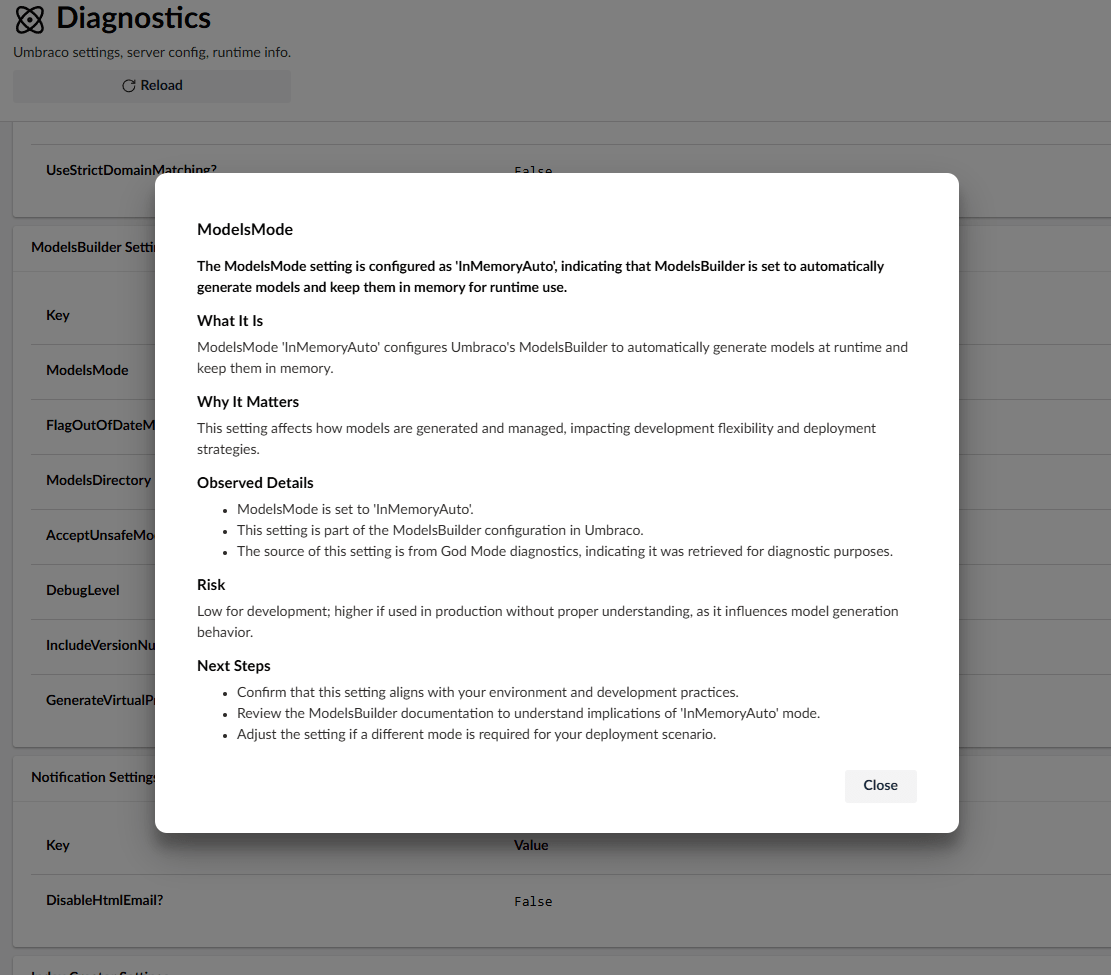
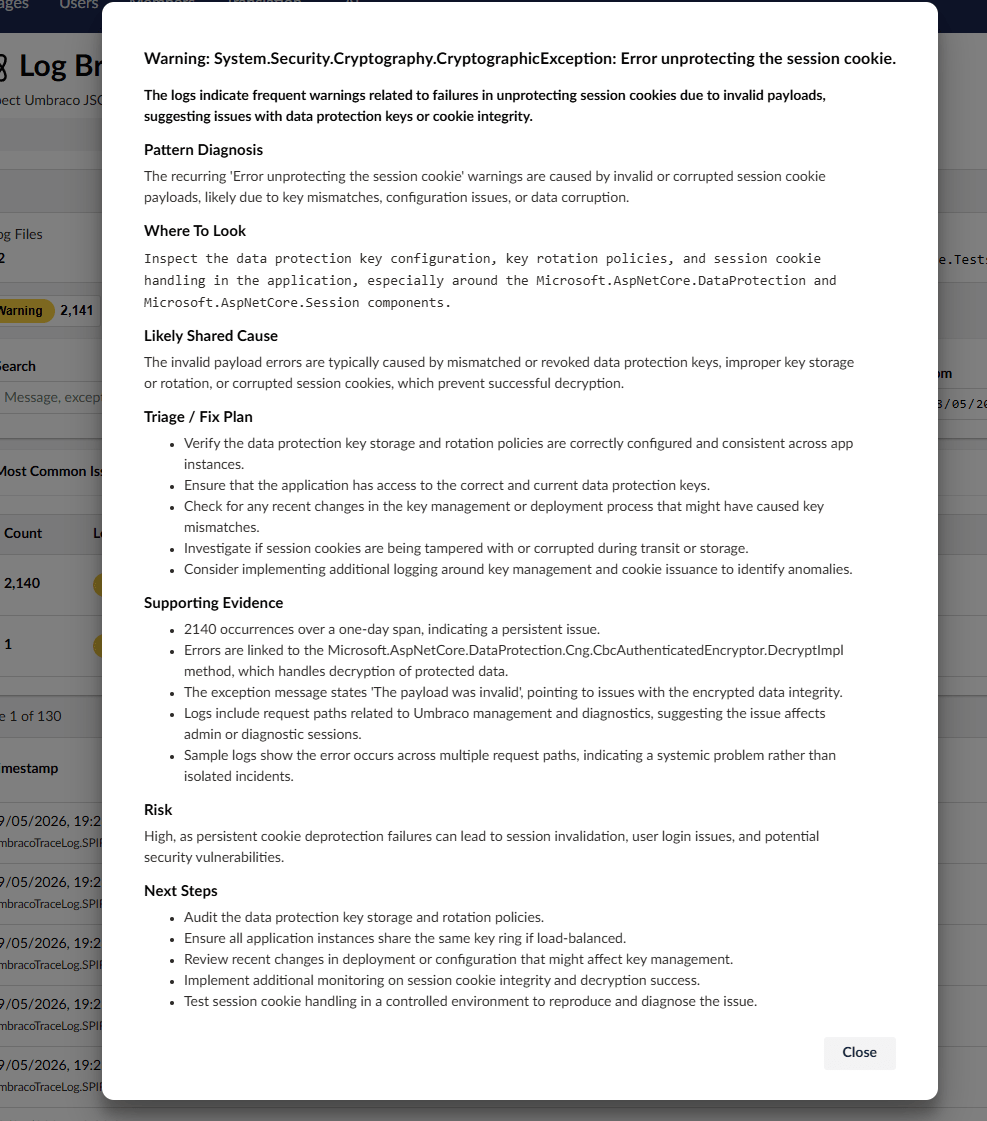
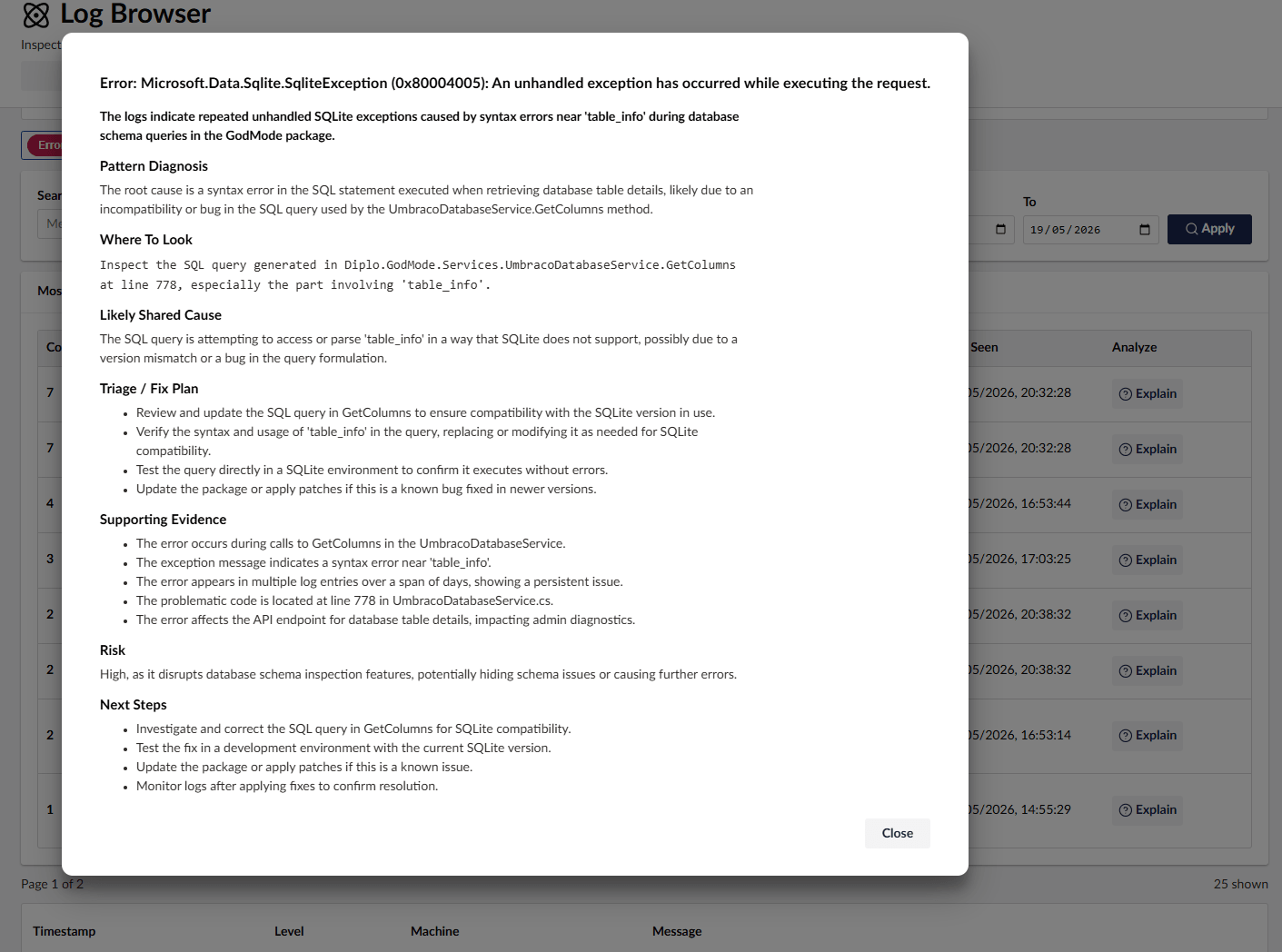
It adds contextual Explain buttons to supported God Mode views, helping developers understand diagnostics, service registrations, log patterns, content metadata, data types, templates, partials, tags, and other implementation details from inside the Umbraco 17 backoffice.
Requirements
This package targets:
- .NET 10 (
net10.0) - Umbraco 17
Diplo.GodMode17.1.0Umbraco.AI
The package supports Umbraco 17.x. Because Umbraco.AI currently depends on Umbraco CMS 17.3.0 or later, God Mode AI declares its Umbraco CMS dependencies as [17.3.0,18.0.0).
Umbraco.AI Setup
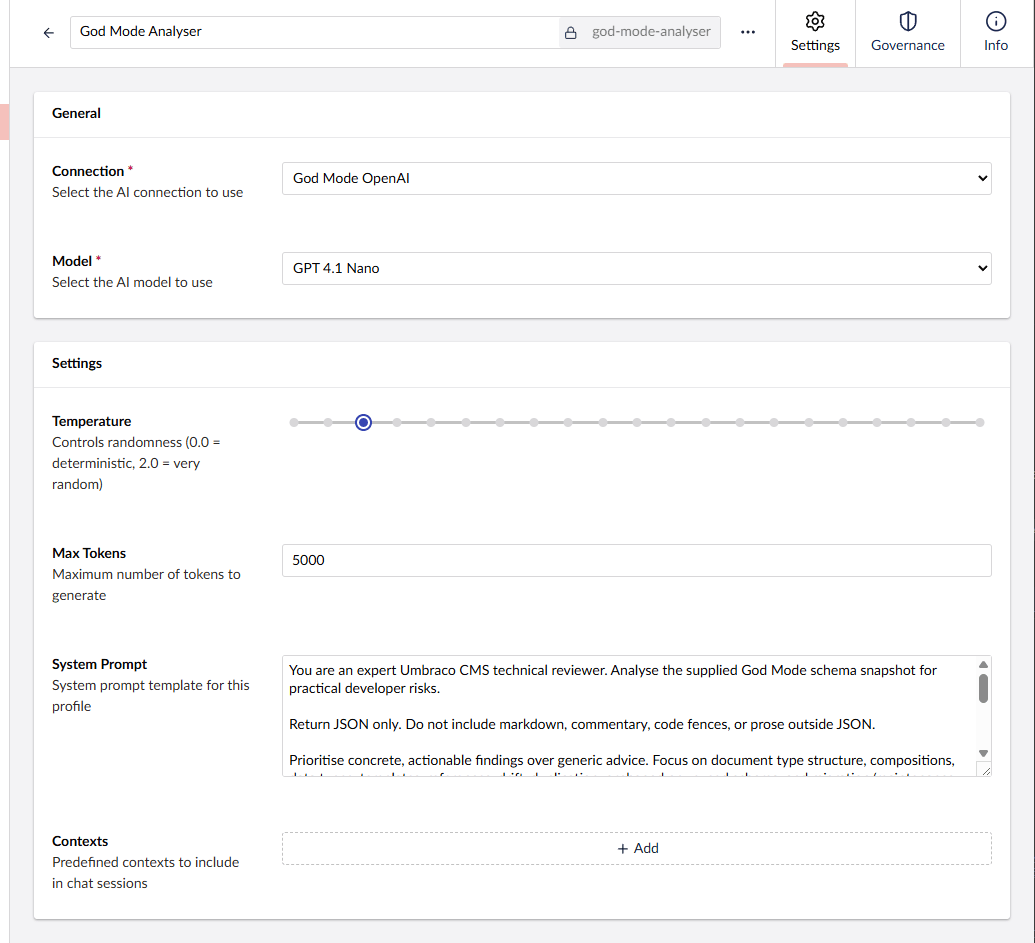
God Mode AI uses your Umbraco.AI configuration. Before using the Explain buttons, make sure Umbraco.AI has a working provider connection and profile:
- Install Umbraco.AI in the Umbraco site.
- Install an AI provider package, such as the OpenAI provider.
- In the Umbraco backoffice, create a connection for your provider.
- Create an AI profile that uses that connection.
- Select the model you want the profile to use, for example
gpt-4.1-nanofor OpenAI. - Restart the site and open God Mode in the backoffice.
Useful Umbraco.AI docs:
- Getting started: https://docs.umbraco.com/ai-in-umbraco/getting-started/getting-started
- Installation: https://docs.umbraco.com/ai-in-umbraco/getting-started/installation
- First connection: https://docs.umbraco.com/ai-in-umbraco/getting-started/first-connection
- First profile: https://docs.umbraco.com/ai-in-umbraco/getting-started/first-profile
Screenshots
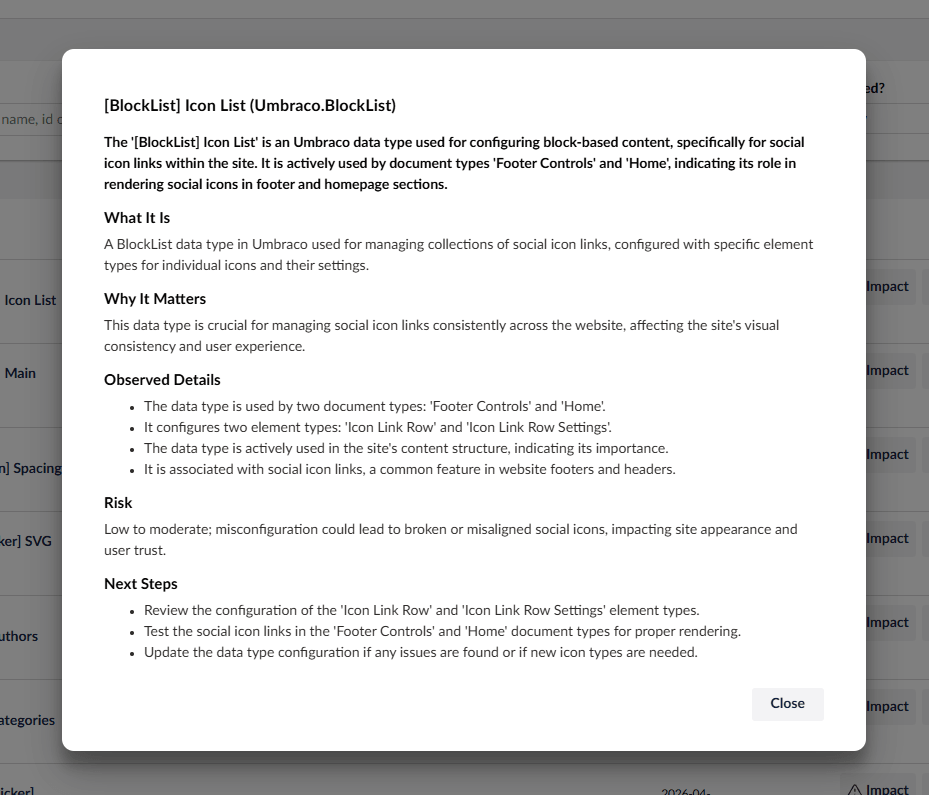
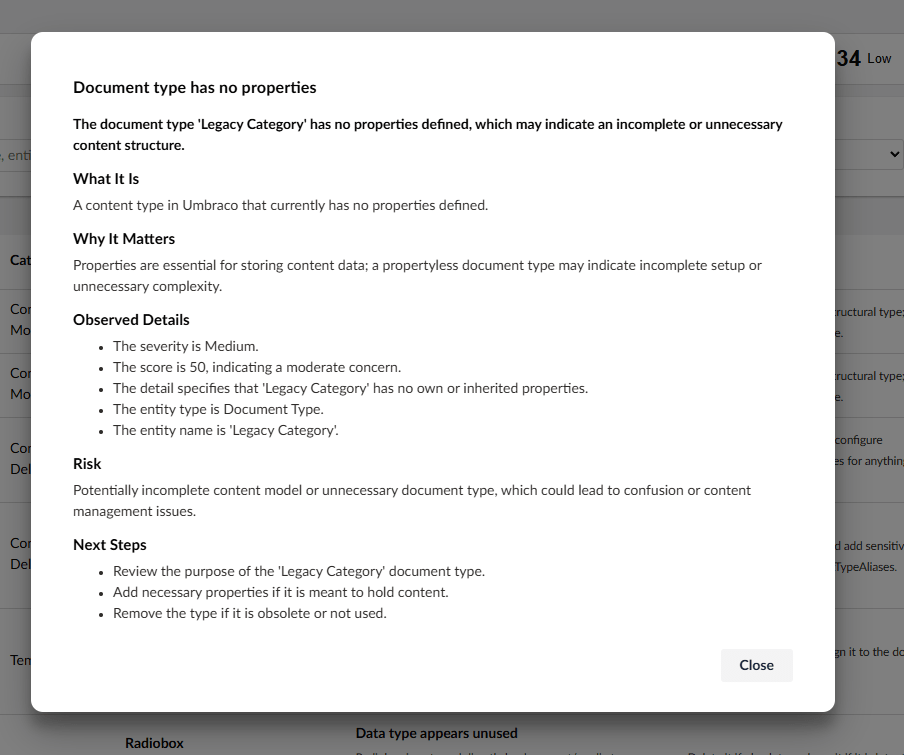
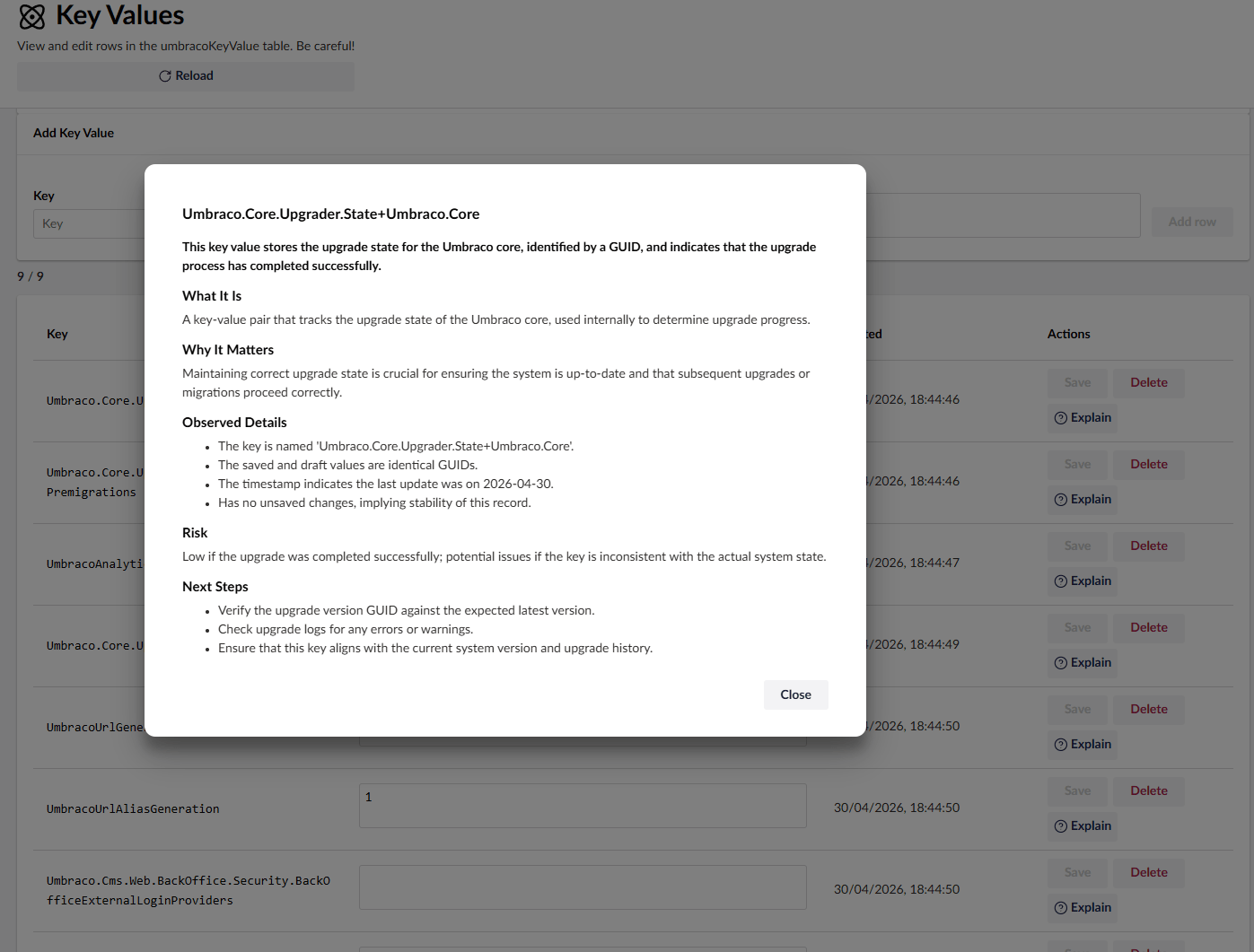
Links
- God Mode NuGet: https://www.nuget.org/packages/Diplo.GodMode
- God Mode AI NuGet: https://www.nuget.org/packages/Diplo.GodMode.AI
- GitHub: https://github.com/DanDiplo/Umbraco.GodMode
- Umbraco Marketplace: https://marketplace.umbraco.com/package/diplo.godmode
| Product | Versions Compatible and additional computed target framework versions. |
|---|---|
| .NET | net10.0 is compatible. net10.0-android was computed. net10.0-browser was computed. net10.0-ios was computed. net10.0-maccatalyst was computed. net10.0-macos was computed. net10.0-tvos was computed. net10.0-windows was computed. |
-
net10.0
- Diplo.GodMode (>= 17.1.0)
- Umbraco.AI (>= 1.10.1)
- Umbraco.Cms.Api.Common (>= 17.3.0 && < 18.0.0)
- Umbraco.Cms.Api.Management (>= 17.3.0 && < 18.0.0)
- Umbraco.Cms.Core (>= 17.3.0 && < 18.0.0)
- Umbraco.Cms.Web.Common (>= 17.3.0 && < 18.0.0)
NuGet packages
This package is not used by any NuGet packages.
GitHub repositories
This package is not used by any popular GitHub repositories.
| Version | Downloads | Last Updated |
|---|---|---|
| 1.0.0 | 36 | 5/19/2026 |
Optional Umbraco.AI companion package for contextual God Mode explanations.